

.FTM Extension de fichier
Modèle de partition Finale 2012
| Développeur | MakeMusic |
| Popularité |
4,3 | 3 Votes |
Un fichier FTM est un modèle créé par MakeMusic Finale, un logiciel de notation musicale. Il contient une mise en page prédéfinie qu’un compositeur peut utiliser pour créer rapidement une nouvelle partition musicale. Les versions 2012 et antérieures enregistrent les modèles au format FTM.
Plus d'informations
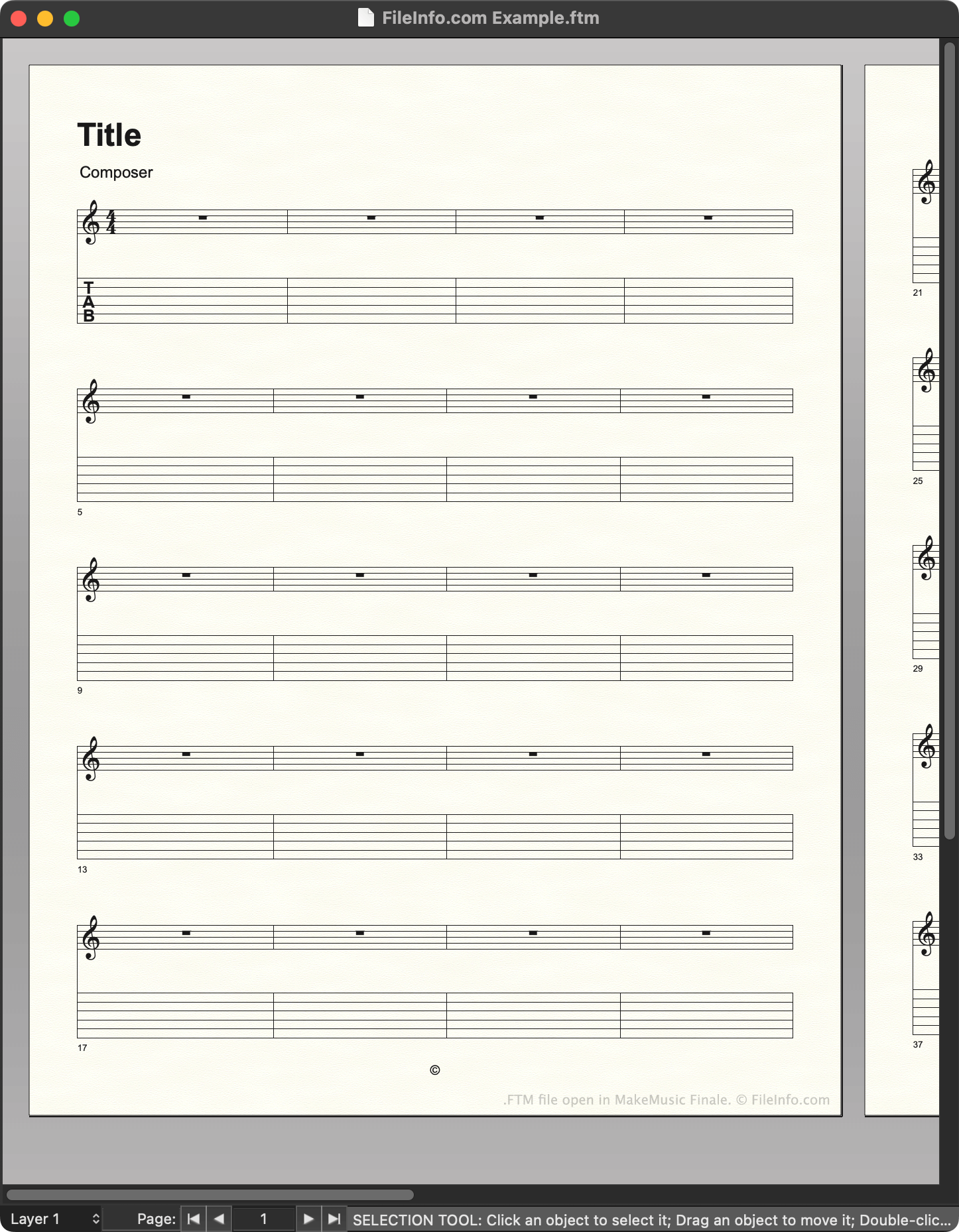
Les compositeurs utilisent MakeMusic Finale pour créer des partitions musicales. Lorsqu’ils créent une nouvelle partition, ils peuvent choisir de partir d’un modèle, qui contient des paramètres prédéfinis de notation, de texte et d’autres éléments. Par exemple, un compositeur qui crée une nouvelle pièce pour guitare peut choisir de partir d’un modèle de partition pour guitare.
Dans Finale 2012 et les versions antérieures, les modèles sont enregistrés au format FTM. Finale stocke un ensemble de fichiers FTM par défaut dans le répertoire suivant :
~/MakeMusic/Finale ####/Music Files/Templates
Les compositeurs peuvent également créer leurs propres modèles en utilisant pour enregistrer une partition qu’ils ont créée sous forme de fichier FTM. Il est recommandé d’enregistrer les modèles créés dans le répertoire Templates, afin de faciliter leur gestion.
REMARQUE : Finale 2014 à 26 enregistrent les modèles sous forme de fichiers .FTMX. Finale 27 enregistre les modèles sous forme de fichiers .MUSX.
Comment ouvrir un fichier FTM
Vous pouvez ouvrir un fichier FTM avec MakeMusic Finale (Windows, Mac). Dans les versions jusqu’à la version 26, vous pouvez sélectionner , accéder à votre fichier FTM, puis sélectionner pour l’ouvrir. Dans la version 27, vous devez cliquer avec le bouton droit de la souris sur votre fichier FTM, sélectionner , puis ouvrir manuellement le fichier avec Finale. (Vous pouvez également remplacer l’extension du fichier par .mus et l’ouvrir comme vous ouvririez un fichier .MUS.)