.SHADER Estensione file

Godot Engine Shader File

Sviluppatore Godot
Popolarità
4.5  |  11 Voti
 

Che cos'è un file SHADER?

A SHADER file contains shader properties used by Godot Engine, a free and open-source game engine used to create 2D and 3D games. It stores various data types and functions in the Godot shading language, which is based on the OpenGL ES (GLSL ES) 3.0 shading language. SHADER files are referenced by shader programs in the game for 2D and 3D rendering and particles in the game.

Maggiori informazioni

You will most likely only encounter SHADER files when developing a game with Godot Engine. SHADER files are stored in a plain-text format and can be viewed with a text editor.

Godot moved towards .GDSHADER files as the primary file type for storing shader properties when it released Godot Engine 3.3.3 on August 19, 2021. GDSHADER files are the same as SHADER files but feature a more recognizable file extension. Godot Engine still supports SHADER files.

Apri oltre 400 formati di file con File Viewer Plus.Download gratuito

Programmi che aprono o fanno riferimento ai file SHADER

Windows
Gratuito
Mac
Gratuito
Linux
Gratuito
Categoria: Gioco
Aggiornato: 2020-05-29

Quake 3 Engine Shader File

Sviluppatore id Software
Popolarità
3.4  |  16 Voti
 

Shader properties file used by games developed with id Tech 3, the Quake III engine; contains definitions for map textures, such as image files, scale, motion, and lighting settings; referenced by other game components, such as map loaders, to set appearance properties within the game.

Maggiori informazioni

SHADER files are stored in a plain-text format and can be viewed with a text editor. They often are located in the /​scripts directory of a .PK3 game package file.

Programmi che aprono o fanno riferimento ai file SHADER

Windows
Incluso nel sistema operativo
Mac
Incluso nel sistema operativo
Linux
Categoria: Gioco
Aggiornato: 2010-05-24

Unity Shader Asset

Sviluppatore Unity Technologies
Popolarità
3.0  |  3 Voti
 

A SHADER file is a shader asset created in Unity, a video game development application. It contains source code used to render in-game pixels. SHADER files are created by selecting Assets → Create → Shader from Unity's menu bar.

Maggiori informazioni

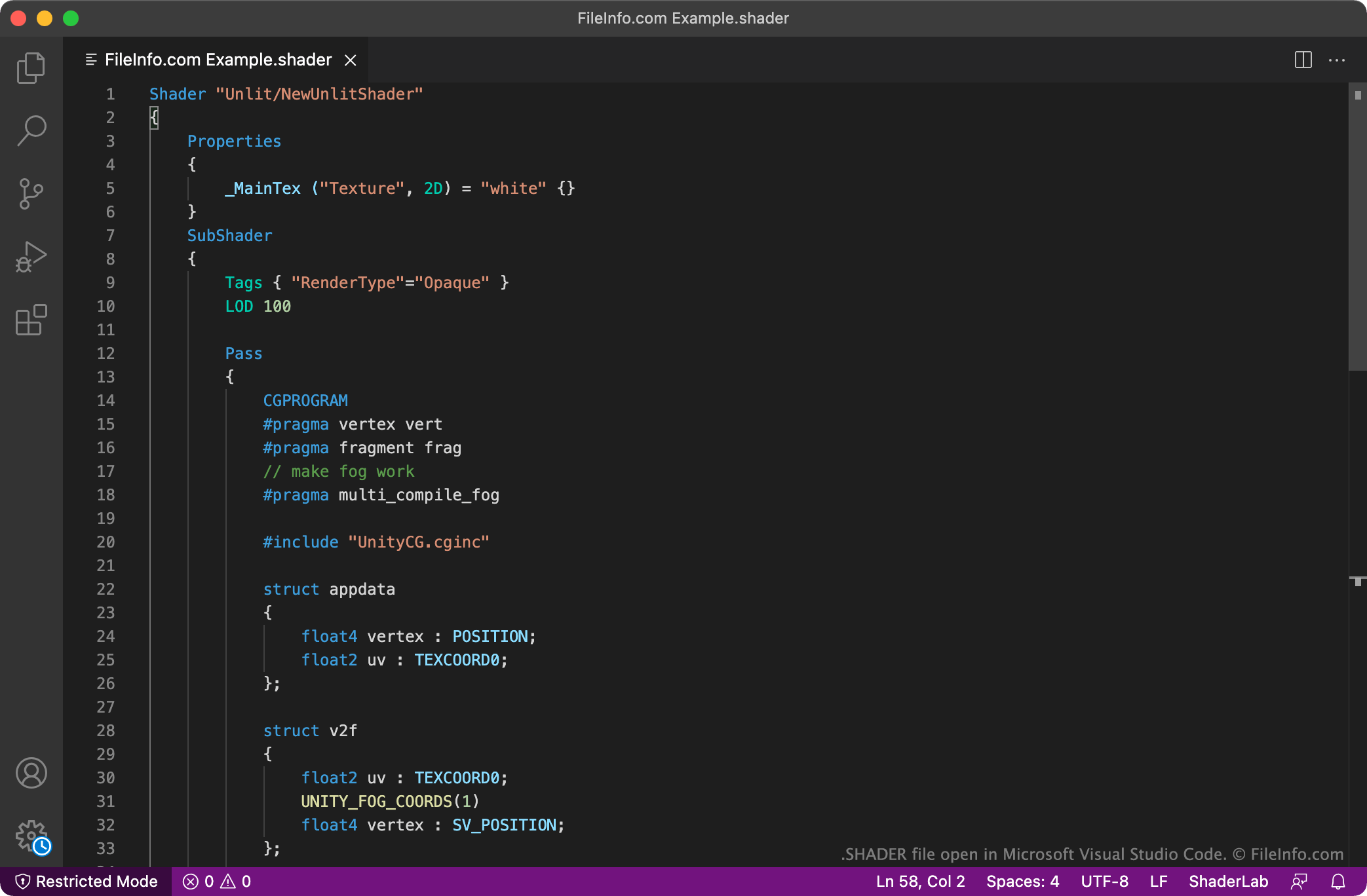
Screenshot di un file .shader in Microsoft Visual Studio Code
File SHADER aperto in Microsoft Visual Studio Code

Unity is a cross-platform 3D video game development application. As a developer creates a game in Unity, they can add shaders to that game. Shaders are programs that tell a game how to render pixels in different conditions, to produce shadows, lighting, and texture effects.

Shaders created for use in Unity are saved as SHADER files. These files are plain text files that contain source code written in both the High-level Shader Language (HLSL) and ShaderLab programming languages. HLSL is a C-like language created and maintained by Microsoft, while ShaderLab is Unity's proprietary shader programming language. The HLSL sections of a SHADER file are prefaced by the HLSL or CG prefixes.

Come aprire un file SHADER

SHADER files are meant to be opened in Unity Technologies Unity (cross-platform) as part of a Unity project. To import a SHADER file into a Unity project, open the project, right-click in the Project window, and select Import New Asset.... Then, select and import your SHADER file. After you import your SHADER file into Unity, you can double-click your new shader asset to view the asset's code in a script editor.

Because SHADER files are plain text files, you can also open and edit them in any text or source code editor, such as Microsoft Visual Studio Code (cross-platform) or GitHub Atom (cross-platform).

Programmi che aprono o fanno riferimento ai file SHADER

Categoria: Gioco
Aggiornato: 2021-10-22

Verificato da FileInfo.com

Il team di FileInfo.com ha analizzato in modo indipendente tutti i formati di file e i programmi software elencati in questa pagina. Il nostro obiettivo è il 100% di accuratezza e pubblichiamo solo informazioni sui tipi di file che abbiamo verificato.

Se desideri suggerire aggiunte o aggiornamenti a questa pagina, faccelo sapere.