

.DOTX Estensione file
Modello di Microsoft Word
| Sviluppatore | Microsoft |
| Popolarità |
3,9 | 66 Voti |
Che cos'è un file DOTX?
Un file DOTX è un modello di documento creato da Microsoft Word, un programma di videoscrittura. Contiene un layout e impostazioni predefiniti per un documento, inclusi stili, Testo automatico, barre degli strumenti e macro. I file DOTX vengono utilizzati come base per creare più documenti .DOCX con la stessa formattazione.
Maggiori informazioni
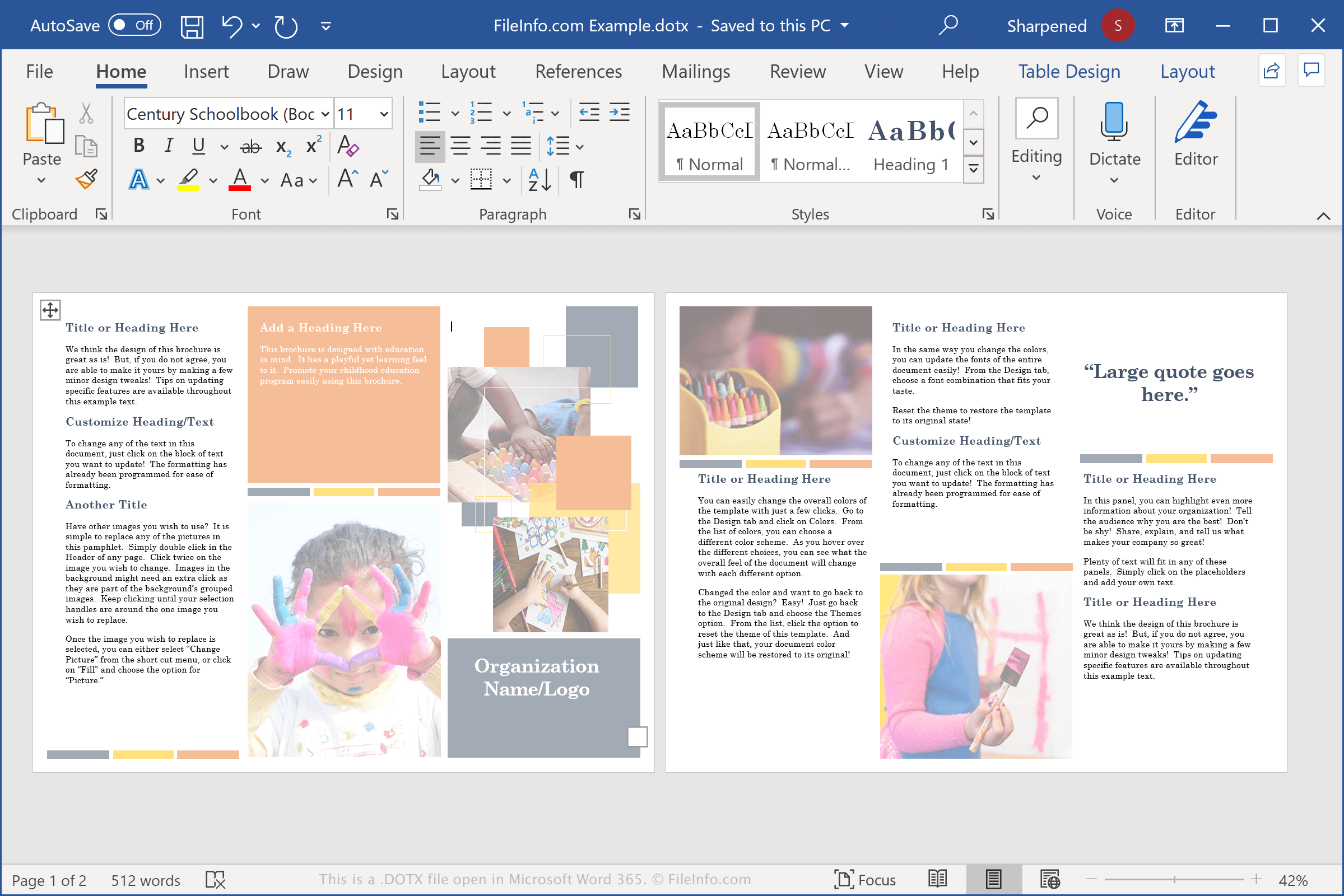
La maggior parte degli utenti di computer conosce il file DOCX, il principale tipo di file creato da Word e uno dei tipi di documento più popolari aperti e salvati dai programmi di videoscrittura. I file DOTX sono molto simili ai file DOCX, ma vengono utilizzati per archiviare modelli.
I modelli contengono gran parte delle stesse informazioni dei file DOCX, inclusi testo, stili e immagini. Possono anche essere protetti da password, una funzione utile per proteggere i contenuti dei modelli che vengono aperti e modificati da più persone.
I file DOTX sono pratici per gli utenti che devono creare più documenti Word con la stessa formattazione e contenuti simili, come curriculum, piani aziendali o newsletter.
Word include anche modelli DOTX predefiniti che consentono di creare un documento con molti elementi del layout di pagina, caratteri e stili già impostati. In seguito, a seconda delle esigenze di personalizzazione del documento, puoi aprire il file DOTX e inserire il nuovo testo.
NOTA: I file DOTX hanno sostituito i file .DOT quando Microsoft ha rilasciato Office 2007. I file DOT vengono salvati in un formato binario, mentre i file DOTX vengono salvati nel più recente formato di documento Word basato su Open XML, che archivia i dati come file e cartelle separati in un pacchetto Zip compresso.
Nomi file .DOTX comuni
Normal.dotx - Il modello Normal è il modello predefinito che viene aperto quando gli utenti aprono Word. È memorizzato nel file Normal.dotx e può essere modificato per creare impostazioni personalizzate per il modello predefinito.
Come aprire un file DOTX
Puoi aprire i file DOTX con Microsoft Word su Windows e macOS. Word è la scelta migliore per aprire i file DOTX perché supporta completamente la formattazione dei modelli Word, inclusi la spaziatura del testo, le tabelle e le immagini. Il programma è disponibile anche per i dispositivi Android e iOS.
Puoi aprire i modelli DOTX con altre applicazioni, ma potrebbero non supportare completamente la formattazione dei modelli originali. Alcuni esempi sono Apache OpenOffice Writer (multipiattaforma), Kingsoft Writer (multipiattaforma) e Apple Pages (Mac). Se usi un Mac e vuoi visualizzare un file DOTX, puoi usare Apple Preview, incluso in macOS.
Puoi anche caricare i file DOTX su Google Docs, un'applicazione web e per dispositivi mobili gratuita che ti consente di visualizzare, modificare, salvare e convertire il documento.
Come convertire un file DOTX
Diversi programmi di videoscrittura, tra cui Microsoft Word, Apple Pages e LibreOffice Writer, possono convertire i file DOTX in altri formati.
Ad esempio, nelle versioni di Microsoft Word per Windows e Mac, seleziona per convertire i file DOTX in uno dei seguenti formati:
- .DOCX - Documento Microsoft Word
- .DOC - Documento Microsoft Word (versione precedente)
- .DOT - Modello di documento Microsoft Word (versione precedente)
- .ODT - Documento di testo OpenDocument
- .PDF - Portable Document Format
- .RTF - Rich Text Format
- .TXT - Testo normale
- .HTML - Pagina web HTML
- .XPS - XML Paper Specification (solo Windows)