

.KMZ Extension de fichier
Fichier de repère Google Earth
| Développeur | |
| Popularité |
3,7 | 397 Votes |
Qu'est-ce qu'un fichier KMZ ?
Un fichier KMZ est un fichier Zip compressé qui contient un fichier .KML et stocke des emplacements cartographiques consultables dans diverses applications de systèmes d’information géographique (SIG), notamment Google Earth. Il contient un ou plusieurs repères pouvant inclure un nom personnalisé ainsi que les coordonnées de latitude et de longitude de l’emplacement. Les fichiers KMZ peuvent également inclure des modèles 3D COLLADA, des superpositions et des images référencées par le fichier KML.
Plus d'informations
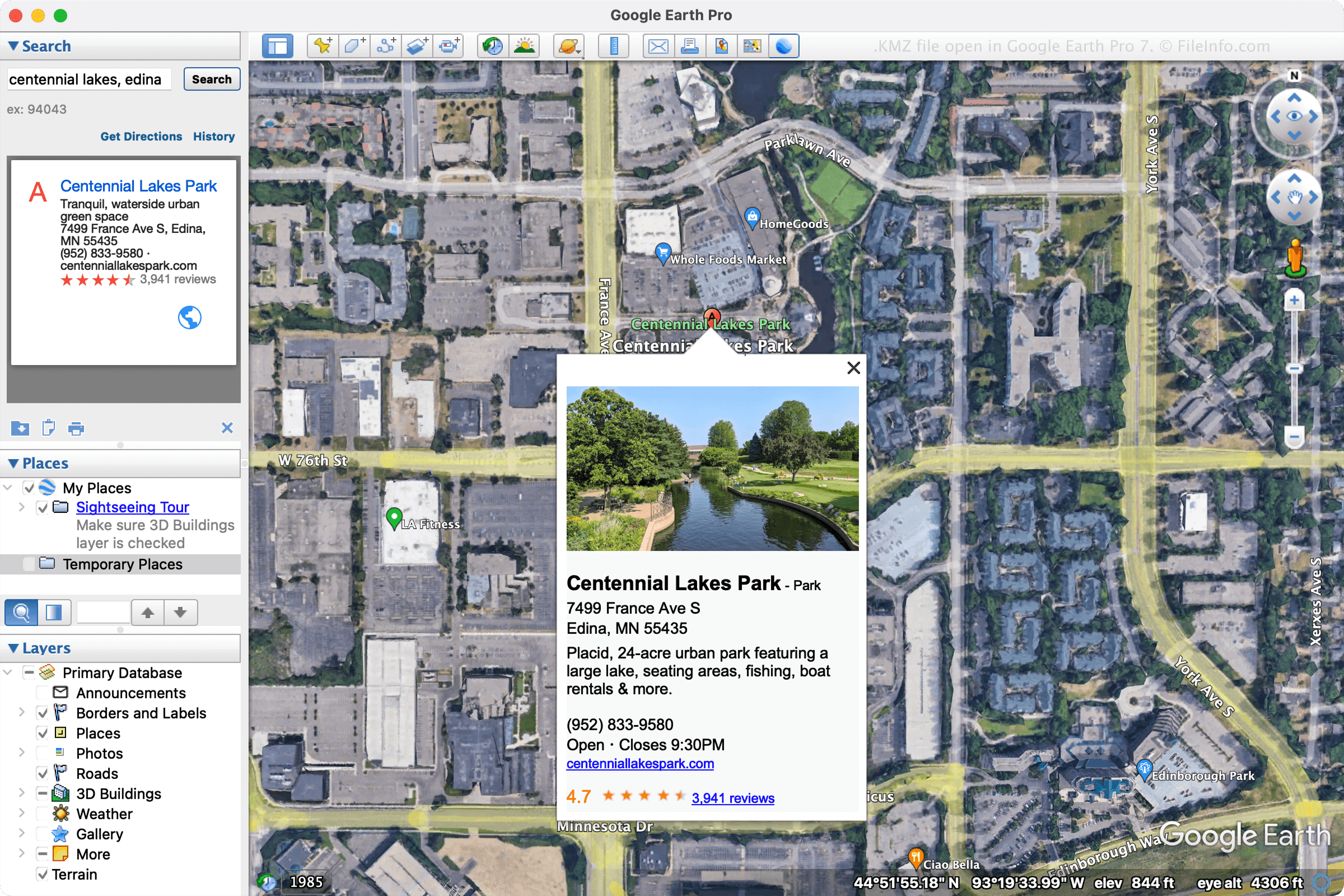
Google a conçu les fichiers KMZ pour réduire l’espace occupé par les fichiers KML et ainsi faciliter leur distribution et leur partage avec plusieurs utilisateurs. Les fichiers KMZ servent notamment à partager des repères ou des visites avec des utilisateurs par e-mail ou lors de leur publication sur une page web.
Divers programmes peuvent créer des fichiers KMZ, mais Google Earth Pro est le principal programme utilisé pour les créer. Pour créer un fichier KMZ avec Google Earth Pro, sélectionnez , puis choisissez « Kmz » dans le menu déroulant.
REMARQUE : Les modèles 3D inclus dans les fichiers KMZ sont accompagnés de données de localisation. L’application qui ouvre le fichier utilise ces données pour placer le modèle sur la carte à un emplacement précis. Ces données vous aident à mieux comprendre l’apparence du bâtiment dans son environnement.
Comment ouvrir un fichier KMZ
Vous pouvez ouvrir les fichiers KMZ avec diverses applications cartographiques pour Windows, macOS, Linux, Android et iOS. L’application de bureau Google Earth Pro est souvent utilisée pour ouvrir les fichiers KMZ. Pour ouvrir un fichier KMZ avec Google Earth Pro, sélectionnez .
Vous pouvez également ouvrir un fichier KMZ dans Google Maps en enregistrant le fichier KMZ à un emplacement en ligne, puis en saisissant l’URL dans le champ de recherche de Google Maps. Par exemple, si votre fichier est hébergé à l’adresse http://mywebsite.com/myfile.kmz, saisissez l’URL dans le champ de recherche et Google Maps l’affichera.
Pour afficher votre fichier KMZ dans Google Maps, vous pouvez également créer vous-même l’URL en la faisant précéder de http://maps.google.com/maps?q=. Ainsi, en utilisant la même URL que précédemment, vous saisiriez l’URL suivante dans votre navigateur web :
http://maps.google.com/maps?q=http://mywebsite.com/myfile.kmz
REMARQUE : Comme les fichiers KMZ sont des fichiers KML compressés au format Zip, vous pouvez également les ouvrir en remplaçant l’extension de fichier .kmz par .zip, puis en les décompressant avec un utilitaire Zip. Vous pouvez ensuite ouvrir le fichier KML obtenu avec une application SIG, telle que Google Earth, Google Earth Pro, Blue Marble Geographics Global Mapper ou ESRI ArcGIS Pro. Vous pouvez aussi ouvrir le fichier KML avec un éditeur de texte, car le fichier enregistre les informations dans un format texte brut.