

.KMZ Přípona souboru
Soubor značky Google Earth
| Vývojář | |
| Popularita |
3,7 | 397 hlasů |
Co je soubor KMZ?
Soubor KMZ je soubor komprimovaný pomocí ZIP .KML, který ukládá místa na mapě zobrazitelná v různých aplikacích geografických informačních systémů (GIS), především v aplikaci Google Earth. Obsahuje jednu nebo více značek míst, které mohou zahrnovat vlastní název a souřadnice zeměpisné šířky a délky daného místa. Soubory KMZ mohou také obsahovat 3D modely COLLADA, překryvy a obrázky odkazované souborem KML.
Další informace
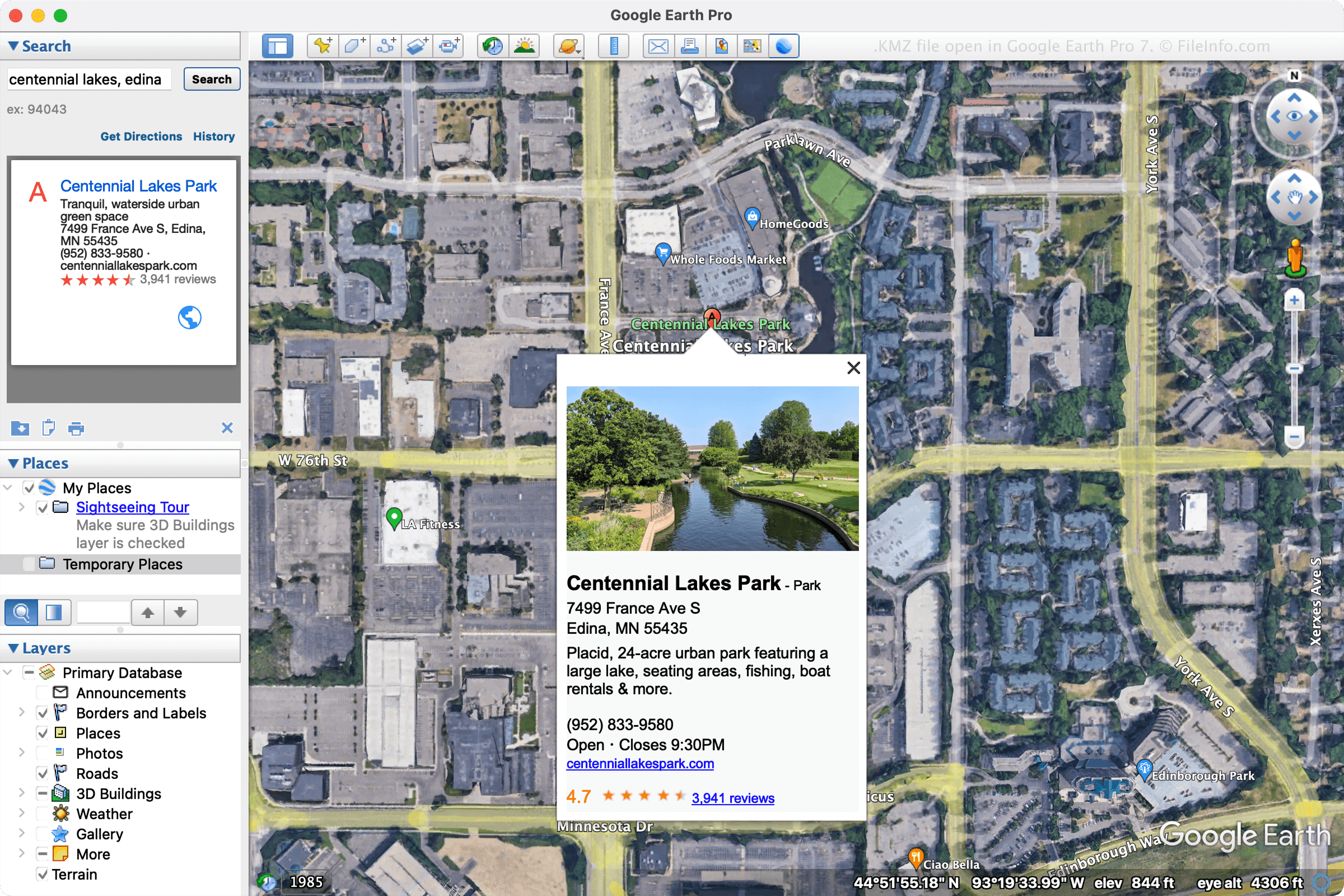
Společnost Google navrhla soubory KMZ tak, aby zmenšila prostor zabíraný soubory KML a usnadnila jejich distribuci a sdílení s více uživateli. Mezi běžná použití souborů KMZ patří sdílení značek míst nebo prohlídek s uživateli prostřednictvím e-mailu nebo jejich publikování na webové stránce.
Soubory KMZ mohou vytvářet různé programy, ale nejčastěji je vytváří Google Earth Pro. Chcete-li vytvořit soubor KMZ pomocí aplikace Google Earth Pro, vyberte a poté z rozbalovací nabídky vyberte možnost „Kmz“.
POZNÁMKA: 3D modely obsažené v souborech KMZ jsou doprovázeny údaji o poloze. Aplikace, která soubor otevře, tyto údaje použije k umístění modelu na mapu na konkrétní místo. Tyto údaje vám pomohou lépe porozumět vzhledu budovy v dané oblasti.
Jak otevřít soubor KMZ
Soubory KMZ můžete otevřít v různých mapových aplikacích pro Windows, macOS, Linux, Android a iOS. Běžnou volbou pro otevírání souborů KMZ je desktopová aplikace Google Earth Pro. Chcete-li otevřít soubor KMZ pomocí aplikace Google Earth Pro, vyberte .
Soubor KMZ můžete také otevřít v Mapách Google tak, že jej uložíte do online umístění a poté zadáte jeho URL do vyhledávacího pole Map Google. Pokud je například váš soubor umístěn na adrese http://mywebsite.com/myfile.kmz, zadejte tuto URL do vyhledávacího pole a Mapy Google ji zobrazí.
Případně můžete soubor KMZ zobrazit v Mapách Google tak, že URL vytvoříte sami přidáním předpony http://maps.google.com/maps?q=. Pokud tedy použijete stejnou URL jako výše, zadali byste do webového prohlížeče následující URL:
http://maps.google.com/maps?q=http://mywebsite.com/myfile.kmz
POZNÁMKA: Protože soubory KMZ jsou soubory KML komprimované pomocí ZIP, můžete je také otevřít změnou přípony souboru .kmz na .zip a následným rozbalením pomocí nástroje pro práci se soubory ZIP. Výsledný soubor KML pak můžete otevřít v aplikaci GIS, například Google Earth, Google Earth Pro, Blue Marble Geographics Global Mapper nebo ESRI ArcGIS Pro. Soubor KML můžete také otevřít v textovém editoru, protože ukládá informace ve formátu prostého textu.