
.PPM File Extension
Portable Pixmap Image
| Developer | Jef Poskanzer |
| Popularity |
3.6 | 64 Votes |
What is a PPM file?
A PPM file is a raster image saved in the Portable Pixmap format. It contains plain text that specifies the image's type (plain or "raw"), its number of columns and rows, and its maximum color value. Plain PPM files then specify each pixel's color using ASCII-encoded numbers, while "raw" PPM files specify each included pixel's color using raw binary data.
More Information
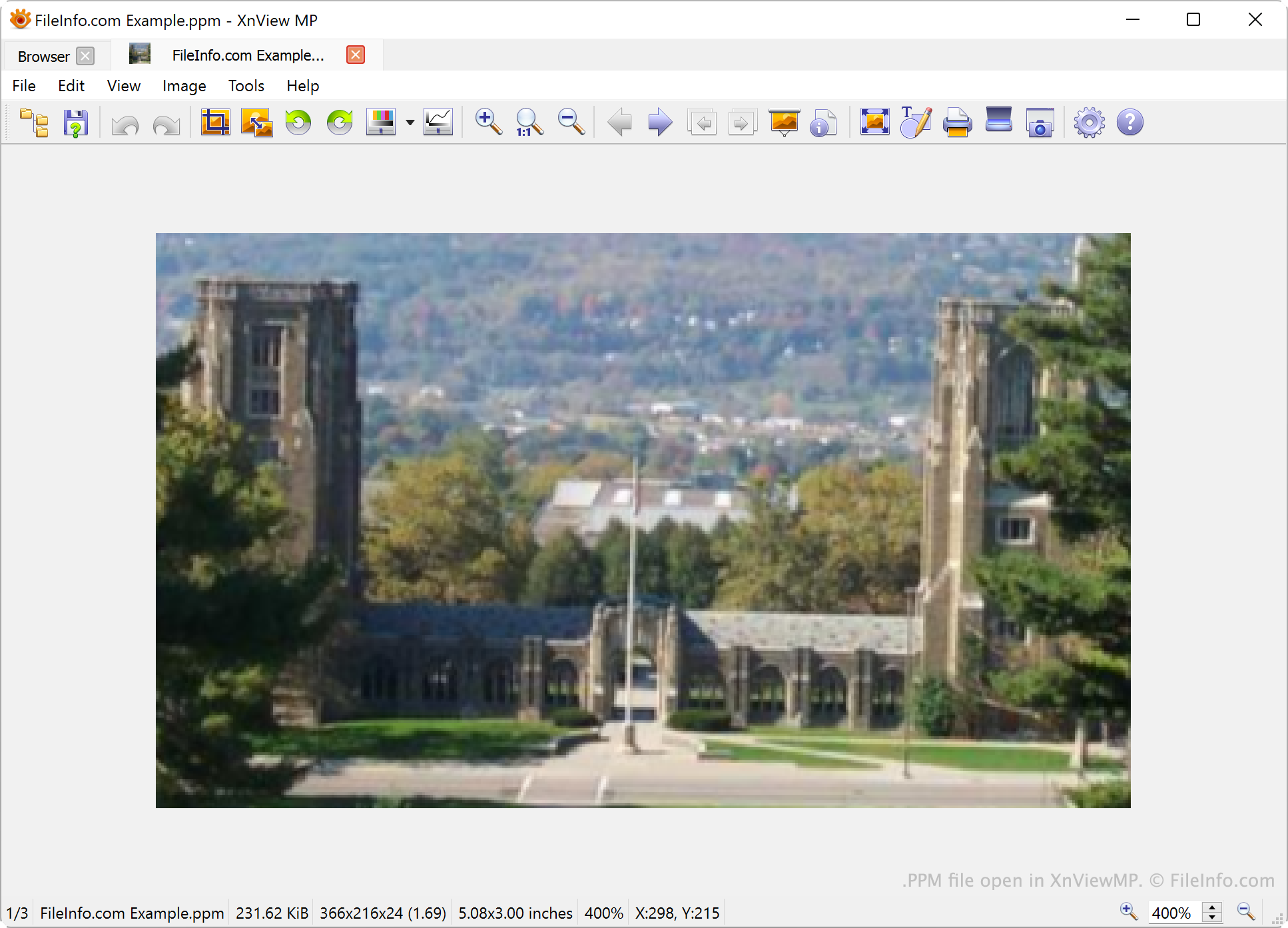
In the late 1980s, developer Jef Poskanzer created the PPM image format and added tools that could create and read PPM images to Pbmplus, his library of tools used to create and manage .PBM, .PGM, and PPM images. PPM files contain color images saved using an RGB color model. Typically, the images use a 24-bit color depth.
In most PPM files, each pixel's color is specified using a trio of ASCII numbers that set the pixel's red, green, and blue color values. Image rows are comprised of sets of RGB values equal to the image's width. These types of PPM files are referred to as plain PPM files and can be identified by the magic number P3 in their header.
"Raw" PPM files, on the other hand, specify each pixel's color using raw binary data, instead of ASCII-encoded numbers. If you were to open a "raw" PPM file in a text editor, its body would appear as gibberish instead of an understandable series of numbers. These files include the magic number P6 in their header.
While many programs support the PPM format, PPM images have quite large file sizes when compared with images saved in other formats, because they are not compressed. Thus, the PPM format is not used much.
How to open a PPM file
How to convert a PPM file
You can use Netpbm, ImageMagick or XnViewMP to convert PPM files to other image formats. For example, XnViewMP can convert PPM files to the following formats (and many others):
Programs that open PPM files
Flipnote Studio Animation
| Developer | Nintendo |
| Popularity |
4.0 | 5 Votes |
A PPM file may also be an animation created by Flipnote Studio, a free animation app available for the Nintendo DSi. It contains animation frames and audio. PPM files are typically stored on a Nintendo DSi SD card.
More Information
Flipnote Studio is an animation app that Nintendo DSi players can download from the DSi Shop. It allows gamers to create simple animations and save them to their DSIs' SD cards. These animations are saved as PPM files.
PPM files are typically stored in the following locations:
- North America: /private/ds/app/4B475545/001
- Europe: /private/ds/app/4B475556/001
Some players have uploaded their PPM files to online Flipnote repositories, such as Flipnote Hatena or PPM Archive, from which other Flipnote users can download them.
NOTE: The PPM extension comes from Flipnote Studio's in-development name, Para Para Manga Koubou.
How to open a PPM file
In addition to being able to open and play PPM files in Flipnote Studio, you can open them in the web-based Flipnote Player.
Programs that open PPM files
Post Programmable Memory File
| Developer | Nokia |
| Popularity |
2.4 | 13 Votes |
A PPM file may also be a firmware data file used to flash certain older Nokia mobile phones. It contains a language pack and other phone data that can be written to the phone as part of the firmware-flashing process. Technicians and mobile-phone enthusiasts used PPM files to add or change the languages supported by a phone and to modify other firmware data.
More Information
PPM files are typically used together with other firmware files required to flash a compatible Nokia phone. Different PPM variants, such as PPM_A, .PPM_B, PPM_C, and PPM_D, contain different combinations of languages and may also differ in other included data. For example, PPM_B files for some Nokia models contain English, German, French, Polish, Romanian, and Hungarian language data.
NOTE: PPM files are associated with older Nokia phones and are uncommon today.
How to open a PPM file
You can open PPM files with BB5 FLS Editor. However, the utility is discontinued.
