

.MRM File Extension
MIUI Theme Metadata
| Developer | Xiaomi |
| Popularity |
2.0 | 1 Vote |
What is an MRM file?
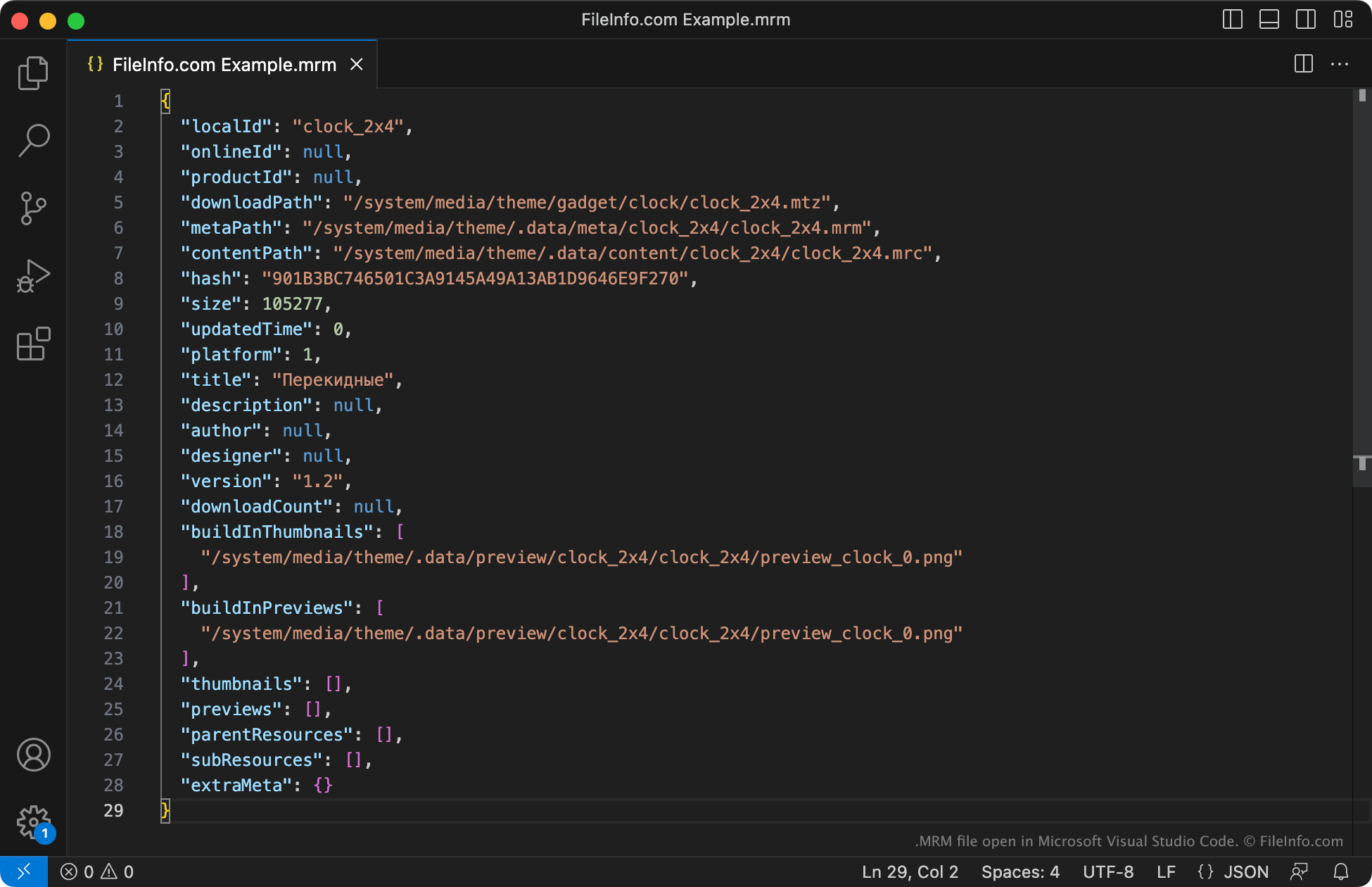
An MRM file is a metadata file used by a MIUI theme (.MTZ file). It contains information about the theme's name, contents, file size, author, preview images, and more. MIUI uses MRM files to show information about the associated theme to users, and to verify that the theme's contents have not been altered.
More Information
MIUI is an Android variant used by Xiamoi smartphones. It allows users to install custom themes packaged as MTZ files. To install a theme, users often download that theme's MTZ file and then apply the theme via the MIUI Theme App (also known as Xiaomi Themes).
Each MTZ file is a .ZIP package that contains a collection of theme assets and other files, including one or more MRM files. The MRM file(s) are JSON files that describe the theme's contents, where those contents will be unpacked, and other information. Most notably, each MRM file contains a hash used as a checksum. Checking this hash against the MTZ file's hash allows MIUI to verify that the theme contains the correct contents.
How to open an MRM file
You can open an MRM file and view its contents with Microsoft Visual Studio Code or any other text editor. However, you should not edit an MRM file's contents, as doing so may cause MIUI to be unable to install or load the theme associated with your MRM file.