

.VMSN Dateiendung
VMware-Snapshot-Statusdatei
| Entwickler | VMware |
| Beliebtheit |
4,0 | 2 Stimmen |
Was ist eine VMSN-Datei?
Eine VMSN-Datei speichert die Daten einer virtuellen Maschine (VM) für einen Snapshot. Dabei handelt es sich um einen eingefrorenen Zustand der VM, der zu einem bestimmten Zeitpunkt gespeichert wurde. VMware-Virtualisierungssoftware erstellt eine VMSN-Datei, wenn ein Benutzer einen Snapshot einer VM erstellt. Dadurch kann die VM auf einen gespeicherten Zeitpunkt zurückgesetzt werden. VMSN-Dateien werden zusammen mit einer .VMSD-Datei gespeichert, die die Metadaten für den Snapshot enthält.
Weitere Informationen
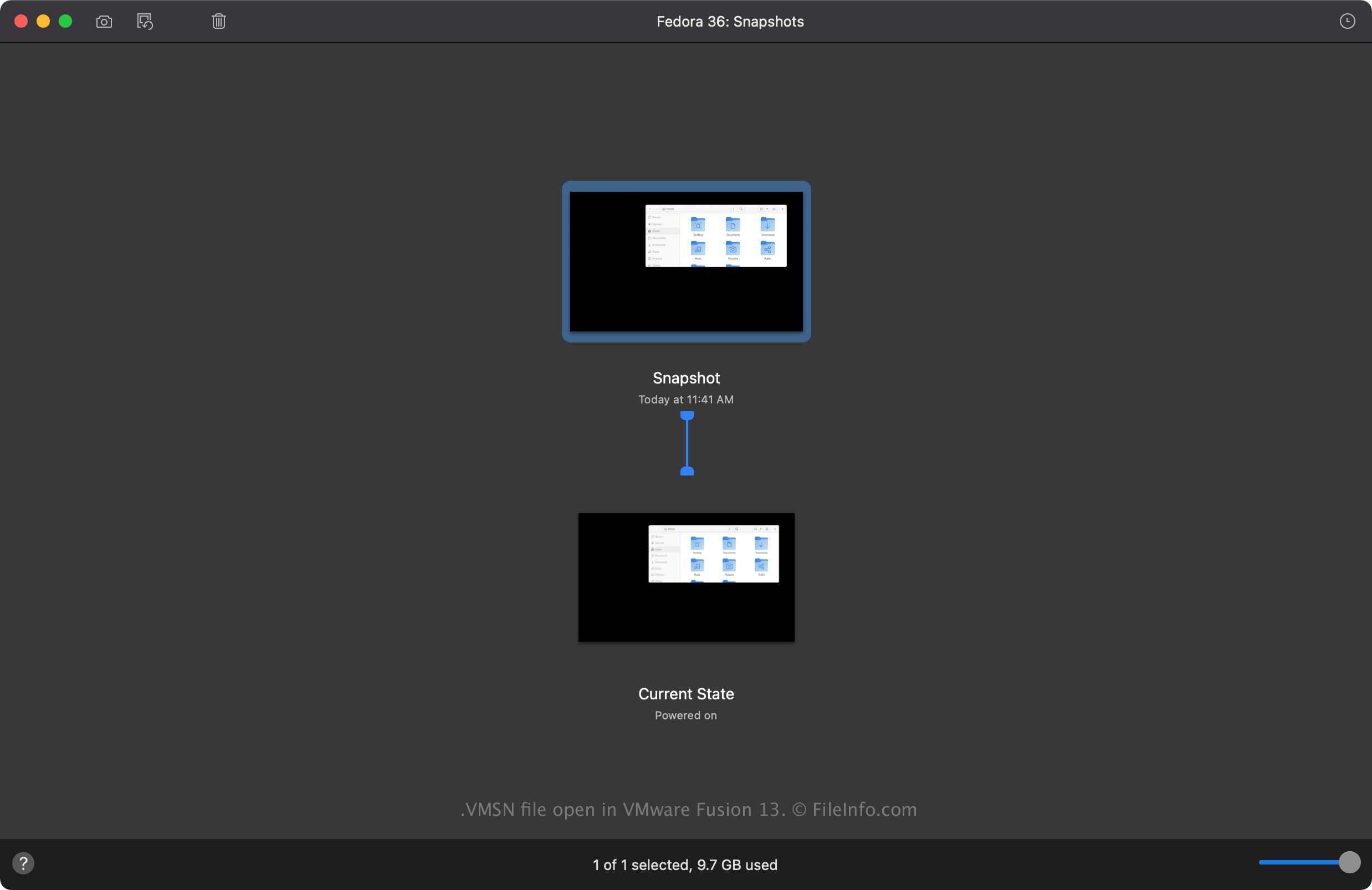
VMware Fusion und VMware Workstation sind Virtualisierungsanwendungen, die mehrere VMs auf einem einzigen Computer ausführen können. VM-Snapshots speichern den Zustand einer VM, auf den Sie zurückgreifen können, falls etwas mit der VM passiert. Sie können beispielsweise eine frische Installation eines Gastbetriebssystems (OS) als Snapshot speichern und selbst nach der Installation von Anwendungen auf die saubere Betriebssysteminstallation zurücksetzen.
So erstellen Sie eine VMSN-Datei
Wenn Sie einen Snapshot einer VM erstellen, legt die VMware-Virtualisierungssoftware eine VMSN-Datei in der VM-Datei an. In Fusion können Sie beispielsweise einen Snapshot erstellen, indem Sie auswählen. Fusion erstellt dann die VMSN-Datei in der .VMWAREVM-Datei, die Sie am folgenden Speicherort finden (Fusion speichert sie standardmäßig hier):
Macintosh HD/Users/[username]/Virtual Machines
Häufige .VMSN-Dateinamen
[VM name]-Snapshot[number].vmsn - Der Name der VMSN-Datei entspricht dem Namen der VM, gefolgt vom nummerierten Snapshot. Die VMSN-Datei für den zweiten Snapshot einer VM namens "Windows 11" lautet beispielsweise Windows 11-Snapshot2.vmsn.
So öffnen Sie eine VMSN-Datei
Sie sollten nicht versuchen, eine VMSN-Datei manuell zu öffnen. Stattdessen können Sie eine VMSN-Datei über die Benutzeroberfläche von VMware Fusion oder VMware Workstation öffnen. Um beispielsweise eine VMSN-Datei in Fusion zu öffnen, wählen Sie aus und doppelklicken Sie anschließend auf den Snapshot, um ihn zu laden.