

.NEF Přípona souboru
Obraz RAW ve formátu Nikon Electronic Format
| Vývojář | Nikon |
| Popularita |
3,9 | 125 hlasů |
Co je soubor NEF?
Soubor NEF je surová fotografie pořízená digitálním fotoaparátem Nikon. Je uložen v nekomprimovaném formátu Nikon Electronic Format (NEF), který ukládá data přesně tak, jak byla zachycena snímačem CCD. Soubory NEF také obsahují metadata obrázku, včetně ID fotoaparátu a použitého objektivu.
Další informace
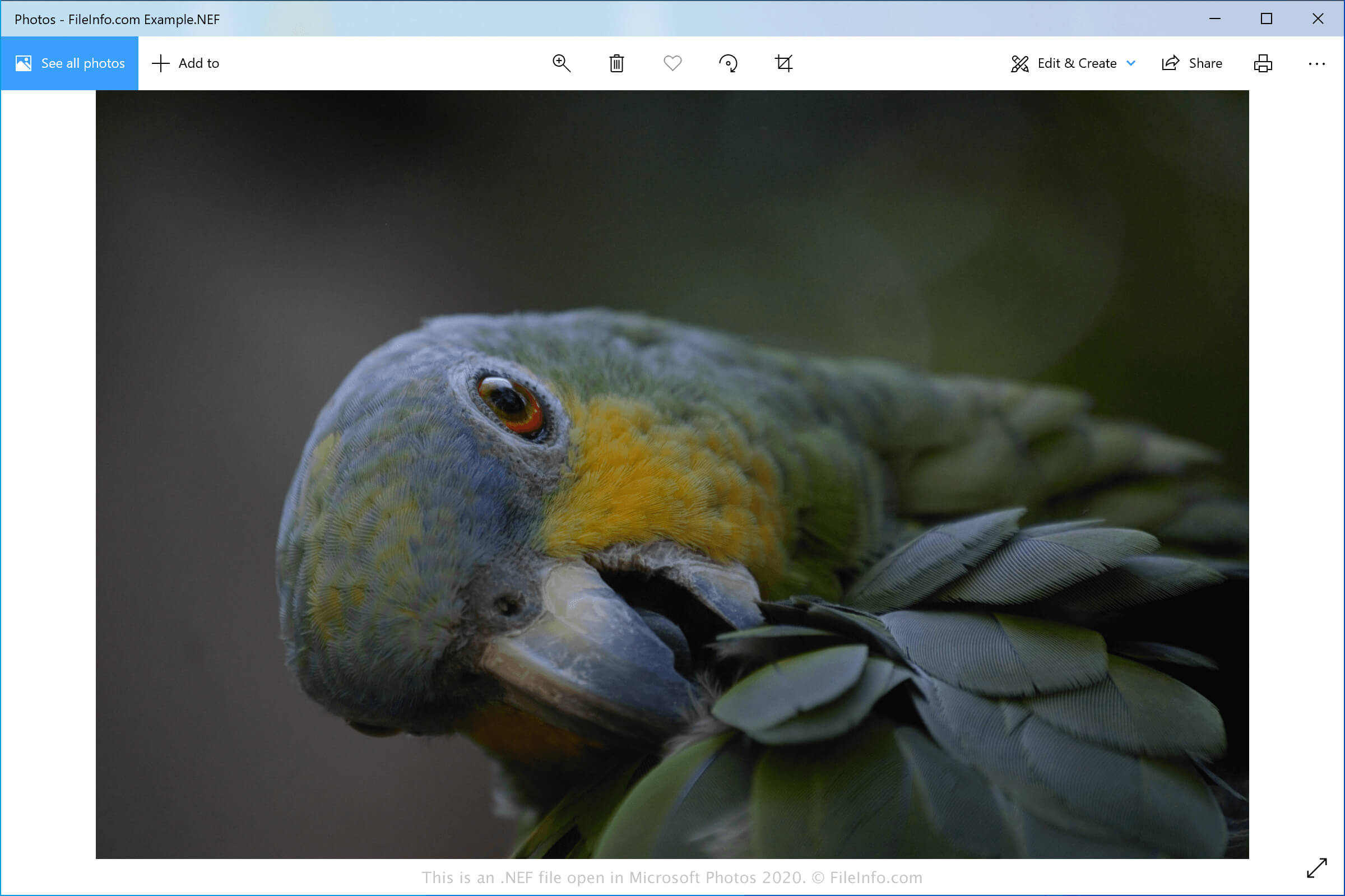
Nejčastějšími uživateli souborů NEF jsou fotografové používající fotoaparáty Nikon. Tito fotografové, kteří mohou být profesionálové i amatéři, pořizují snímky fotoaparáty Nikon a ukládají surová data do souborů NEF.
Formát NEF podporuje 12bitová nebo 14bitová data v závislosti na fotoaparátu použitém k pořízení snímku. Jakmile je snímek uložen do počítače, lze pomocí softwaru pro úpravu fotografií upravit nastavení obrazu, jako je expozice, odstín, tón, ostrost a vyvážení bílé.
Změny snímku se v souboru NEF ukládají jako instrukce oddělené od surových obrazových dat. To znamená, že bez ohledu na to, kolik úprav na snímek použijete, se můžete kdykoli vrátit k originálu.
Jak otevřít soubor NEF
Soubory NEF můžete otevřít v různých aplikacích pro úpravu a prohlížení obrázků. Microsoft Photos (Windows) a Apple Preview (macOS) jsou bezplatné aplikace podporující obrázky NEF, které jsou součástí systémů Windows a macOS. ViewNX2 je také bezplatný nástroj pro Windows a Mac vyvinutý společností Nikon k procházení, úpravám a sdílení fotografií NEF.
Mezi další pokročilejší editory obrázků podporující soubory NEF patří Adobe Photoshop (Windows a macOS) a Corel PaintShop Pro (Windows a macOS). Obrázky NEF si také můžete prohlížet na zařízeních se systémy Android, iOS a Chrome OS pomocí aplikace Google Photos.
Jak převést soubor NEF
Několik aplikací, včetně Microsoft Photos, Apple Preview, Adobe Photoshop a Corel PaintShop Pro, dokáže převádět soubory NEF do jiných formátů.
Microsoft Photos může například převádět soubory NEF do následujících formátů: