

.NEF Rozszerzenie pliku
Obraz RAW Nikon Electronic Format
| Deweloper | Nikon |
| Popularność |
3,9 | 125 Głosów |
Czym jest plik NEF?
Plik NEF to surowe zdjęcie wykonane cyfrowym aparatem Nikon. Jest zapisywane w nieskompresowanym formacie Nikon Electronic Format (NEF), który przechowuje dane dokładnie w takiej postaci, w jakiej zostały zarejestrowane przez CCD. Pliki NEF zawierają także metadane obrazu, w tym identyfikator aparatu i użyty obiektyw.
Więcej informacji
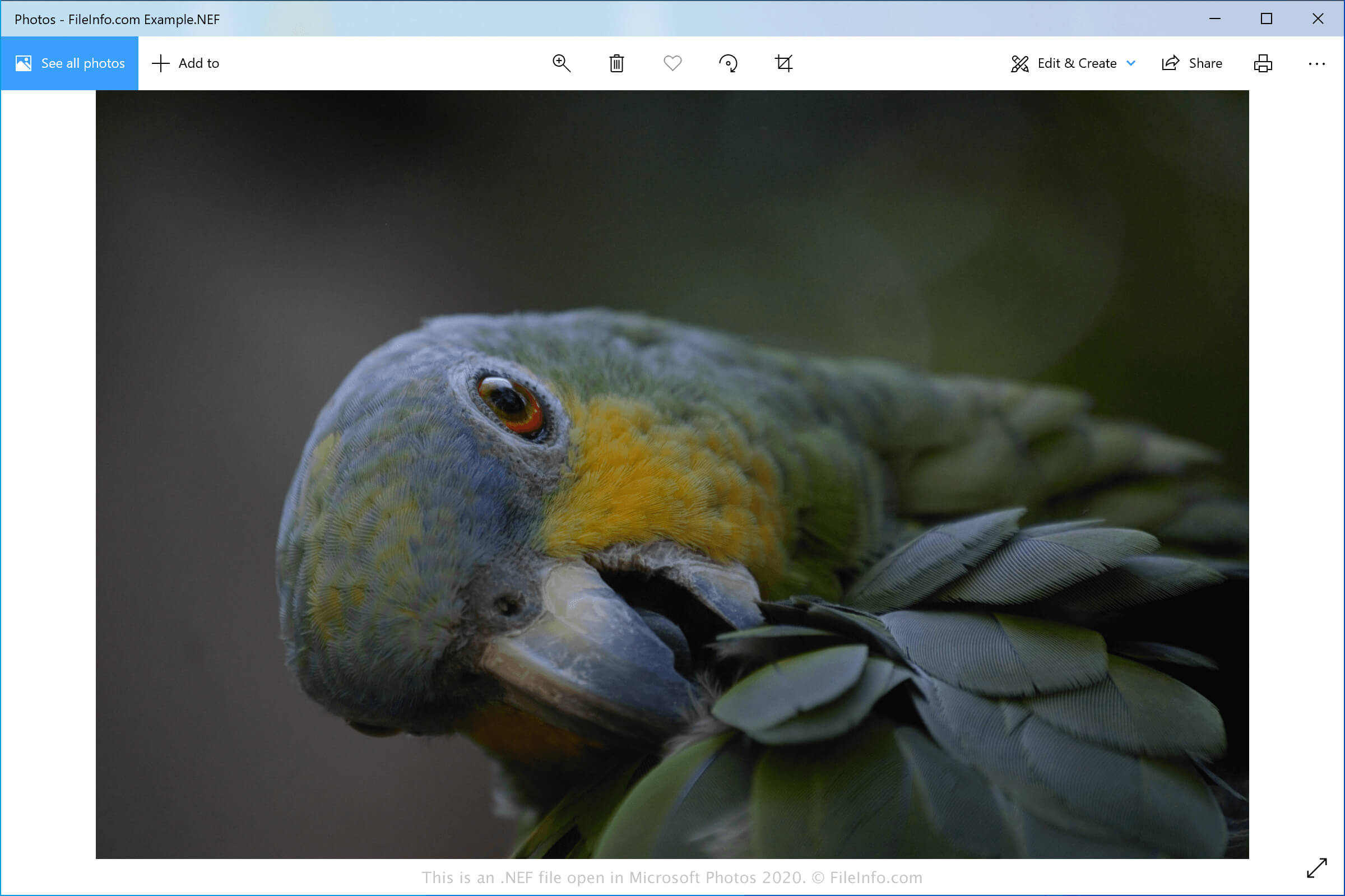
Najczęstszymi użytkownikami plików NEF są fotografowie korzystający z aparatów Nikon. Fotografowie ci, zarówno profesjonaliści, jak i amatorzy, wykonują zdjęcia aparatami Nikon i zapisują surowe dane w plikach NEF.
Format NEF obsługuje dane 12- lub 14-bitowe, w zależności od aparatu użytego do wykonania zdjęcia. Po zapisaniu obrazu na komputerze można dostosować ustawienia obrazu, takie jak ekspozycja, odcień, tonacja, wyostrzanie i balans bieli, za pomocą oprogramowania do edycji zdjęć.
Zmiany obrazu są przechowywane w pliku NEF jako zestawy instrukcji oddzielone od surowych danych obrazu. Oznacza to, że niezależnie od liczby wprowadzonych zmian można przywrócić oryginalny obraz.
Jak otworzyć plik NEF
Pliki NEF można otwierać w różnych aplikacjach do edycji i wyświetlania obrazów. Microsoft Photos (Windows) i Apple Preview (macOS) to bezpłatne aplikacje obsługujące obrazy NEF, dołączone do systemów Windows i macOS. ViewNX2 to także bezpłatne narzędzie dla systemów Windows i Mac, opracowane przez firmę Nikon do przeglądania, edycji i udostępniania zdjęć NEF.
Inne, bardziej zaawansowane edytory obrazów obsługujące pliki NEF to Adobe Photoshop (Windows i macOS) oraz Corel PaintShop Pro (Windows i macOS). Obrazy NEF można także wyświetlać na urządzeniach z systemami Android, iOS i Chrome OS za pomocą aplikacji Google Photos.
Jak przekonwertować plik NEF
Kilka aplikacji, w tym Microsoft Photos, Apple Preview, Adobe Photoshop i Corel PaintShop Pro, może konwertować pliki NEF do innych formatów.
Na przykład Microsoft Photos może konwertować pliki NEF do następujących formatów: