.SDR 文件扩展名

Dell Support File

开发者 Dell
受欢迎程度
3.7  |  25 
 

什么是 SDR 文件?

File named dell.sdr and located on Dell computers in the C:\​ directory; contains system information and is used by Dell technical support purposes; should not be manually edited or deleted or any requests for Dell support may not work properly.

更多信息

The presence of the dell.sdr file means that the computer is using a Dell-installed version of Windows.

使用File Viewer Plus打开 400 多种文件格式。免费下载

可打开或引用 SDR 文件的程序

Windows
分类: 杂项
更新时间: 2012-06-20

SmartDraw Drawing

开发者 SmartDraw
受欢迎程度
3.1  |  13 
 

An SDR file contains a drawing created with SmartDraw, a program used to create professional diagrams. It stores a diagram drawing, which may include text, shapes, connecting lines, and images. SDR files may save one of 70 different types of drawings, such as a flowchart, project plan, calendar, organizational chart, mind map, or floor plan.

更多信息

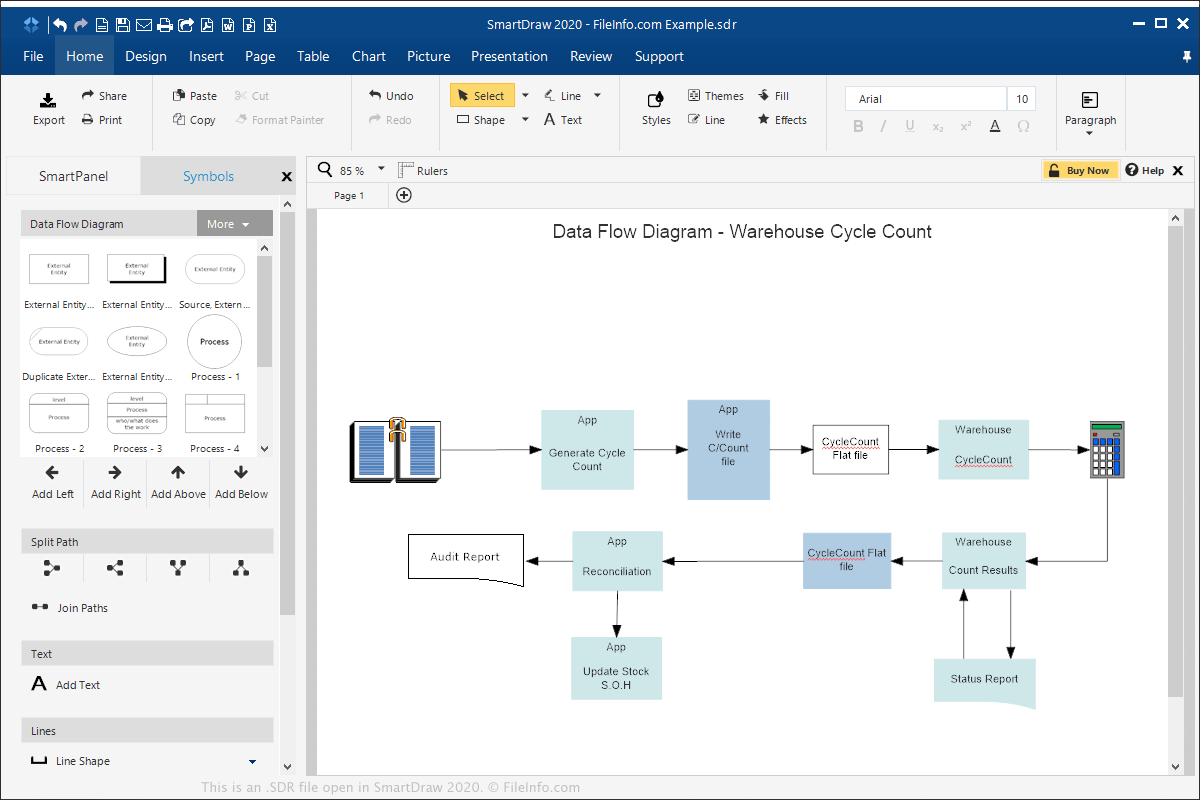
在 SmartDraw 2020 中打开的 .sdr 文件截图
在 SmartDraw 2020 中打开的 SDR 文件

SmartDraw is primarily used in business environments as an alternative to Microsoft Visio. It can run in Windows, macOS, and online in a web browser and allows users to create professional-quality diagrams for project-planning purposes and presentations.

To create an SDR file with SmartDraw in Windows or macOS, select File → New, choose to create the diagram from scratch or from a template, edit the diagram, then select File → Save or Save As.

You can export SDR files to other formats, such as Visio Drawing .VSDX, .PDF, Microsoft PowerPoint .PPTX, .HTML, .JPG, .PNG, and .GIF. To export an SDR file with SmartDraw in Windows or macOS, select File → Export and choose the format.

如何打开 SDR 文件

You can open SDR files with SmartDraw in Windows or macOS by selecting File → Open. You can also open SDR files with SmartDraw in a web browser by selecting SnartDraw File in the "Import" section.

可打开 SDR 文件的程序

Windows
免费试用
Mac
免费试用
Web
免费试用

验证者 FileInfo.com

FileInfo.com 团队 独立研究了本页面列出的所有文件格式和软件程序。 我们的目标是达到 100% 的准确率,并且仅发布我们已验证过的文件类型信息。

如果您想为此页面提出新增或更新建议,请告诉我们