

.SDR Bestandsextensie
SmartDraw-tekening
| Ontwikkelaar | SmartDraw |
| Populariteit |
3,1 | 13 stemmen |
Een SDR-bestand bevat een tekening die is gemaakt met SmartDraw, een programma dat wordt gebruikt om professionele diagrammen te maken. Het bevat een diagramtekening, die tekst, vormen, verbindingslijnen en afbeeldingen kan bevatten. SDR-bestanden kunnen een van 70 verschillende soorten tekeningen opslaan, zoals een stroomdiagram, projectplan, kalender, organigram, mindmap of plattegrond.
Meer informatie
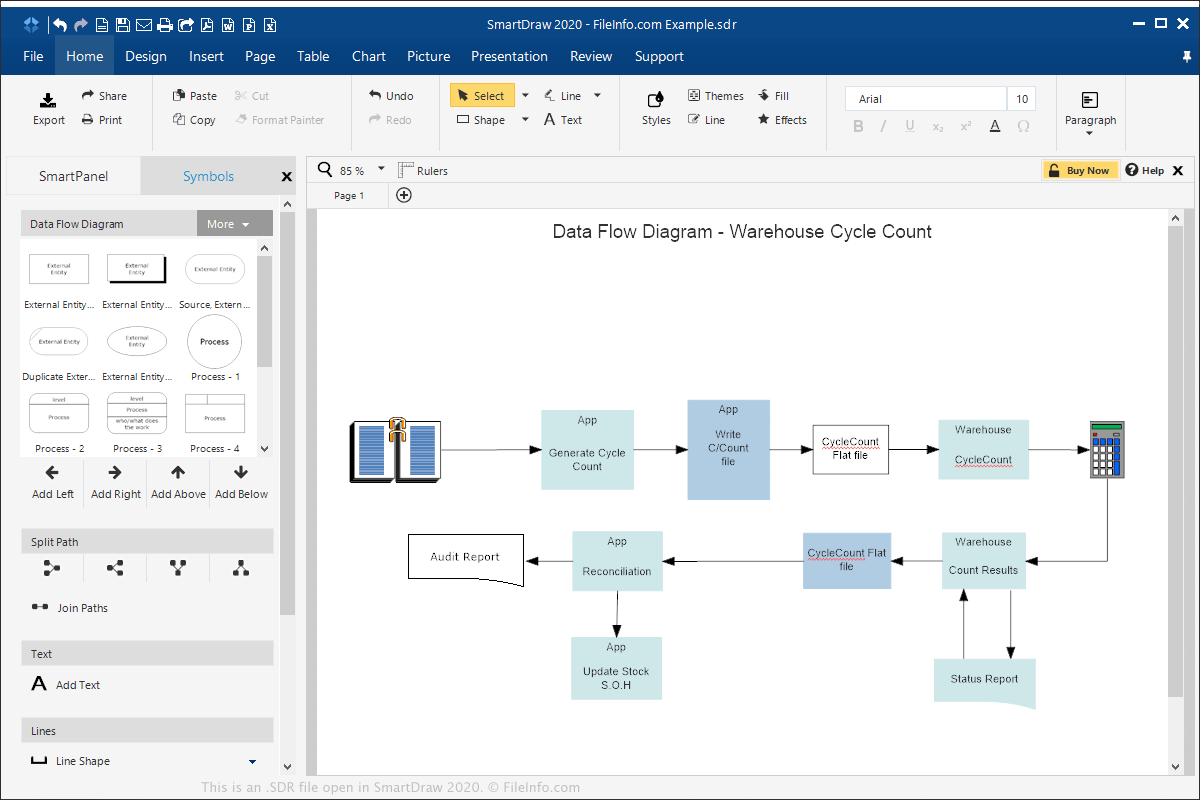
SmartDraw wordt voornamelijk gebruikt in zakelijke omgevingen als alternatief voor Microsoft Visio. Het kan worden uitgevoerd in Windows, macOS en online in een webbrowser en stelt je in staat professionele diagrammen te maken voor projectplanning en presentaties.
Als je in Windows of macOS een SDR-bestand wilt maken met SmartDraw, selecteer je , kies je of je het diagram helemaal zelf wilt maken of een sjabloon wilt gebruiken, bewerk je het diagram en selecteer je vervolgens of .
Je kunt SDR-bestanden exporteren naar andere indelingen, zoals een Visio-tekening .VSDX, .PDF, Microsoft PowerPoint .PPTX, .HTML, .JPG, .PNG en .GIF. Als je in Windows of macOS een SDR-bestand wilt exporteren met SmartDraw, selecteer je en kies je de indeling.
Een SDR-bestand openen
Je kunt SDR-bestanden openen met SmartDraw in Windows of macOS door te selecteren. Je kunt SDR-bestanden ook openen met SmartDraw in een webbrowser door te selecteren in het gedeelte "Import".