.LRCAT 文件扩展名

Adobe Lightroom Classic Catalog

开发者 Adobe Systems
受欢迎程度
3.9  |  15 
 

什么是 LRCAT 文件?

An LRCAT file is a catalog file created by Adobe Lightroom Classic, the desktop-only version of Adobe Lightroom. It contains information used to load and organize the photos you've imported into Lightroom Classic. An LRCAT file does not contain the photos themselves; instead, it stores references to where those photos are located on your computer.

更多信息

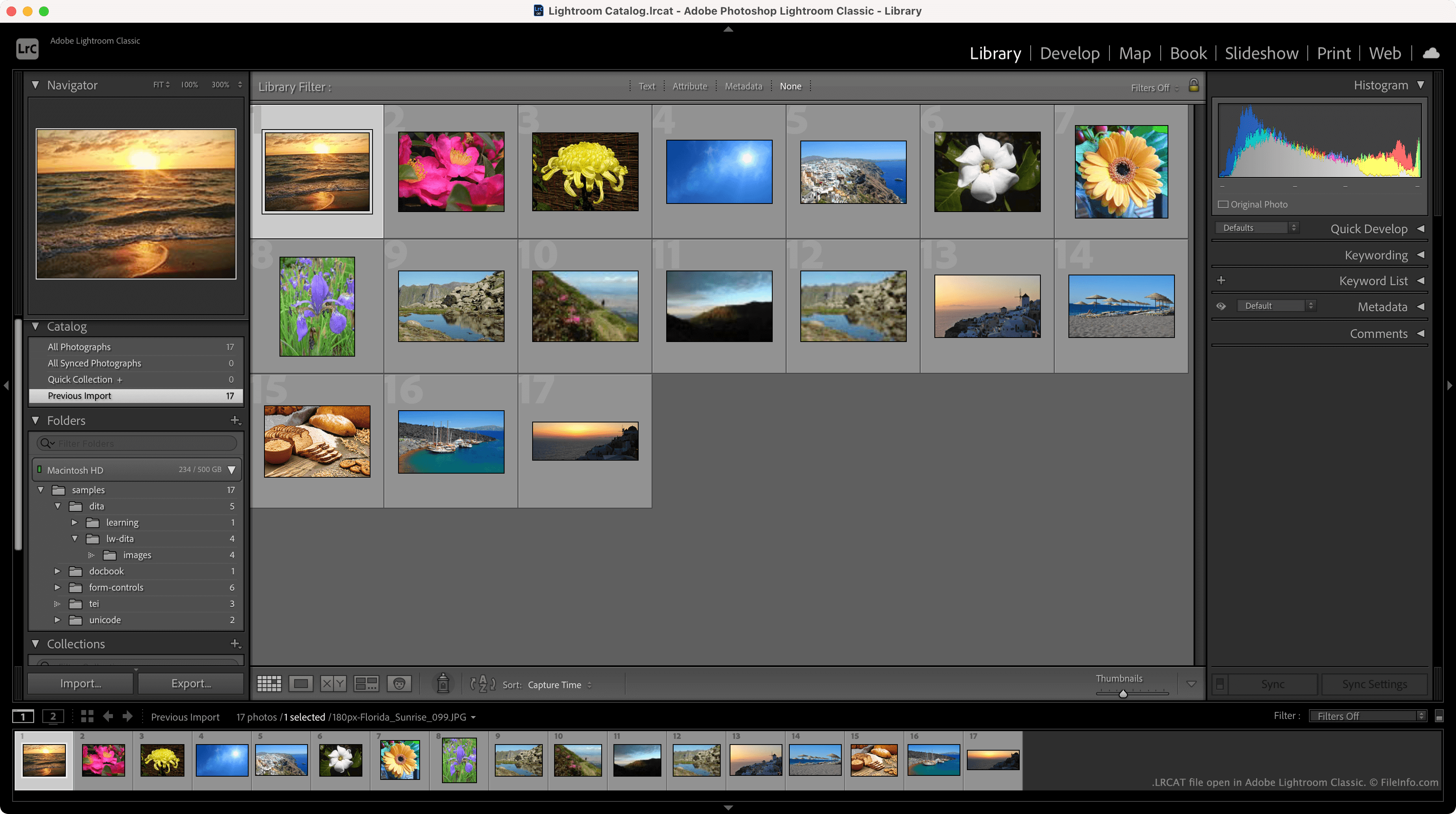
在 Adobe Lightroom Classic 中打开的 .lrcat 文件截图
在 Adobe Lightroom Classic 中打开的 LRCAT 文件

LRCAT files are typically stored in the ~/​Users/​YourUserName/​Pictures/​Lightroom directory and named Lightroom Catalog.lrcat. Each LRCAT file is stored with one or more .LRDATA files, which contain previews of the images your LRCAT file references.

In addition to storing the locations at which your photos reside, LRCAT files contain information about the edits you've applied to those photos. This allows Lightroom to load the edited versions of your photos, while also retaining the original files on your computer.

How do I import an LRCAT file into the new version of Adobe Lightroom?

In the new version of Lightroom, LRCAT files have been replaced by .MCAT files. You can migrate an LRCAT file and the photos it references into the new version of Lightroom using the program's File → Migrate From → Lightroom Classic Catalog feature.

注: Lightroom Classic was formerly known as Lightroom Classic CC and Photoshop Lightroom.

如何打开 LRCAT 文件

You can open an LRCAT file in Adobe Lightroom Classic (Mac, Windows). To do so, select File → Open Catalog from the program's menu bar. Then, navigate to and open your LRCAT file.

使用File Viewer Plus打开 400 多种文件格式。免费下载

可打开 LRCAT 文件的程序

Windows
免费试用
Mac
免费试用
分类: 数据
更新时间: 2021-11-19

验证者 FileInfo.com

FileInfo.com 团队 独立研究了本页面列出的 Adobe Lightroom Classic Catalog 文件格式和 Mac and Windows 应用。 我们的目标是达到 100% 的准确率,并且仅发布我们已验证过的文件类型信息。

如果您想为此页面提出新增或更新建议,请告诉我们