.JAR 文件扩展名

Java Archive

开发者 Oracle
受欢迎程度
4.3  |  1487 
 

什么是 JAR 文件?

A JAR file is an archive saved in the Java archive (JAR) format, which utilizes Zip-compression. It is typically used as a program library or as a standalone program that runs if Java Runtime Environment (JRE), a framework used for executing Java programs, is installed on the computer or mobile device.

更多信息

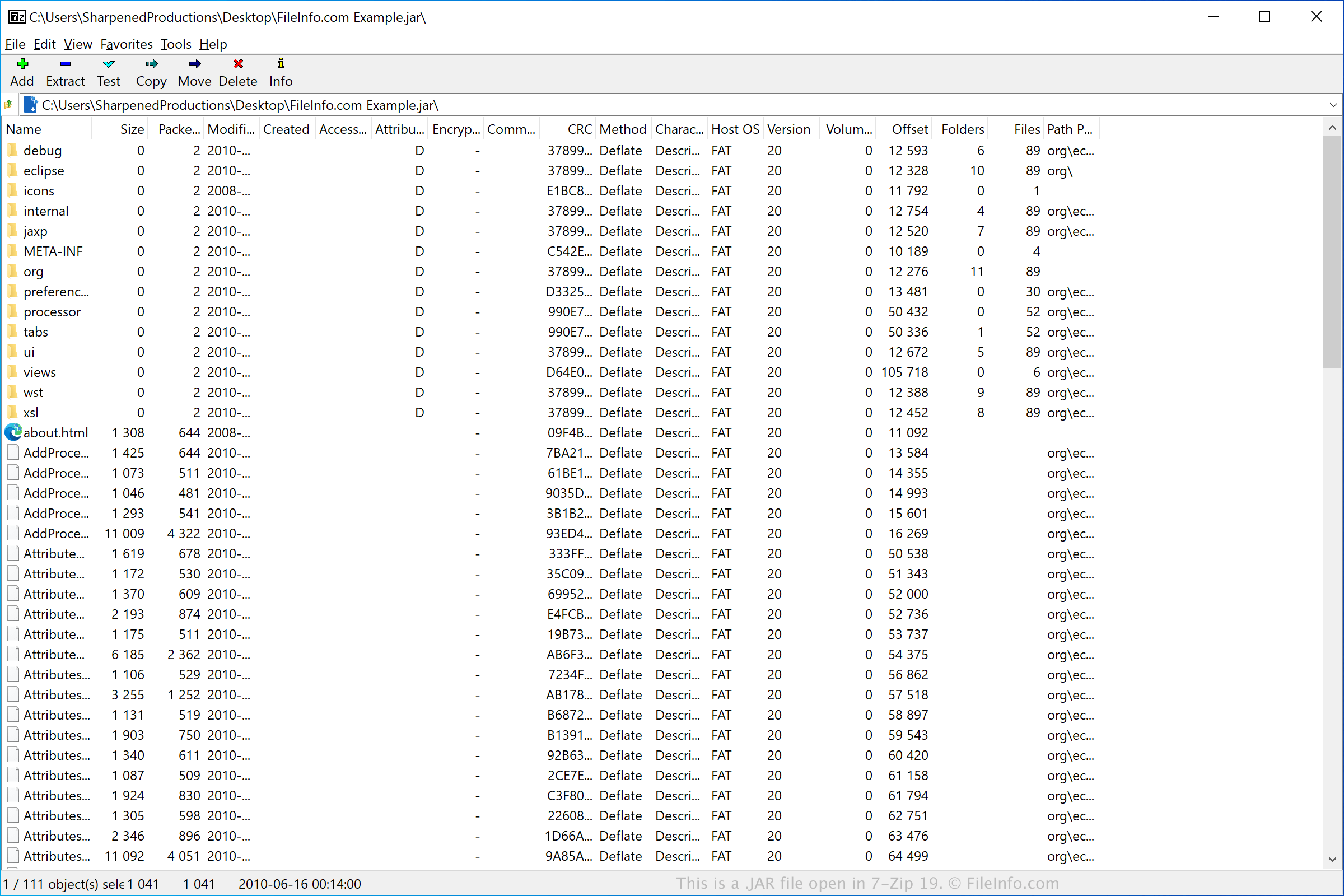
在 7-Zip 19 中打开的 .jar 文件截图
在 7-Zip 19 中打开的 JAR 文件

JAR files contain CLASS files, application resources, and an optional manifest file (META-INF/​MANIFEST.MF). They are compressed using .ZIP compression and may optionally be digitally signed using the jarsigner tool included with the Java SDK. JAR files may be created with the jar tool, and they can be accessed using Java's java.util.jar API.

JAR files are used for some mobile games supported by Java-enabled mobile devices. They are also used by Mozilla Firefox, Thunderbird, SeaMonkey, and Sunbird to store themes and add-ons.

注: The Java Runtime Environment is also referred to as the Java Virtual Machine (JVM). Sun Microsystems, the original developers of the JRE/JVM, were acquired by Oracle.

如何打开 JAR 文件

JAR files are typically used to distribute applications that can be run with the Oracle Java Runtime Environment (multiplatform). If you have JRE installed and set as the default program associated with JAR files, you can simply double-click the JAR file to run it. When you do this on a Mac, Apple Jar Launcher (bundled with macOS) passes the JAR file to JRE, or JVM, which runs the file.

You can also view, extract, run, and create JAR files with the Java Archive Tool provided as part of the Java Development Kit (JDK) included in the Oracle Java SE Development Kit. The Java Archive Tool is a command-line utility and here are the commands associated with the different capabilities:

  • To view a JAR file - jar tf jar file
  • To extract a JAR file - jar xf jar file
  • To run a JAR file - java -jar app.jar
  • To create a JAR file - jar cf jar file input file(s)

注: If you are looking to extract the contents from a JAR file, you can use various decompression utilities, such as Corel WinZip (Windows), Corel WinZip Mac (Mac), RARLAB WinRAR (Windows), and 7-Zip (Windows).

使用File Viewer Plus打开并查看 .jar 文件。免费下载

可打开 JAR 文件的程序

验证者 FileInfo.com

FileInfo.com 团队 独立研究了本页面列出的 Java Archive 文件格式和 Mac, Windows, Linux, and Android 应用。 我们的目标是达到 100% 的准确率,并且仅发布我们已验证过的文件类型信息。

如果您想为此页面提出新增或更新建议,请告诉我们