.ICMT 文件扩展名
InCopy Template
| 开发者 | Adobe Systems |
| 受欢迎程度 |
3.0 | 1 票 |
什么是 ICMT 文件?
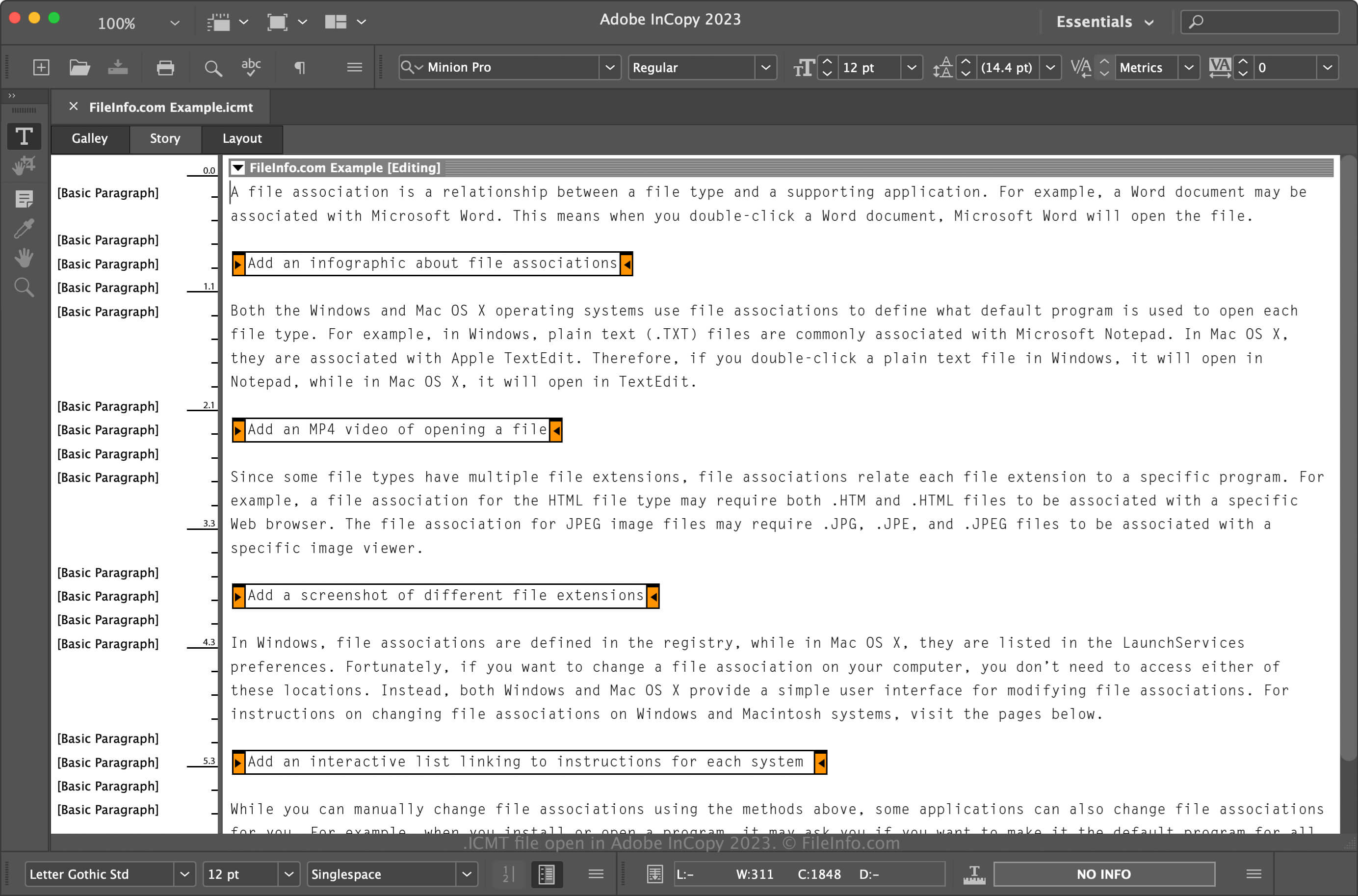
An ICMT file is a template created by InCopy, a professional writing and editing program. It contains preset page size dimensions, XML tags, swatches, paragraph styles, text area dimensions, and other page layout settings. ICMT files are used to create multiple .ICML documents with the same content, styles, and formatting.
更多信息
Adobe InCopy is a word-processing application available with Adobe Creative Cloud or as a standalone program. Designers utilizing Adobe InDesign predominantly use the application to collaborate with content writers, but other users may also utilize it simply as a word processor.
How to create an ICMT file
While you will typically save documents as ICML files with InCopy, you may also create ICMT templates to replicate ICML documents with similar content and formatting. To create an ICMT file:
- Select File → Save Content or Save Content As... or Save Content Copy...
- Name your file and choose the save location
- Select "InCopy Template" from the Format dropdown menu, and click Save
如何打开 ICMT 文件
You can only open ICMT files with Adobe InCopy in Windows and macOS. To open it with InCopy, select File → Open..., navigate to your file, select it, and click Open. You can also double-click the file if it is set to open with InCopy.