

.ICMT Přípona souboru
Šablona InCopy
| Vývojář | Adobe Systems |
| Popularita |
3,0 | 1 hlas |
Co je soubor ICMT?
Soubor ICMT je šablona vytvořená programem InCopy, profesionálním programem pro psaní a úpravu textu. Obsahuje přednastavené rozměry stránky, značky XML, vzorníky, styly odstavců, rozměry textových oblastí a další nastavení rozvržení stránky. Soubory ICMT slouží k vytváření více dokumentů .ICML se stejným obsahem, styly a formátováním.
Další informace
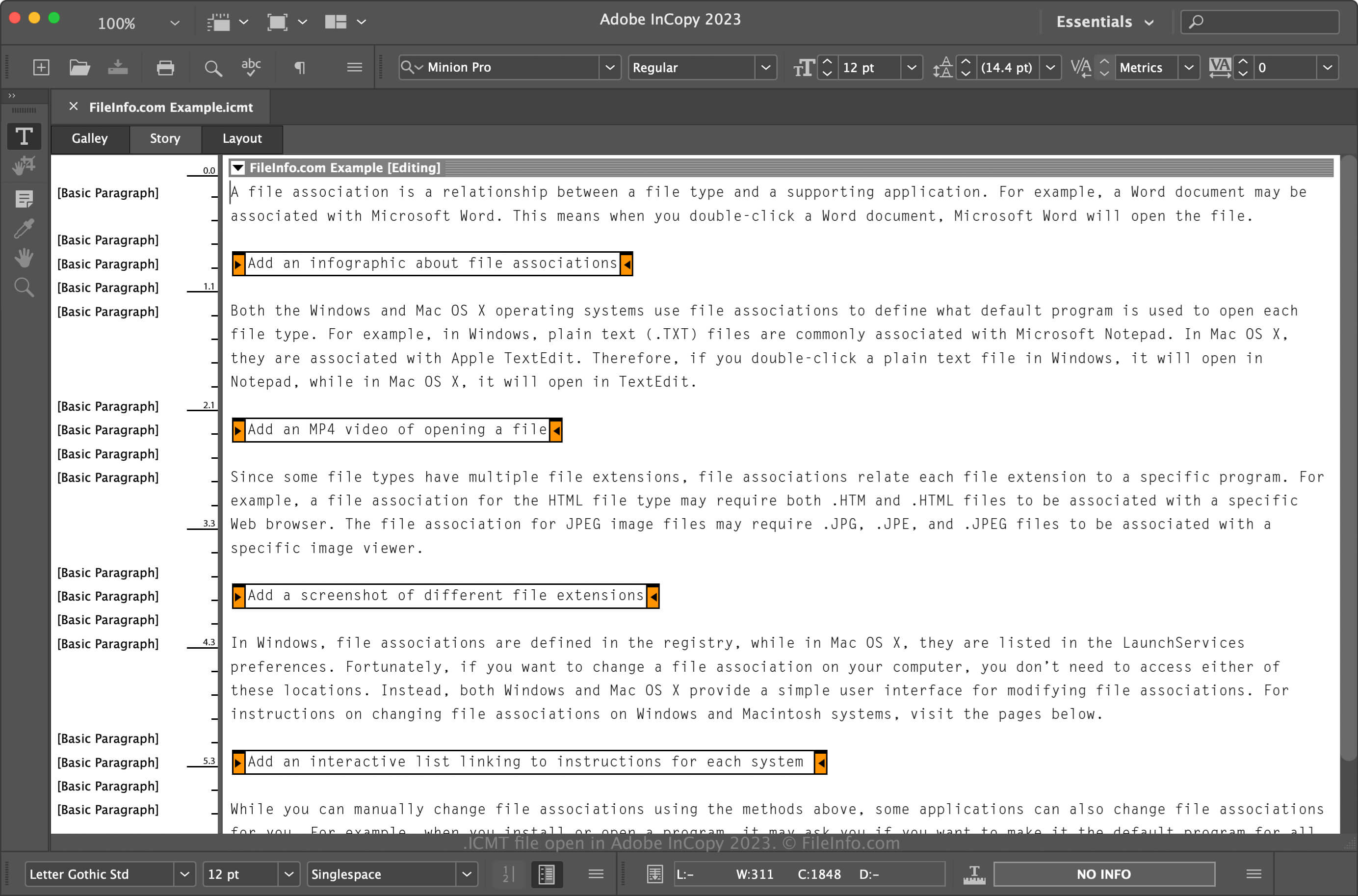
Adobe InCopy je textový editor dostupný v rámci služby Adobe Creative Cloud nebo jako samostatný program. Návrháři používající Adobe InDesign aplikaci využívají především ke spolupráci s autory obsahu, ale mohou ji používat i další uživatelé jednoduše jako textový editor.
Jak vytvořit soubor ICMT
Dokumenty v programu InCopy obvykle ukládáte jako soubory ICML, můžete však také vytvořit šablony ICMT pro kopírování dokumentů ICML s podobným obsahem a formátováním. Soubor ICMT vytvoříte takto:
- Vyberte
- Pojmenujte soubor a vyberte umístění pro jeho uložení
- V rozbalovací nabídce Formát vyberte „InCopy Template“ a klikněte na
Jak otevřít soubor ICMT
Soubory ICMT můžete v systému Windows a macOS otevírat pouze pomocí programu Adobe InCopy. Chcete-li soubor otevřít v programu InCopy, vyberte , přejděte k souboru, vyberte ho a klikněte na . Pokud je nastaveno jeho otevírání v programu InCopy, můžete na soubor také dvakrát kliknout.