.FMS 文件扩展名
FamiStudio Project
| 开发者 | BleuBleu |
| 受欢迎程度 |
3.5 | 2 票 |
什么是 FMS 文件?
An FMS file is a project file created by BleuBleu FamiStudio, a Nintendo Entertainment System (NES) and Famicon music editor. It contains a song a user has created in FamiStudio, likely comprised of multiple tracks, patterns, and samples. The songs FMS files contain sound like NES and Famicon video game music.
更多信息
FamiStudio allows gamers and chiptune enthusiasts to create, edit, and publish 8-bit video game music. These enthusiasts can then share their songs with others or include them in their own, homebrew NES games.
Each FamiStudio song project is saved as an FMS file. These files describe a song's included tracks, patterns, samples, notes, and instruments.
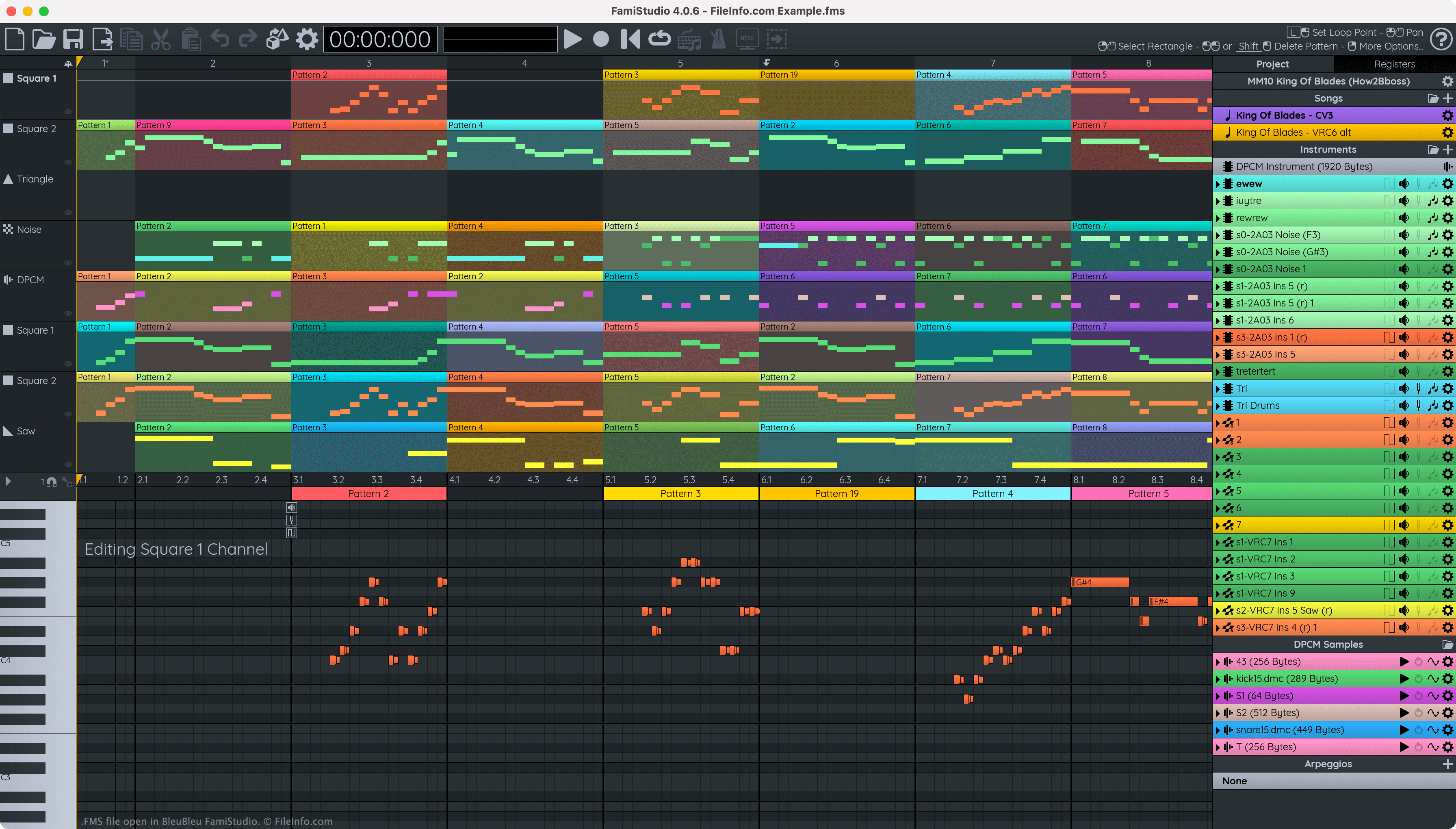
When opened in FamiStudio, FMS files appear as a series of color-coded blocks (patterns), with notes arranged within each block. In FamiStudio, users can edit and play the song an FMS file describes, and they can export the song in a variety of audio, video, project, and code formats.
如何打开 FMS 文件
You can open an FMS file with FamiStudio. To do so, select the Folder icon located in FamiStudio's menu bar. Then, navigate to and open your FMS file.
如何转换 FMS 文件
You can use FamiStudio to export the song an FMS file contains in a variety of formats, including (but not limited to):
- .WAV - WAVE Audio
- .MP3 - MP3 Audio
- .OGG - OGG Vorbis Audio
- .NSF - NES Sound Format
- .NES - Nintendo Enterainment System ROM
- .TXT - FamiStudio or FamiTracker Text
- .ASM - FamiStudio or FamiTone 2 Assembly Code
To do so:
- Select the File with Arrow icon located in FamiStudio's menu bar.
- Choose your export format.
- Select the Checkmark icon.
- Name and save your exported file.