.BCA 文件扩展名

BCArchive Encrypted Archive

开发者 Jetico
受欢迎程度
3.7  |  3 
 

什么是 BCA 文件?

A BCA file is an encrypted, compressed archive created by Jetico BCArchive. It contains one or more files, such as a group of documents, images, and/or videos, that a user has chosen to store in the archive. BCA files can be opened and edited in BCArchive, provided you know the password or public key used to create them.

更多信息

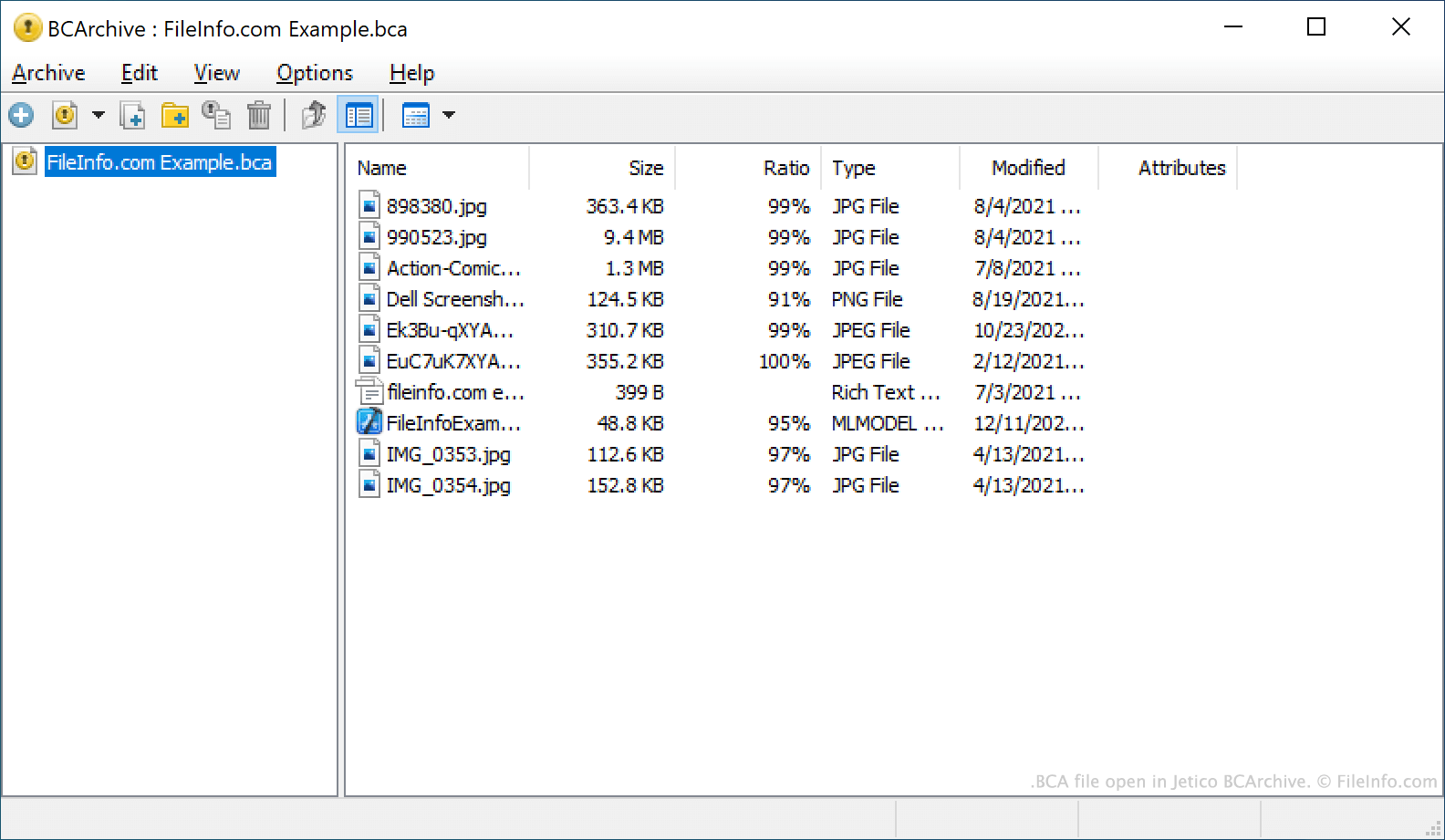
在 Jetico BCArchive 中打开的 .bca 文件截图
在 Jetico BCArchive 中打开的 BCA 文件

BCArchive is a file archiving tool that can be used to compress, package, and encrypt files. This allows users to securely share their files with others, as well as retain the compressed, encrypted archives as file backups.

The archives BCArchive creates are saved as BCA files. BCA files may be encrypted using one of many encryption algorithms, including:

  • Symmetric algorithms like Rijndael (AES), Blowfish-256, or Blowfish-448
  • Secure hash algorithms like SHA-256, SHA-1, or MD5
  • Asymmetric algorithms like RSA or ElGamal

Each BCA file is encrypted using either a password or a public key. To decrypt a BCA file and extract the files it contains, a user must possess the password or public key used to encrypt the file.

如何打开 BCA 文件

You can open a BCA file in Jetico BCArchive (Windows). To do so, select Archive → Open from the program's menu bar. Then, navigate to and select your BCA file. Remember, you must know the password or public key used to create your BCA file in order to open the file.

使用File Viewer Plus打开 400 多种文件格式。免费下载

可打开 BCA 文件的程序

Windows
免费试用
分类: 编码
更新时间: 2021-10-01

验证者 FileInfo.com

FileInfo.com 团队 独立研究了本页面列出的 BCArchive Encrypted Archive 文件格式和 Windows 应用。 我们的目标是达到 100% 的准确率,并且仅发布我们已验证过的文件类型信息。

如果您想为此页面提出新增或更新建议,请告诉我们