

.BCA Extension de fichier
Archive chiffrée BCArchive
| Développeur | Jetico |
| Popularité |
3,7 | 3 Votes |
Qu'est-ce qu'un fichier BCA ?
Un fichier BCA est une archive chiffrée et compressée créée par Jetico BCArchive. Il contient un ou plusieurs fichiers, comme un groupe de documents, d'images et/ou de vidéos, qu'un utilisateur a choisi de stocker dans l'archive. Les fichiers BCA peuvent être ouverts et modifiés dans BCArchive, à condition de connaître le mot de passe ou la clé publique utilisés pour les créer.
Plus d'informations
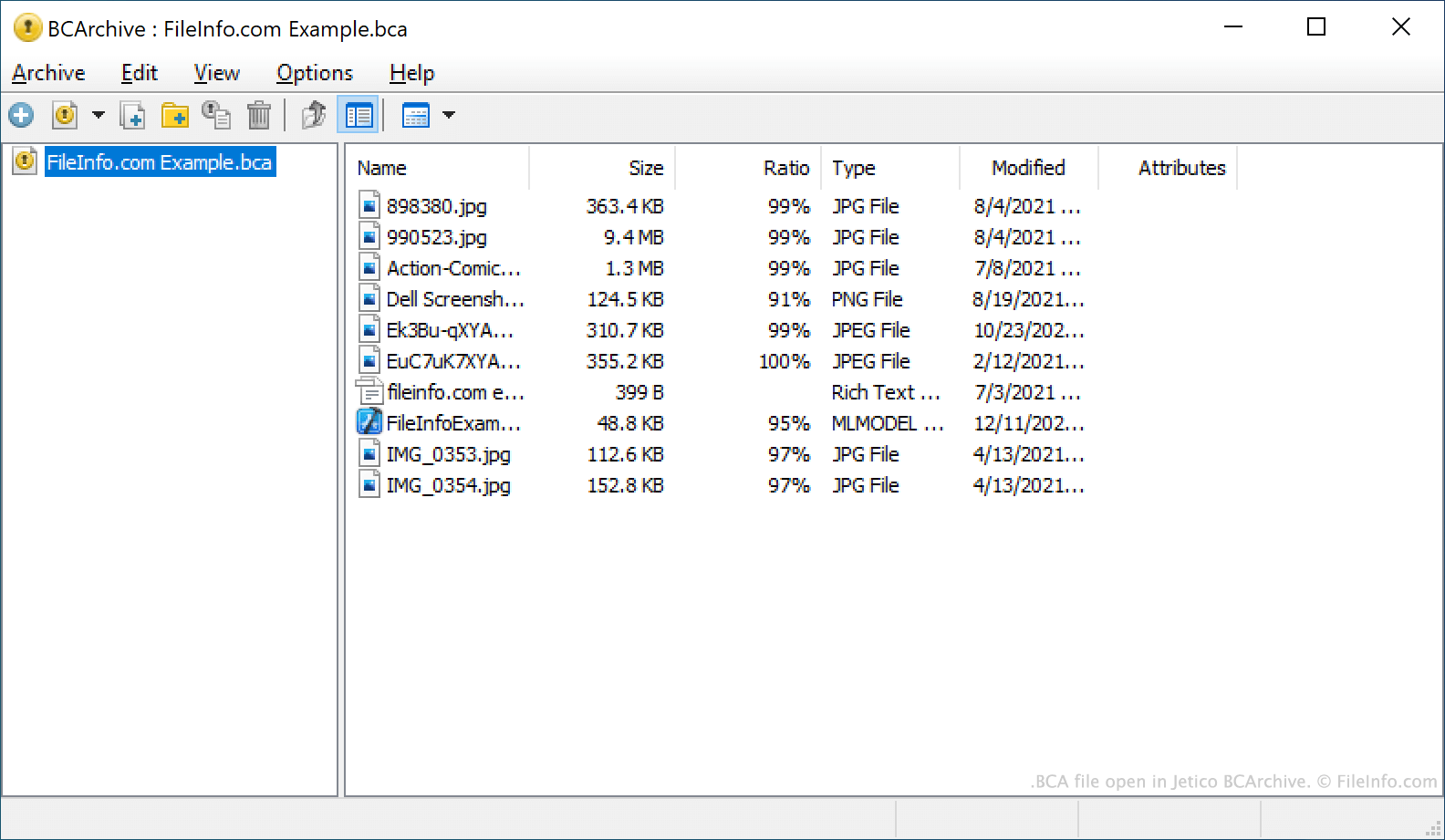
BCArchive est un outil d'archivage de fichiers qui peut être utilisé pour compresser, regrouper et chiffrer des fichiers. Cela permet aux utilisateurs de partager leurs fichiers en toute sécurité avec d'autres personnes, ainsi que de conserver les archives compressées et chiffrées comme sauvegardes de fichiers.
Les archives créées par BCArchive sont enregistrées sous forme de fichiers BCA. Les fichiers BCA peuvent être chiffrés à l'aide de nombreux algorithmes de chiffrement, notamment :
- Des algorithmes symétriques comme Rijndael (AES), Blowfish-256 ou Blowfish-448
- Des algorithmes de hachage sécurisé comme SHA-256, SHA-1 ou MD5
- Des algorithmes asymétriques comme RSA ou ElGamal
Chaque fichier BCA est chiffré à l'aide d'un mot de passe ou d'une clé publique. Pour déchiffrer un fichier BCA et extraire les fichiers qu'il contient, un utilisateur doit posséder le mot de passe ou la clé publique utilisés pour chiffrer le fichier.
Comment ouvrir un fichier BCA
Vous pouvez ouvrir un fichier BCA dans Jetico BCArchive (Windows). Pour ce faire, sélectionnez dans la barre de menus du programme. Ensuite, accédez à votre fichier BCA et sélectionnez-le. N'oubliez pas que vous devez connaître le mot de passe ou la clé publique utilisés pour créer votre fichier BCA afin de pouvoir l'ouvrir.