

.XSOSD Rozszerzenie pliku
Skórka ProgDVB
| Deweloper | Prog |
| Popularność |
3,0 | 1 Głos |
Czym jest plik XSOSD?
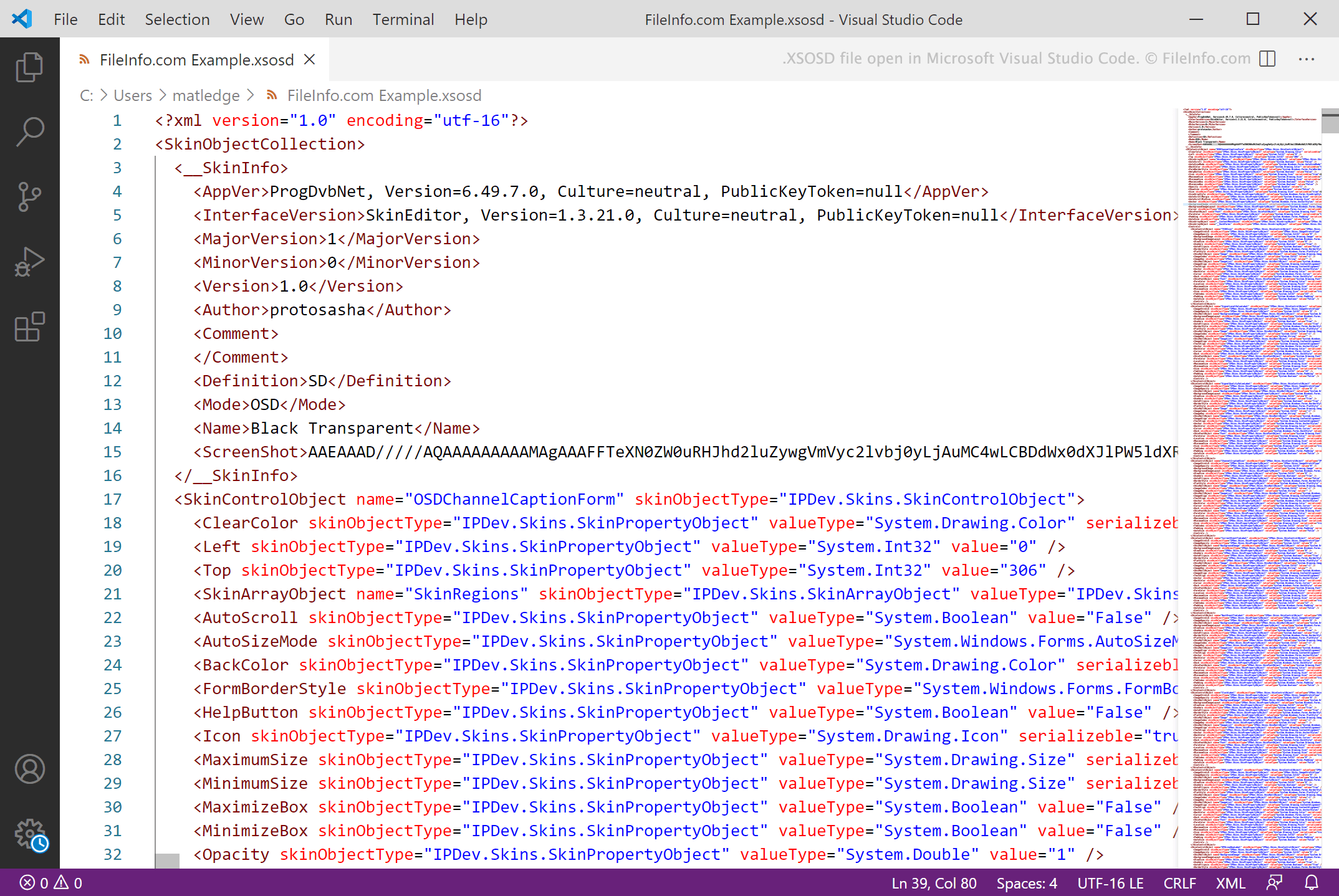
Plik XSOSD to skórka utworzona do użytku z programem ProgDVB, służącym do oglądania telewizji cyfrowej i słuchania kanałów radiowych. Zawiera tekst w formacie XML, który definiuje ustawienia skórki i metadane. Pliki XSOSD są tworzone za pomocą programu SkinEditor dołączonego do ProgDVB.
Więcej informacji
ProgDVB to program dla systemu Windows, który umożliwia użytkownikom oglądanie telewizji cyfrowej i słuchanie radia na komputerze. Użytkownicy mogą także zmieniać interfejs użytkownika i wygląd ProgDVB za pomocą niestandardowych skórek, które często są zapisywane jako pliki XSOSD.
Pliki XSOSD to pliki XML tworzone za pomocą programu SkinEditor dołączonego do ProgDVB. Zawierają tekst definiujący nazwę skórki, wersję ProgDVB, z którą skórka ma być używana, oraz ustawienia wyświetlania skórki. ProgDVB zawiera kilka domyślnych plików XSOSD, a użytkownicy mogą pobrać wiele dodatkowych plików XSOSD z sekcji na stronie internetowej ProgDVB.
UWAGA: Skórki ProgDVB używają także rozszerzenia .xskin.
Jak otworzyć plik XSOSD
Plik XSOSD można otworzyć w programie ProgDVB (Windows) i użyć go jako skórki ProgDVB. Aby to zrobić:
- Umieść plik w folderze Skins programu ProgDVB.
- W programie ProgDVB wybierz .
- Z menu rozwijanego Skin wybierz swój plik XSOSD.