

.XSOSD ファイル拡張子
ProgDVBスキン
| 開発元 | Prog |
| 人気度 |
3.0 | 1 票 |
XSOSDファイルとは?
XSOSDファイルは、デジタルテレビの視聴やラジオチャンネルの聴取に使用するプログラム、ProgDVBで使用するために作成されたスキンです。スキンの設定とメタデータを定義するXML形式のテキストが含まれています。XSOSDファイルは、ProgDVBのSkinEditorを使用して作成します。
詳細情報
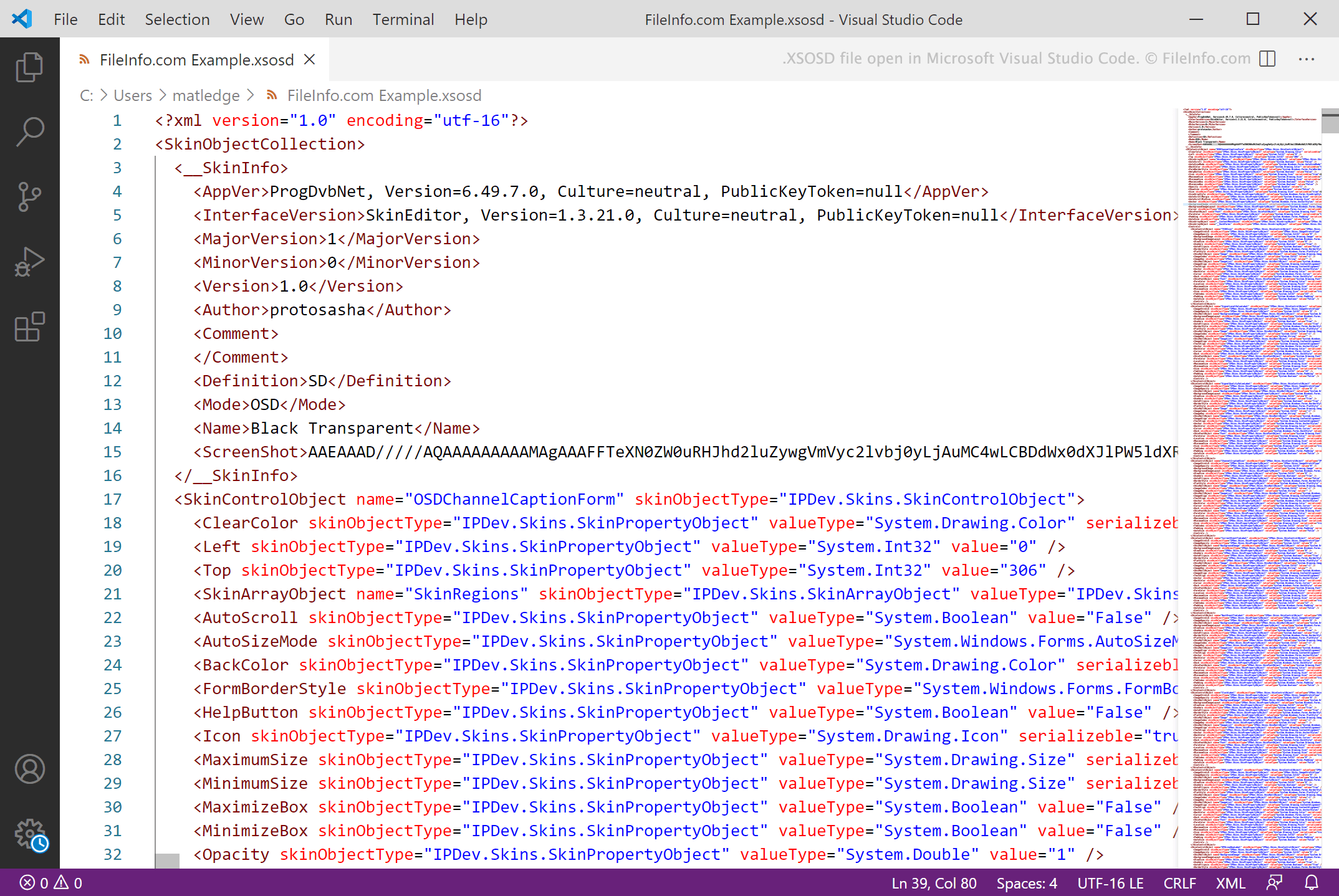
ProgDVBは、ユーザーがコンピューターでデジタルテレビを視聴したり、ラジオを聴いたりできるWindowsプログラムです。ユーザーはカスタムスキンを使用してProgDVBのユーザーインターフェースや外観を変更することもできます。カスタムスキンは、XSOSDファイルとして保存されることがよくあります。
XSOSDファイルは、ProgDVBのSkinEditorを使用して作成されるXMLファイルです。スキンの名前、スキンを使用するProgDVBのバージョン、スキンの表示設定を定義するテキストが含まれています。ProgDVBにはデフォルトのXSOSDファイルがいくつか含まれており、ユーザーはProgDVBのWebサイトのセクションから、さまざまな追加のXSOSDファイルをダウンロードできます。
注: ProgDVBのスキンでは、.xskin拡張子も使用されます。
XSOSDファイルの開き方
XSOSDファイルは、ProgDVB(Windows)で開き、ProgDVBのスキンとして使用できます。手順は次のとおりです。
- ファイルをProgDVBのSkinsフォルダーに配置します。
- ProgDVBでを選択します。
- SkinドロップダウンメニューからXSOSDファイルを選択します。
XSOSDファイルを開くプログラム
Windows
無料体験版