

.XSOSD Bestandsextensie
ProgDVB-skin
| Ontwikkelaar | Prog |
| Populariteit |
3,0 | 1 stem |
Wat is een XSOSD-bestand?
Een XSOSD-bestand is een skin die is gemaakt voor gebruik met ProgDVB, een programma waarmee je digitale tv kunt kijken en naar radiozenders kunt luisteren. Het bevat tekst in XML-indeling die de instellingen en metadata van een skin definieert. XSOSD-bestanden worden gemaakt met ProgDVB's SkinEditor.
Meer informatie
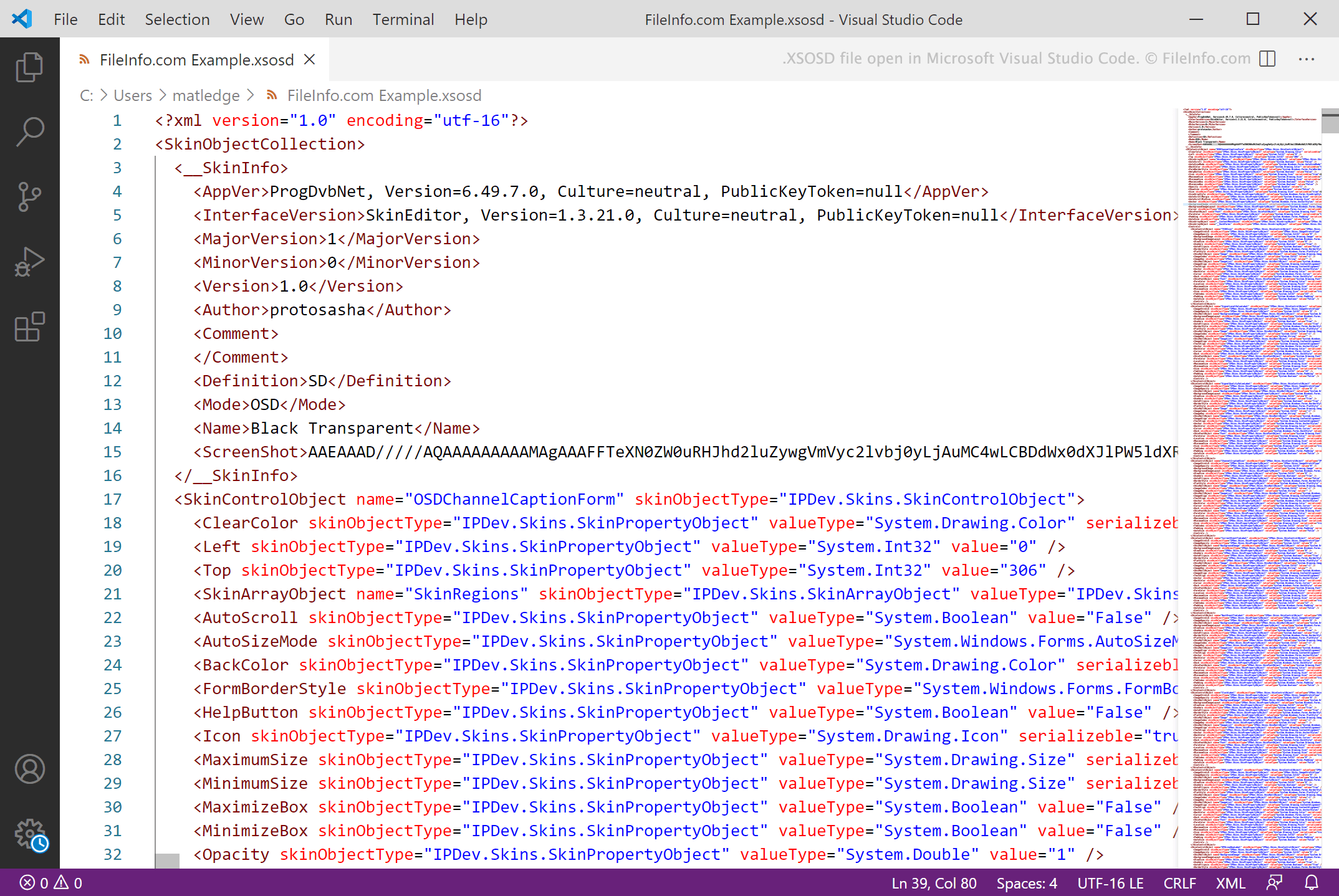
ProgDVB is een Windows-programma waarmee je digitale tv kunt kijken en naar de radio kunt luisteren op je computer. Je kunt ook de UI en het uiterlijk van ProgDVB aanpassen met aangepaste skins, die vaak als XSOSD-bestanden worden opgeslagen.
XSOSD-bestanden zijn XML-bestanden die worden gemaakt met ProgDVB's SkinEditor. Ze bevatten tekst die de naam van de skin, de versie van ProgDVB waarvoor de skin bedoeld is en de weergave-instellingen van de skin definieert. ProgDVB bevat een aantal standaard-XSOSD-bestanden en je kunt verschillende extra XSOSD-bestanden downloaden uit het gedeelte op de website van ProgDVB.
OPMERKING: ProgDVB-skins gebruiken ook de extensie .xskin.
Een XSOSD-bestand openen
Je kunt een XSOSD-bestand openen in ProgDVB (Windows) en het als ProgDVB-skin gebruiken. Ga hiervoor als volgt te werk:
- Plaats het bestand in de map Skins van ProgDVB.
- Selecteer in ProgDVB .
- Selecteer je XSOSD-bestand in het vervolgkeuzemenu Skin.