

.XSOSD 파일 확장자
ProgDVB 스킨
| 개발사 | Prog |
| 인기도 |
3.0 | 1 표 |
XSOSD 파일이란 무엇인가요?
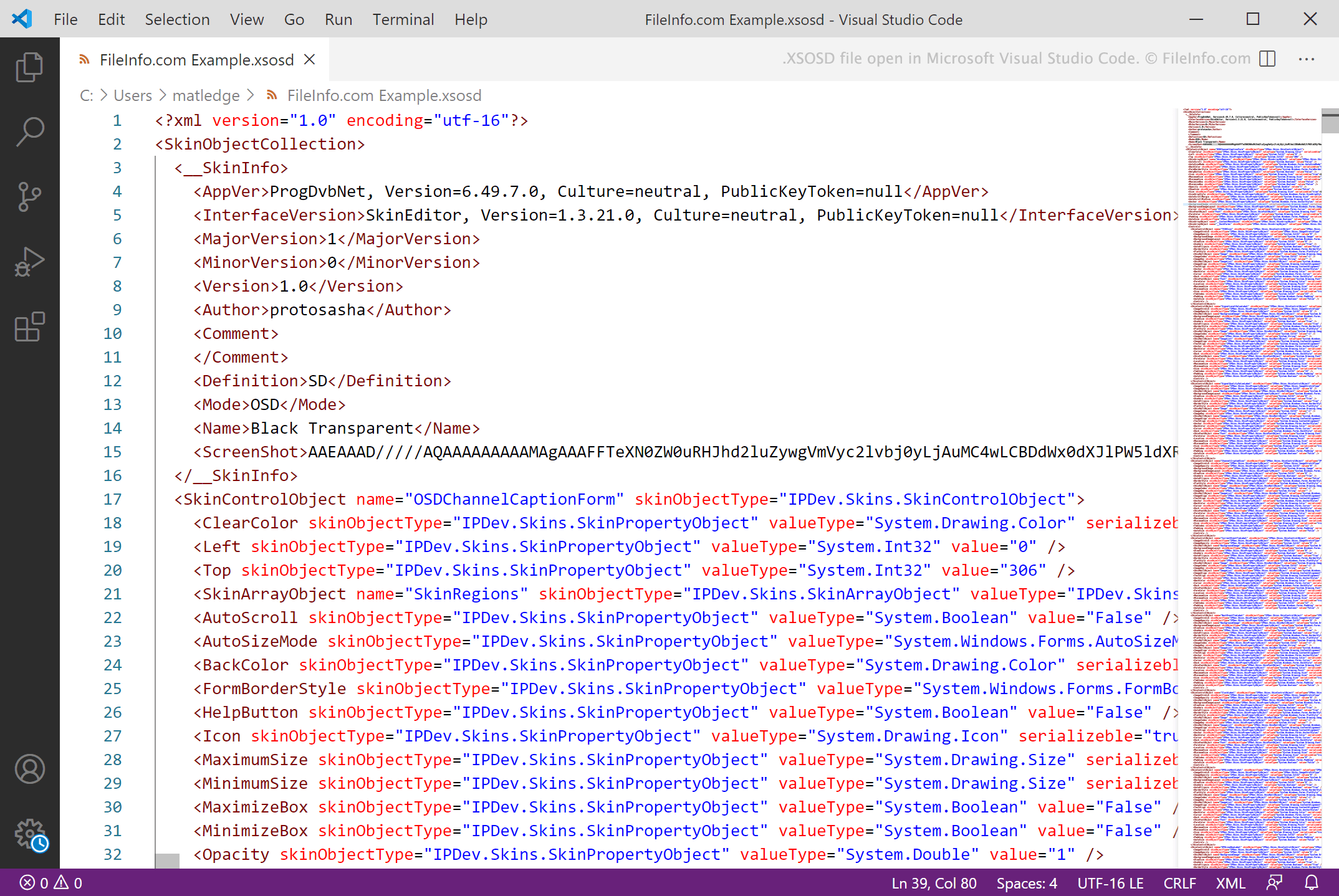
XSOSD 파일은 디지털 TV를 시청하고 라디오 채널을 청취하는 데 사용하는 프로그램인 ProgDVB에서 사용하도록 만든 스킨입니다. 이 파일에는 스킨의 설정과 메타데이터를 정의하는 XML 형식의 텍스트가 포함되어 있습니다. XSOSD 파일은 ProgDVB의 SkinEditor를 사용하여 만듭니다.
추가 정보
ProgDVB는 사용자가 컴퓨터에서 디지털 TV를 시청하고 라디오를 청취할 수 있도록 해 주는 Windows 프로그램입니다. 또한 사용자는 사용자 지정 스킨을 사용하여 ProgDVB의 UI와 외관을 변경할 수 있으며, 이러한 스킨은 XSOSD 파일로 저장되는 경우가 많습니다.
XSOSD 파일은 ProgDVB의 SkinEditor를 사용하여 만드는 XML 파일입니다. 이 파일에는 스킨의 이름, 스킨을 사용하도록 만들어진 ProgDVB 버전, 스킨의 표시 설정을 정의하는 텍스트가 포함되어 있습니다. ProgDVB에는 기본 XSOSD 파일이 몇 개 포함되어 있으며, 사용자는 ProgDVB 웹사이트의 섹션에서 다양한 추가 XSOSD 파일을 다운로드할 수 있습니다.
참고: ProgDVB 스킨은 .xskin 확장자도 사용합니다.
XSOSD 파일을 여는 방법
ProgDVB(Windows)에서 XSOSD 파일을 열고 ProgDVB 스킨으로 사용할 수 있습니다. 방법은 다음과 같습니다:
- 파일을 ProgDVB의 Skins 폴더에 넣습니다.
- ProgDVB에서 를 선택합니다.
- 스킨 드롭다운 메뉴에서 XSOSD 파일을 선택합니다.
XSOSD 파일을 여는 프로그램
Windows
무료 체험판