

.WEBLOC Rozszerzenie pliku
Lokalizacja witryny macOS
| Deweloper | Apple |
| Popularność |
3,4 | 111 Głosów |
Czym jest plik WEBLOC?
Plik WEBLOC to skrót do witryny utworzony przez przeglądarkę internetową systemu macOS, taką jak Apple Safari lub Google Chrome. Zawiera adres URL, który użytkownik może otworzyć w przeglądarce internetowej, klikając dwukrotnie plik. Użytkownicy tworzą pliki WEBLOC, przeciągając adres URL z przeglądarki internetowej na pulpit.
Więcej informacji
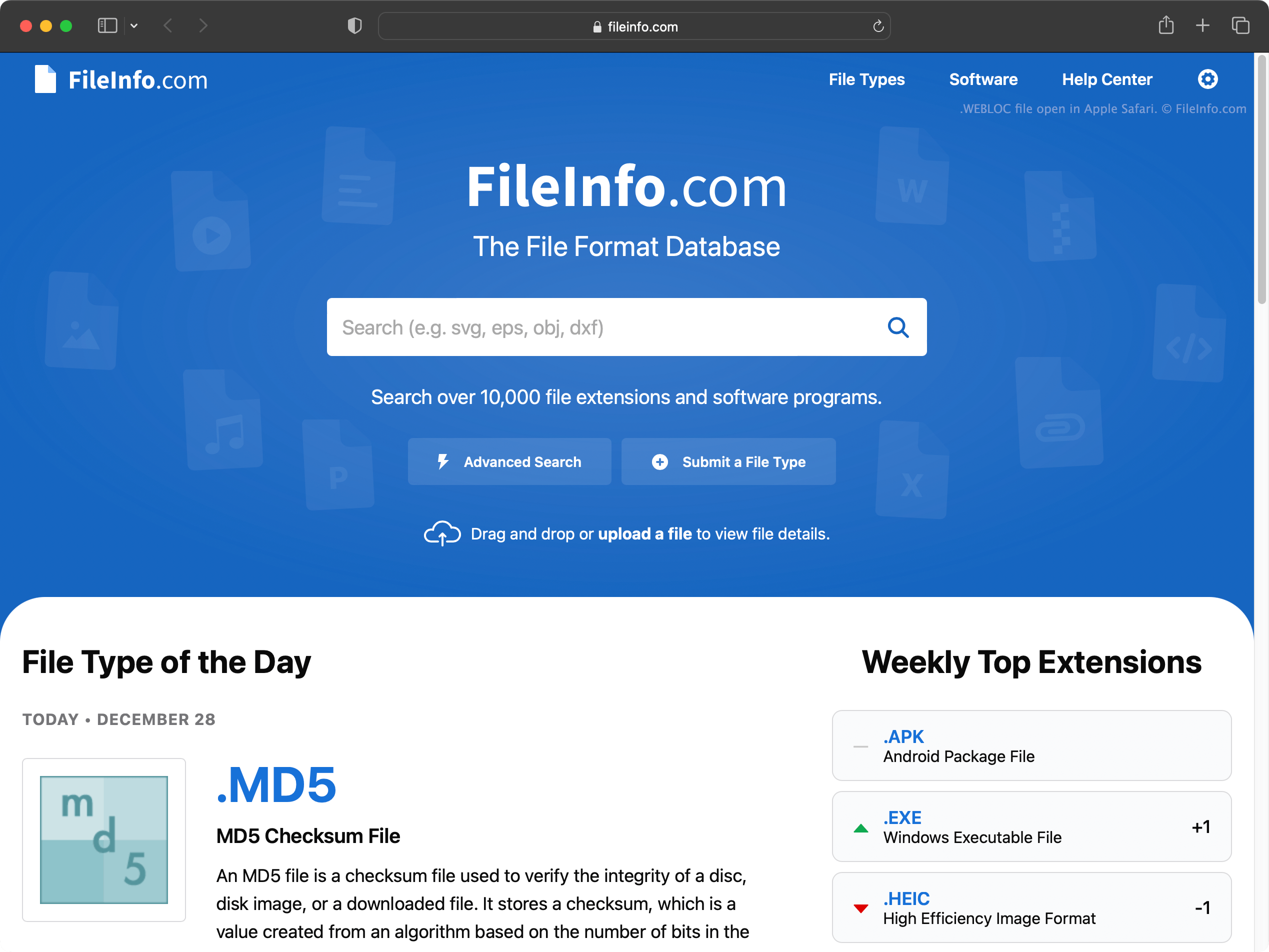
W systemie macOS możesz szybko utworzyć skróty do konkretnych stron internetowych, wykonując następujące czynności:
- Zaznacz adres URL na pasku adresu przeglądarki.
- Kliknij ten adres URL i przeciągnij go na pulpit (lub do innego folderu).
Spowoduje to utworzenie pliku WEBLOC, którego nazwa pochodzi od strony internetowej, do której prowadzi.
Pliki WEBLOC możesz tworzyć i otwierać za pomocą dowolnej przeglądarki internetowej systemu macOS, w tym Safari, Google Chrome i Mozilla Firefox. Po dwukrotnym kliknięciu pliku WEBLOC strona internetowa, do której prowadzi plik, zostanie otwarta w domyślnej przeglądarce internetowej. Jeśli na przykład Google Chrome jest domyślną przeglądarką, strona otworzy się w Google Chrome.
Wersja przeglądarki Safari dla systemu Windows, wycofana w 2012 roku, nie obsługuje plików WEBLOC. Możesz jednak otwierać pliki WEBLOC w systemie Windows za pomocą programu WeblocOpener. Po skopiowaniu pliku WEBLOC na komputer z systemem Windows system Windows może wyświetlić dwa pliki: [filename].webloc i [filename]._webloc.
Jak otworzyć plik WEBLOC
Aby otworzyć w systemie macOS stronę internetową, do której prowadzi plik WEBLOC, kliknij dwukrotnie plik. Spowoduje to otwarcie strony w domyślnej przeglądarce internetowej.
W systemach Windows i Linux możesz użyć programu WeblocOpener do otwierania plików WEBLOC w przeglądarce internetowej.
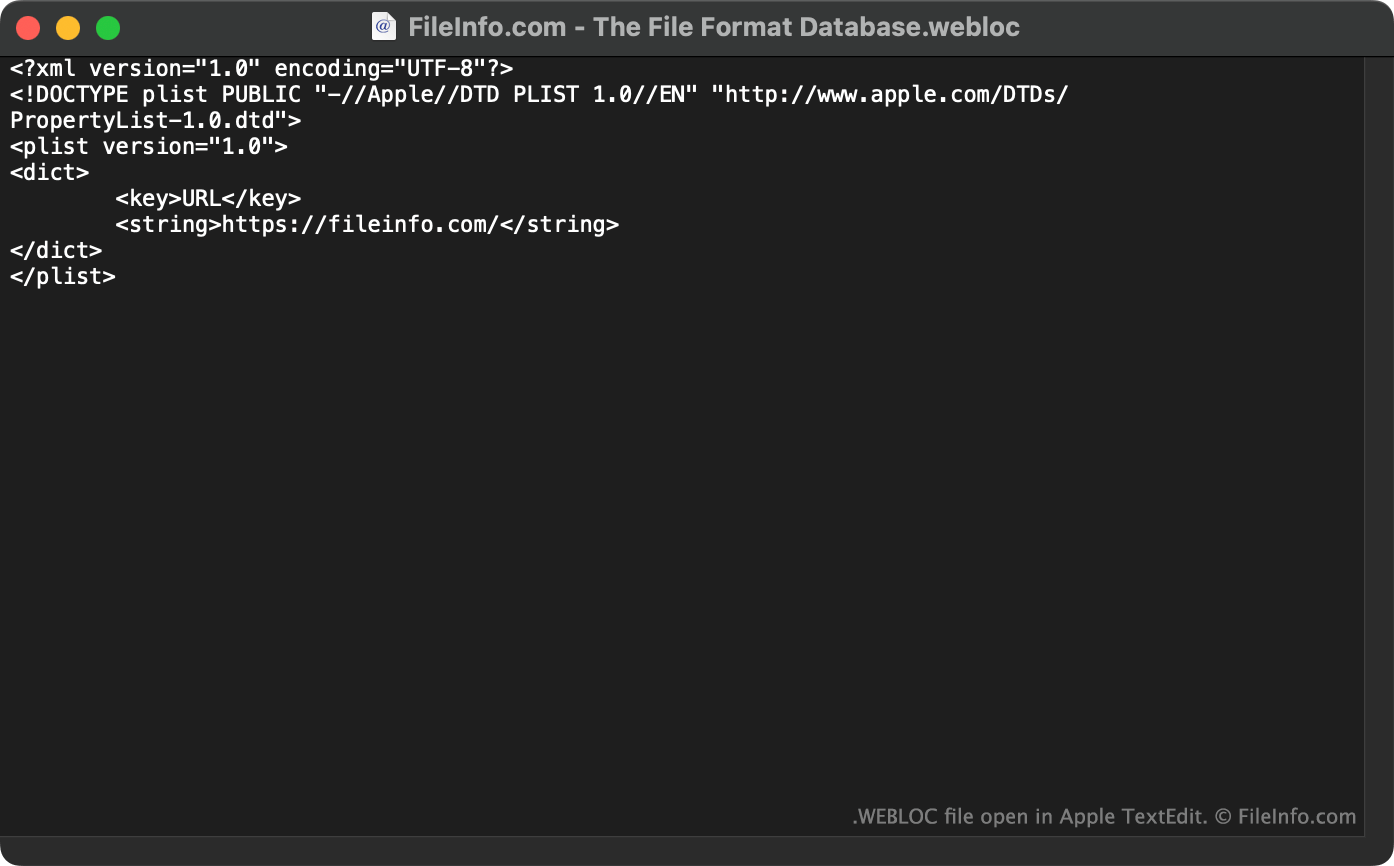
Pliki WEBLOC możesz także otwierać w programie Apple TextEdit (Mac), Microsoft Notepad (Windows) lub dowolnym innym edytorze tekstu, aby wyświetlić adres URL (oraz inne dane) zawarty w pliku.