

.WEBLOC ファイル拡張子
macOS Webサイトの場所
| 開発元 | Apple |
| 人気度 |
3.4 | 111 票 |
WEBLOCファイルとは?
WEBLOCファイルは、Apple SafariやGoogle ChromeなどのmacOSのWebブラウザーが作成するWebサイトへのショートカットです。このファイルにはURLが含まれており、ファイルをダブルクリックすると、Webブラウザーで開くことができます。ユーザーは、WebブラウザーからURLをデスクトップにドラッグしてWEBLOCファイルを作成します。
詳細情報
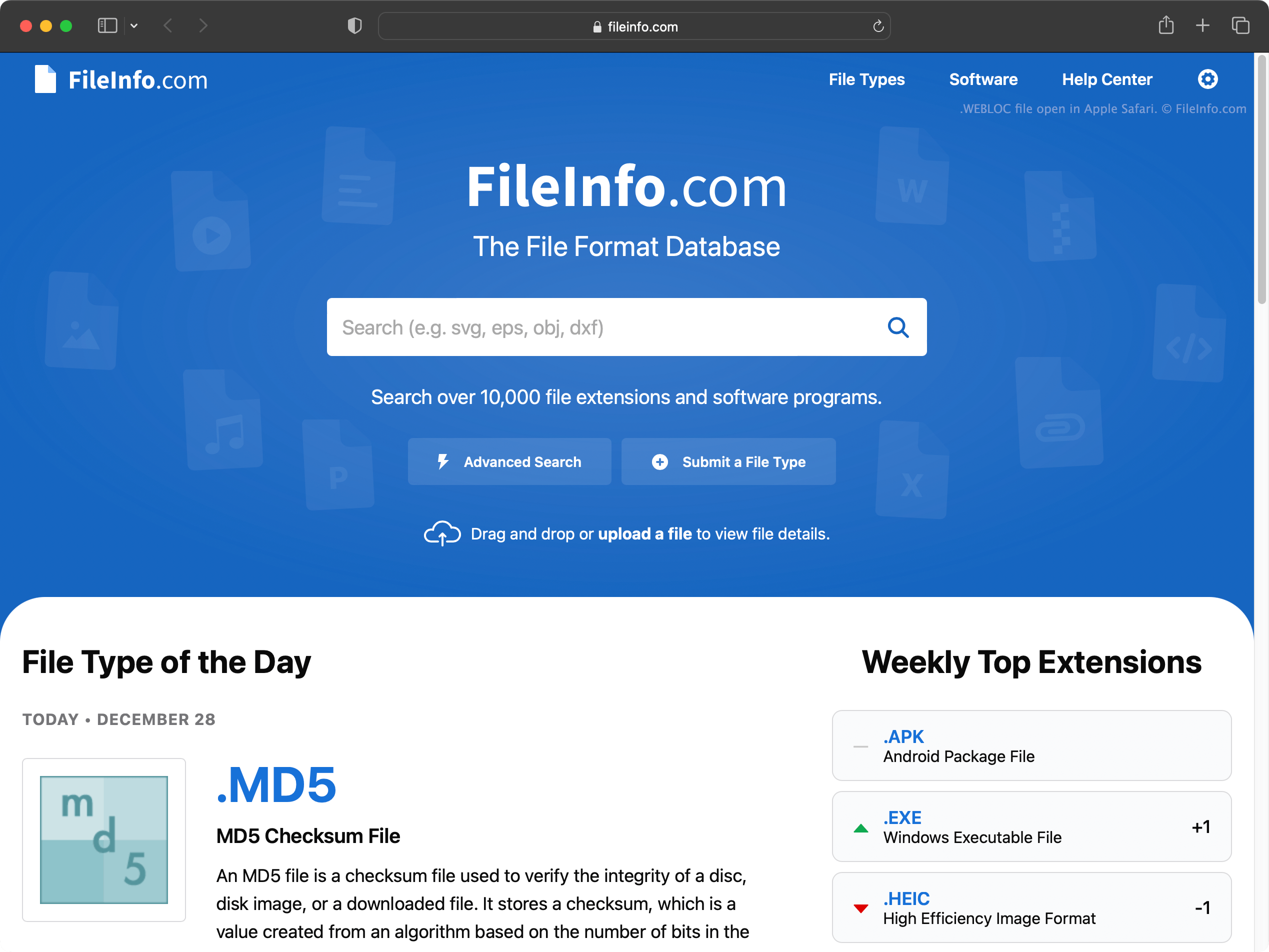
macOSでは、次の方法で特定のWebページへのショートカットをすばやく作成できます。
- ブラウザーのアドレスバーでURLを選択します。
- そのURLをデスクトップ(または別のフォルダー)にクリックしてドラッグします。
これにより、リンク先のWebページの名前が付いたWEBLOCファイルが作成されます。
Safari、Google Chrome、Mozilla Firefoxなど、macOSのどのWebブラウザーでもWEBLOCファイルを作成して開くことができます。WEBLOCファイルをダブルクリックすると、ファイルのリンク先のWebページがデフォルトのWebブラウザーで開きます。たとえば、デフォルトのブラウザーがGoogle Chromeの場合、ページはGoogle Chromeで開きます。
2012年に提供終了したWindows版Safariは、WEBLOCファイルをサポートしていません。ただし、WindowsではWeblocOpenerを使ってWEBLOCファイルを開くことができます。WEBLOCファイルをWindowsコンピューターにコピーすると、Windowsに2つのファイルが表示される場合があります。[filename].weblocと[filename]._weblocです。
WEBLOCファイルの開き方
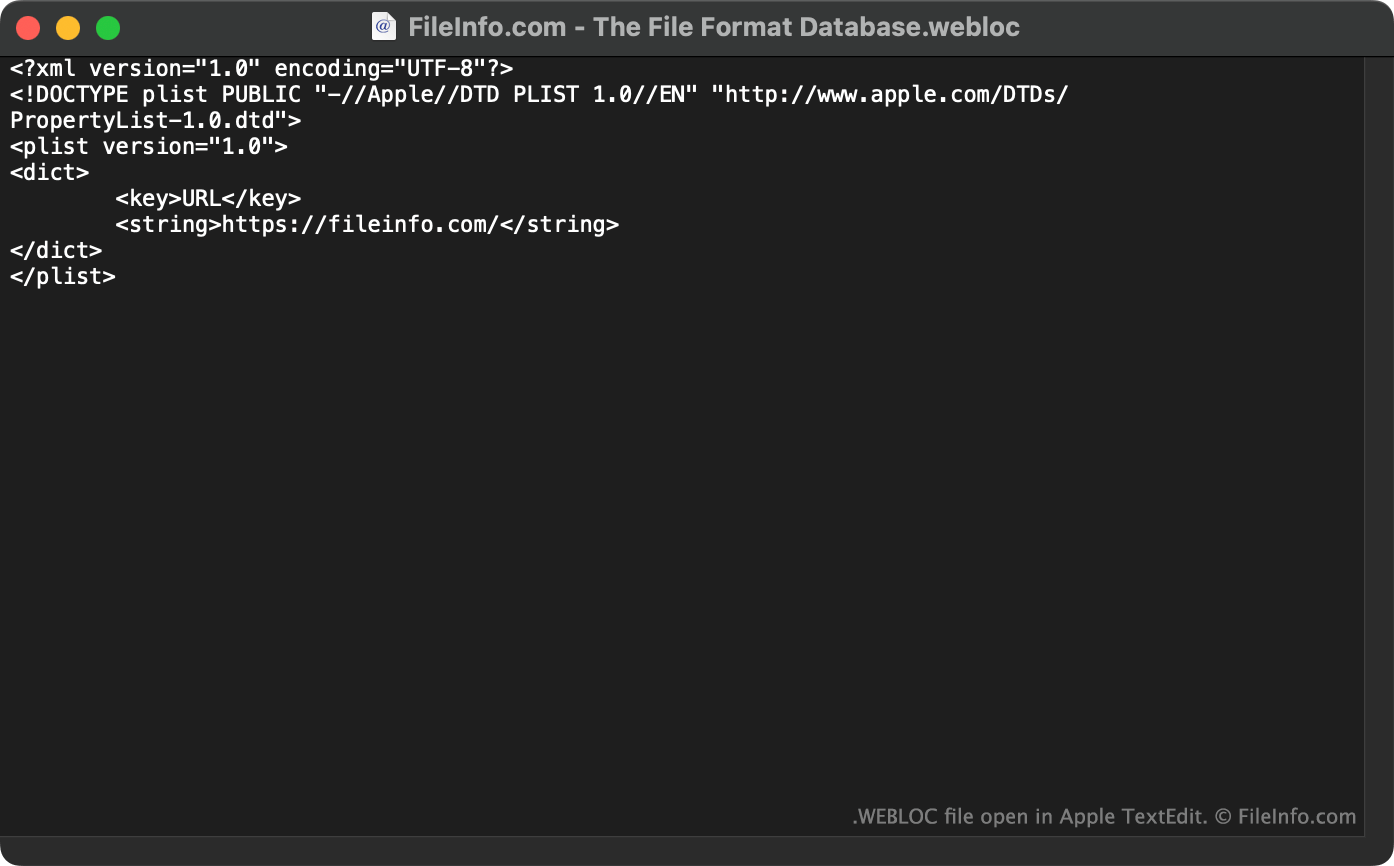
macOSでWEBLOCファイルのリンク先のWebページを開くには、ファイルをダブルクリックします。これにより、WebページがデフォルトのWebブラウザーで開きます。
WindowsおよびLinuxでは、WeblocOpenerを使ってWEBLOCファイルをWebブラウザーで開くことができます。
また、Apple TextEdit(Mac)、Microsoft Notepad(Windows)、またはその他のテキストエディターでWEBLOCファイルを開くと、ファイルに含まれるURL(およびその他のデータ)を確認できます。