

.WEBLOC Dateiendung
macOS-Webseitenverknüpfung
| Entwickler | Apple |
| Beliebtheit |
3,4 | 111 Stimmen |
Was ist eine WEBLOC-Datei?
Eine WEBLOC-Datei ist eine Webseitenverknüpfung, die von einem Webbrowser unter macOS erstellt wurde, beispielsweise Apple Safari oder Google Chrome. Sie enthält eine URL, die ein Benutzer durch Doppelklicken auf die Datei in seinem Webbrowser öffnen kann. Benutzer erstellen WEBLOC-Dateien, indem sie eine URL aus ihrem Webbrowser auf den Schreibtisch ziehen.
Weitere Informationen
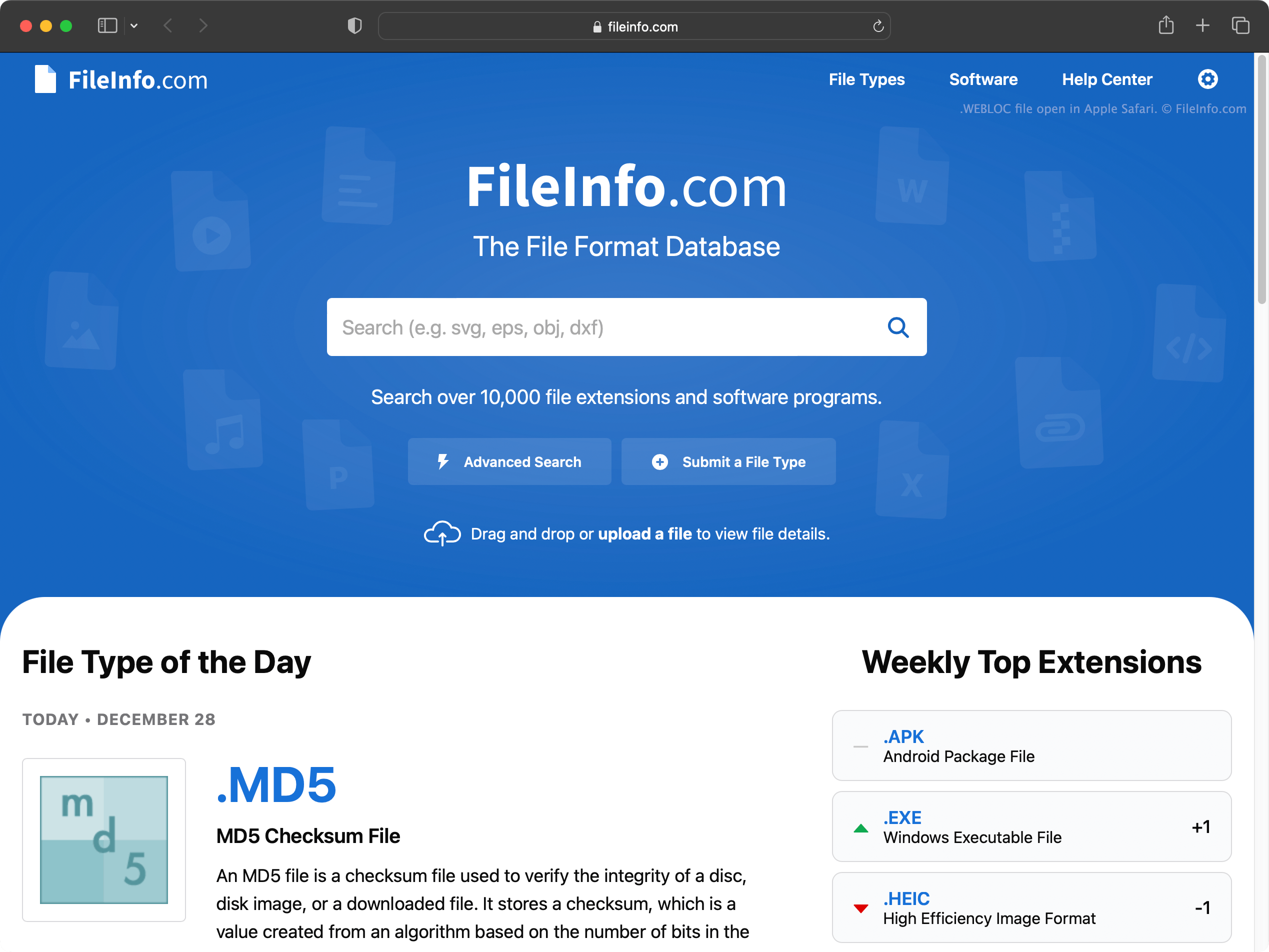
Unter macOS können Sie schnell Verknüpfungen zu bestimmten Webseiten erstellen, indem Sie:
- eine URL in der Adressleiste Ihres Browsers markieren.
- diese URL auf Ihren Schreibtisch (oder in einen anderen Ordner) klicken und ziehen.
Dadurch wird eine WEBLOC-Datei erstellt, die nach der Webseite benannt ist, auf die sie verweist.
Sie können WEBLOC-Dateien mit jedem Webbrowser für macOS erstellen und öffnen, einschließlich Safari, Google Chrome und Mozilla Firefox. Wenn Sie auf eine WEBLOC-Datei doppelklicken, wird die Webseite, auf die die Datei verweist, in Ihrem Standardwebbrowser geöffnet. Wenn beispielsweise Google Chrome Ihr Standardbrowser ist, wird die Seite in Google Chrome geöffnet.
Die Windows-Version von Safari, deren Entwicklung 2012 eingestellt wurde, unterstützt keine WEBLOC-Dateien. Sie können WEBLOC-Dateien unter Windows jedoch mit WeblocOpener öffnen. Wenn Sie eine WEBLOC-Datei auf einen Windows-Computer kopieren, zeigt Windows möglicherweise zwei Dateien an: [filename].webloc und [filename]._webloc.
So öffnen Sie eine WEBLOC-Datei
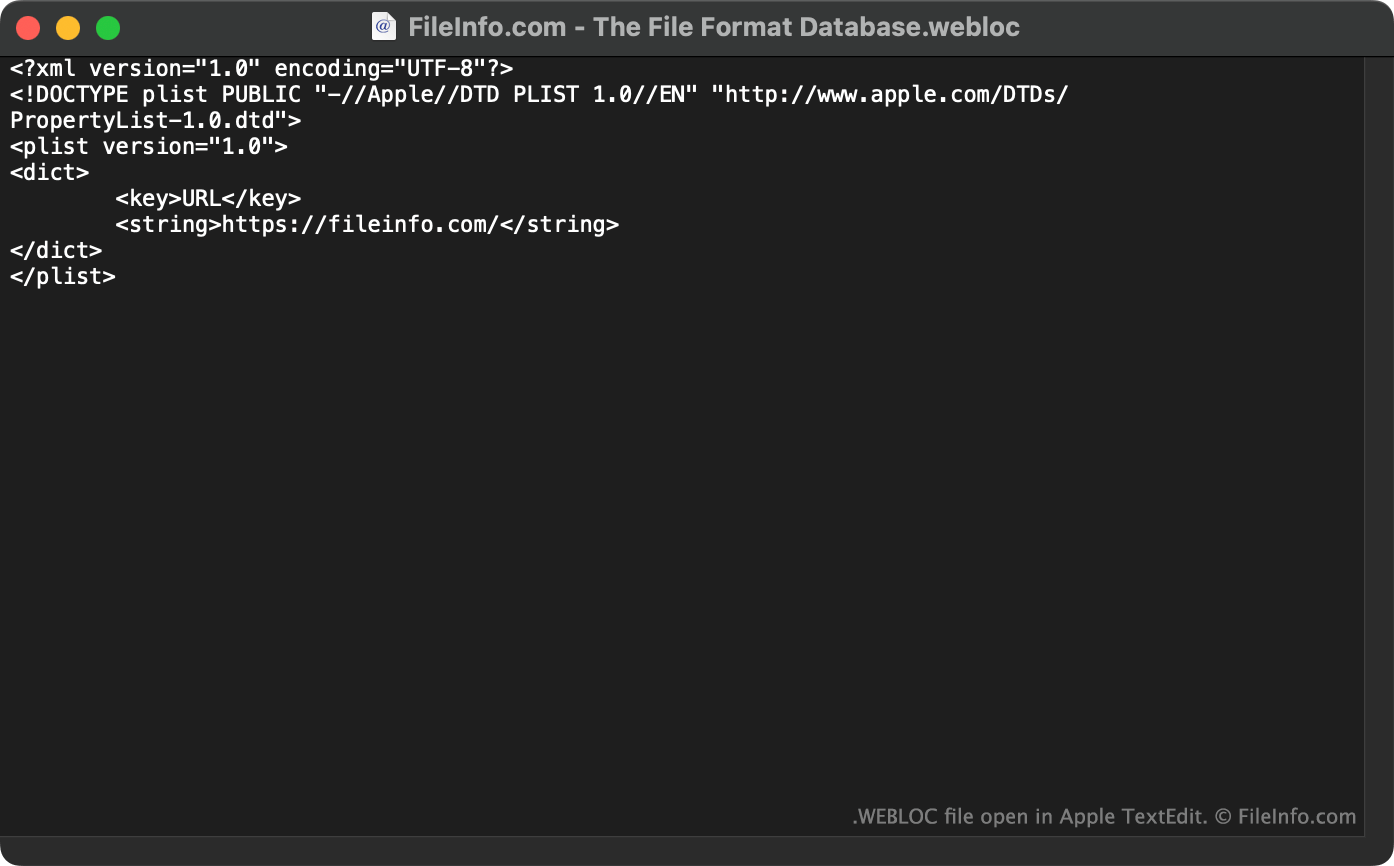
Um die Webseite, auf die eine WEBLOC-Datei verweist, unter macOS zu öffnen, doppelklicken Sie auf die Datei. Dadurch wird die Webseite in Ihrem Standardwebbrowser geöffnet.
Unter Windows und Linux können Sie WeblocOpener verwenden, um WEBLOC-Dateien in Ihrem Webbrowser zu öffnen.
Sie können WEBLOC-Dateien auch in Apple TextEdit (Mac), Microsoft Notepad (Windows) oder einem anderen Texteditor öffnen, um die URL (und weitere Daten) anzuzeigen, die die Datei enthält.