

.WEBLOC 파일 확장자
macOS 웹 사이트 위치
| 개발사 | Apple |
| 인기도 |
3.4 | 111 표 |
WEBLOC 파일이란 무엇인가요?
WEBLOC 파일은 Apple Safari 또는 Google Chrome과 같은 macOS 웹 브라우저가 만든 웹 사이트 바로 가기입니다. 이 파일에는 사용자가 파일을 두 번 클릭하여 웹 브라우저에서 열 수 있는 URL이 포함되어 있습니다. 사용자는 웹 브라우저에서 URL을 바탕 화면으로 드래그하여 WEBLOC 파일을 만듭니다.
추가 정보
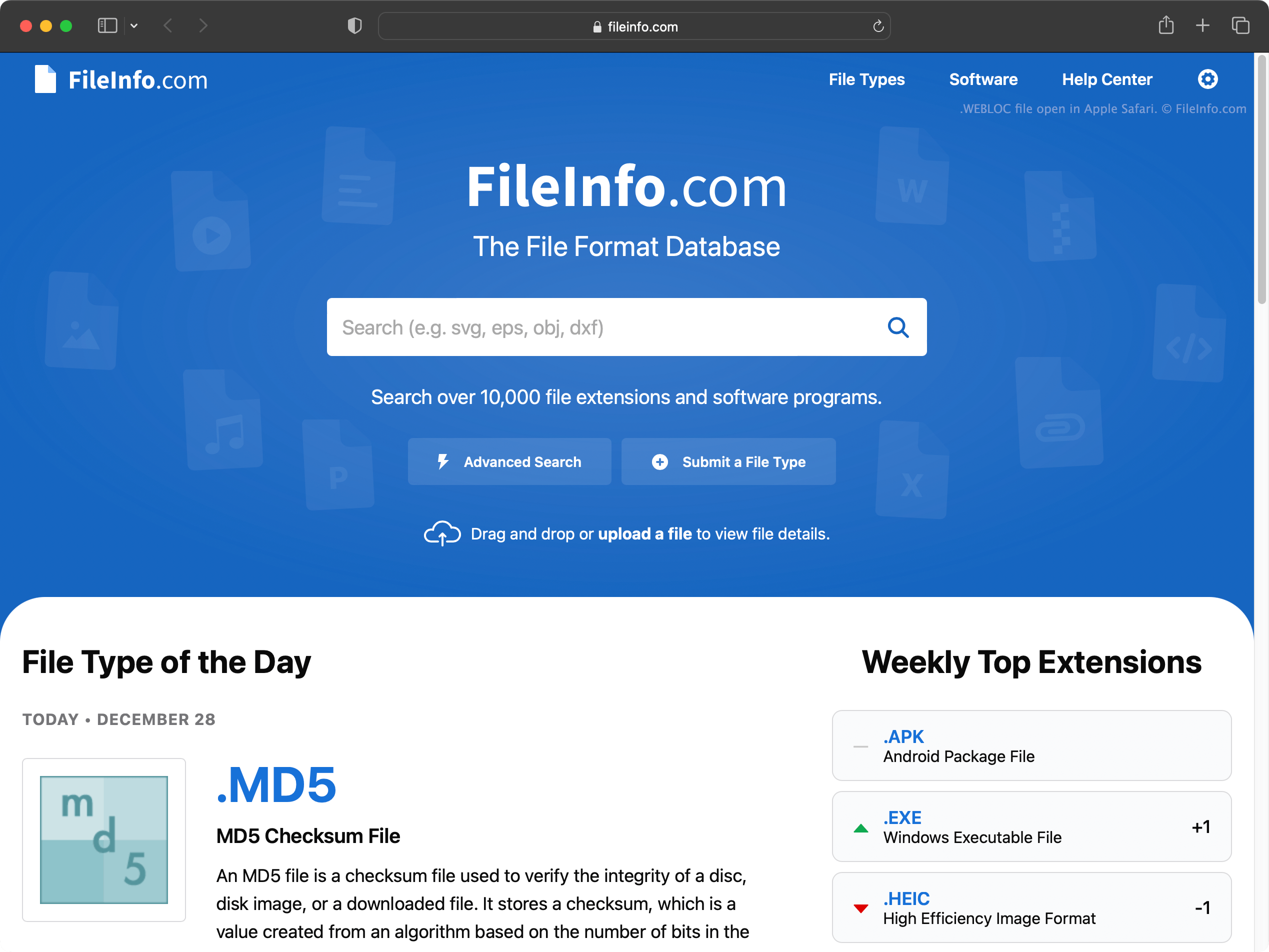
macOS에서는 다음과 같은 방법으로 특정 웹 페이지의 바로 가기를 빠르게 만들 수 있습니다.
- 브라우저의 주소 표시줄에서 URL을 강조 표시합니다.
- 해당 URL을 바탕 화면(또는 다른 폴더)으로 클릭하여 드래그합니다.
이렇게 하면 해당 웹 페이지의 이름을 따서 명명된 WEBLOC 파일이 만들어집니다.
Safari, Google Chrome, Mozilla Firefox를 비롯한 모든 macOS 웹 브라우저에서 WEBLOC 파일을 만들고 열 수 있습니다. WEBLOC 파일을 두 번 클릭하면 파일이 가리키는 웹 페이지가 기본 웹 브라우저에서 열립니다. 예를 들어 Google Chrome이 기본 브라우저라면 페이지가 Google Chrome에서 열립니다.
2012년에 지원이 중단된 Windows용 Safari는 WEBLOC 파일을 지원하지 않습니다. 그러나 Windows에서는 WeblocOpener를 사용하여 WEBLOC 파일을 열 수 있습니다. WEBLOC 파일을 Windows 컴퓨터에 복사하면 Windows에 다음과 같이 두 개의 파일이 표시될 수 있습니다. [filename].webloc 및 [filename]._webloc.
WEBLOC 파일을 여는 방법
macOS에서 WEBLOC 파일이 가리키는 웹 페이지를 열려면 파일을 두 번 클릭합니다. 그러면 웹 페이지가 기본 웹 브라우저에서 열립니다.
Windows 및 Linux에서는 WeblocOpener를 사용하여 웹 브라우저에서 WEBLOC 파일을 열 수 있습니다.
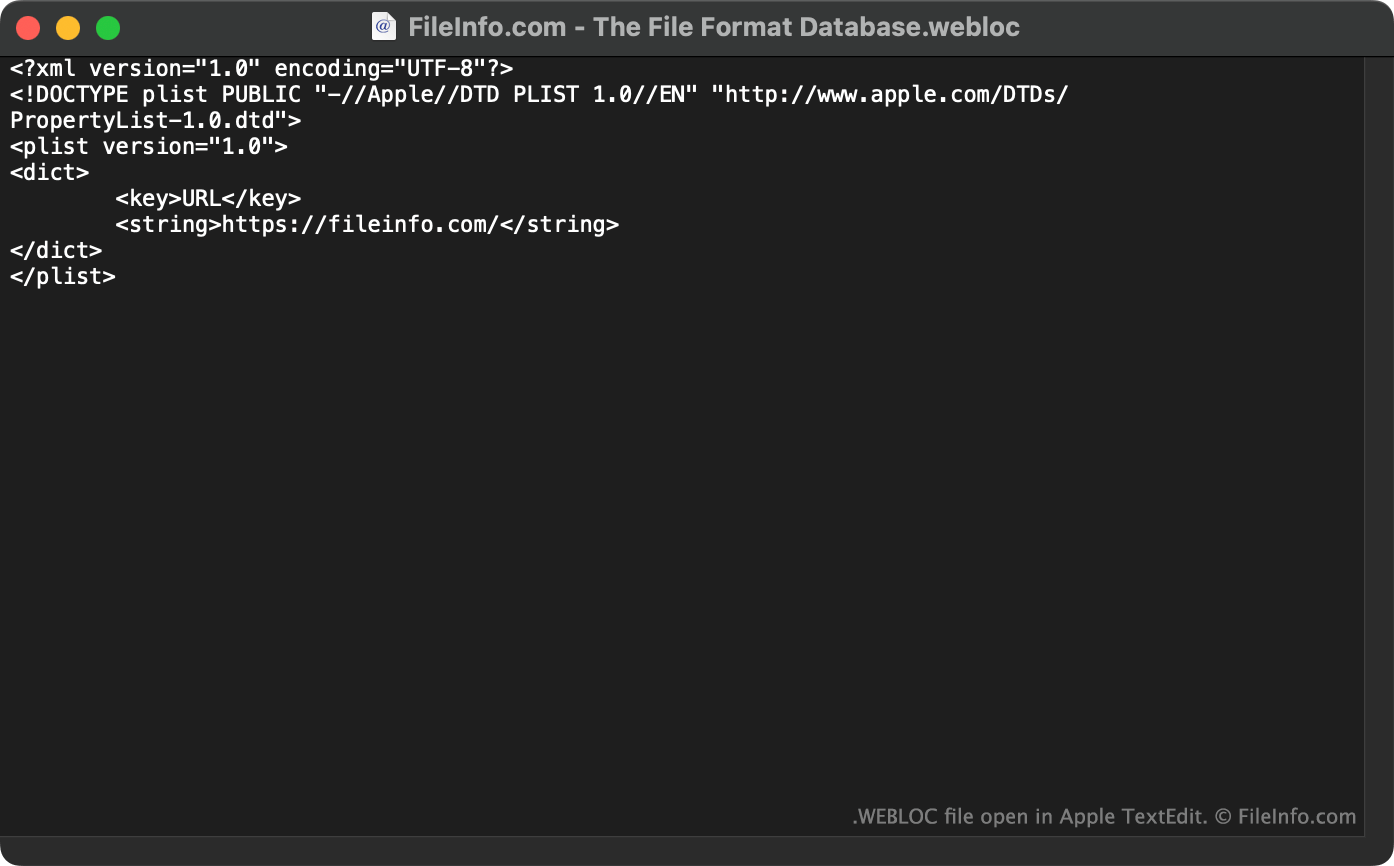
또한 Apple TextEdit(Mac), Microsoft Notepad(Windows) 또는 다른 텍스트 편집기에서 WEBLOC 파일을 열어 파일에 포함된 URL(및 기타 데이터)을 확인할 수 있습니다.