

.WFM Bestandsextensie
dBASE-formulier
| Ontwikkelaar | dBASE |
| Populariteit |
2,0 | 5 stemmen |
Een WFM-bestand is een formulier dat deel uitmaakt van de gebruikersinterface (UI) van een toepassing die is gebouwd met dBASE, een programma voor databasebeheer en IDE. Het bevat de plaatsing van onderdelen binnen het formulier, zoals invoervelden, afbeeldingen, lijstweergaven, knoppen en voortgangsbalken, die bepalen hoe een gebruiker omgaat met gegevens in de dBASE-database van een app.
Meer informatie
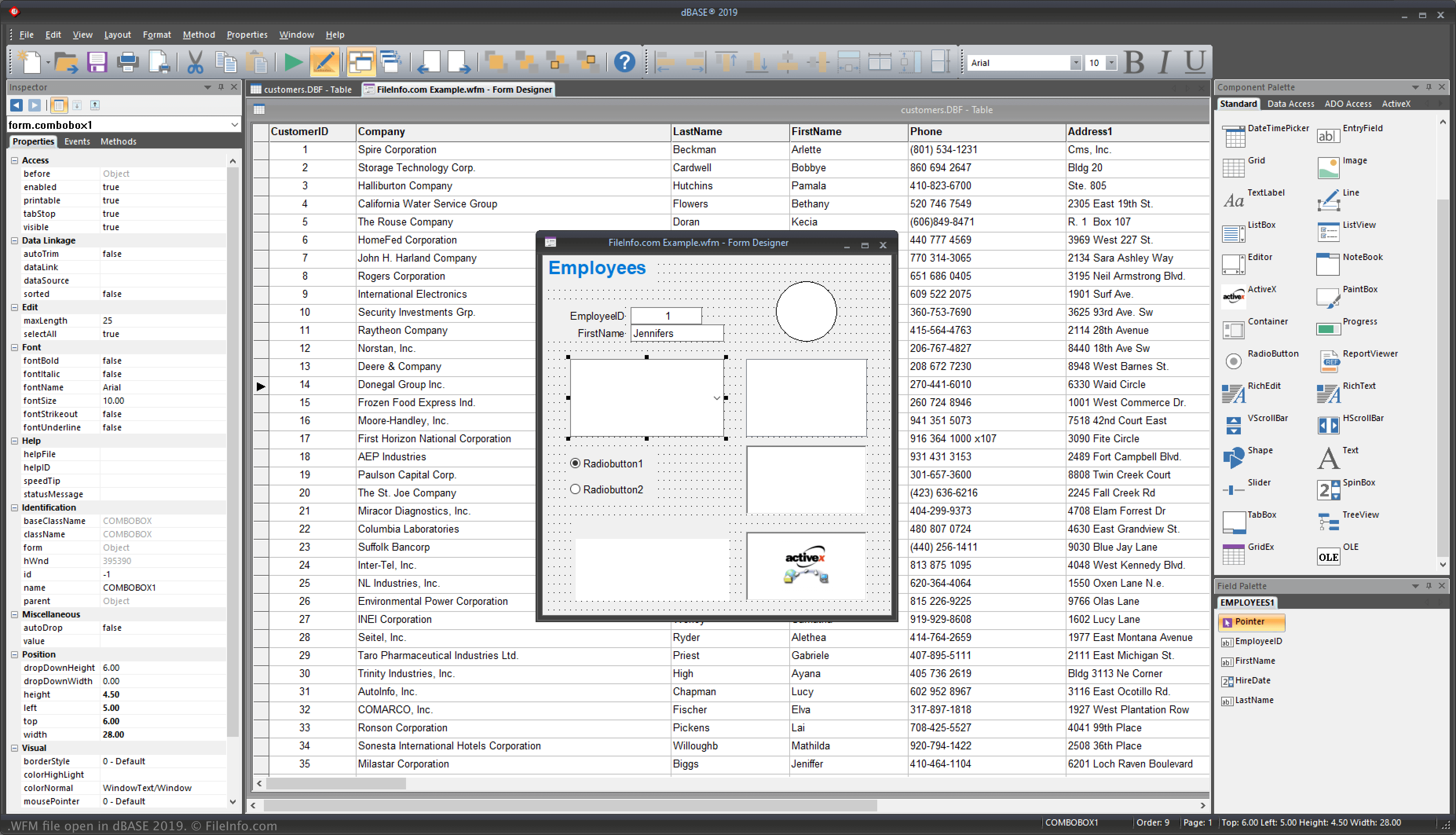
dBASE is een Windows-programma met verschillende functies voor het beheren van databases, het bouwen van programma's en het compileren daarvan. Wanneer je een app ontwikkelt met de IDE, fungeren formulieren als het "venster" voor de manier waarop gebruikers met de toepassing omgaan nadat deze is gecompileerd. Wanneer je formulieren configureert, configureer je dus de UI.
[h]Bestandsindeling van een WFM dBASE-formulier[/h}
Vier hoofdsecties vormen de WFM-bestandsindeling:
- Optionele koptekst - Bevat meestal opmerkingen waarin het bestand wordt beschreven.
- Bootstrapcode - Maakt een formulier aan en opent het wanneer je het formulier uitvoert.
- Hoofddefinitie van de CLASS - Vormt het grootste deel van het bestand; deze code vertegenwoordigt het formulier dat in de Form designing tool van dBASE is ontworpen.
- Algemeen - Bevat functies en klassen die niet tot de MAIN-klasse behoren.
OPMERKING: dBASE staat voor "dataBased Intelligence."
Een WFM-bestand openen
Je kunt WFM-bestanden in Windows openen met dBASE. Je kunt bijvoorbeeld een WFM-bestand openen door te selecteren.
Een WFM-bestand openen met een teksteditor
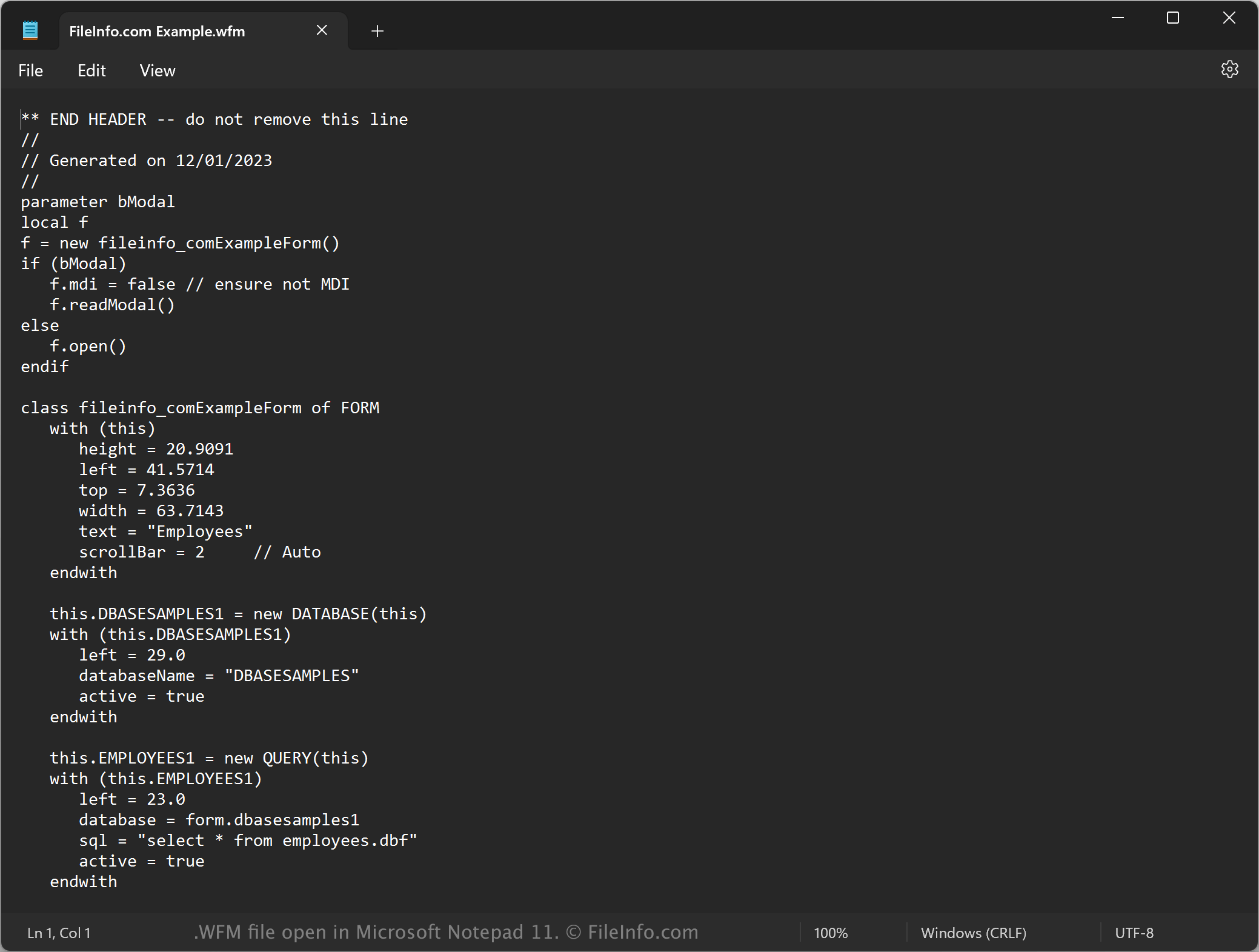
Je kunt WFM-bestanden ook openen met een teksteditor, zoals Microsoft Notepad (Windows) of Apple TextEdit (Mac), omdat ze als gewone tekst zijn opgeslagen. Mogelijk moet je de bestandsextensie .wfm wijzigen in .txt, zodat de teksteditor het bestand herkent.
Wanneer je het bestand in een teksteditor opent, kun je de eigenschappen van het formulier aanpassen. Als je het WFM-bestand echter verkeerd bewerkt, kan het formulier onbedoeld defect raken.