

.TMX Bestandsextensie
Tiled 2D-tegelkaart
| Ontwikkelaar | Thorbjørn Lindeijer |
| Populariteit |
3,7 | 3 stemmen |
Een TMX-bestand is een kaart van een videogameniveau die is gemaakt met Tiled, een 2D-editor voor niveaus. Het bevat tekst in de indeling XML die een kaart beschrijft. Ontwikkelaars kunnen Tiled gebruiken om de kaart in een TMX-bestand te exporteren naar verschillende indelingen, voor gebruik in ontwikkelprojecten voor videogames.
Meer informatie
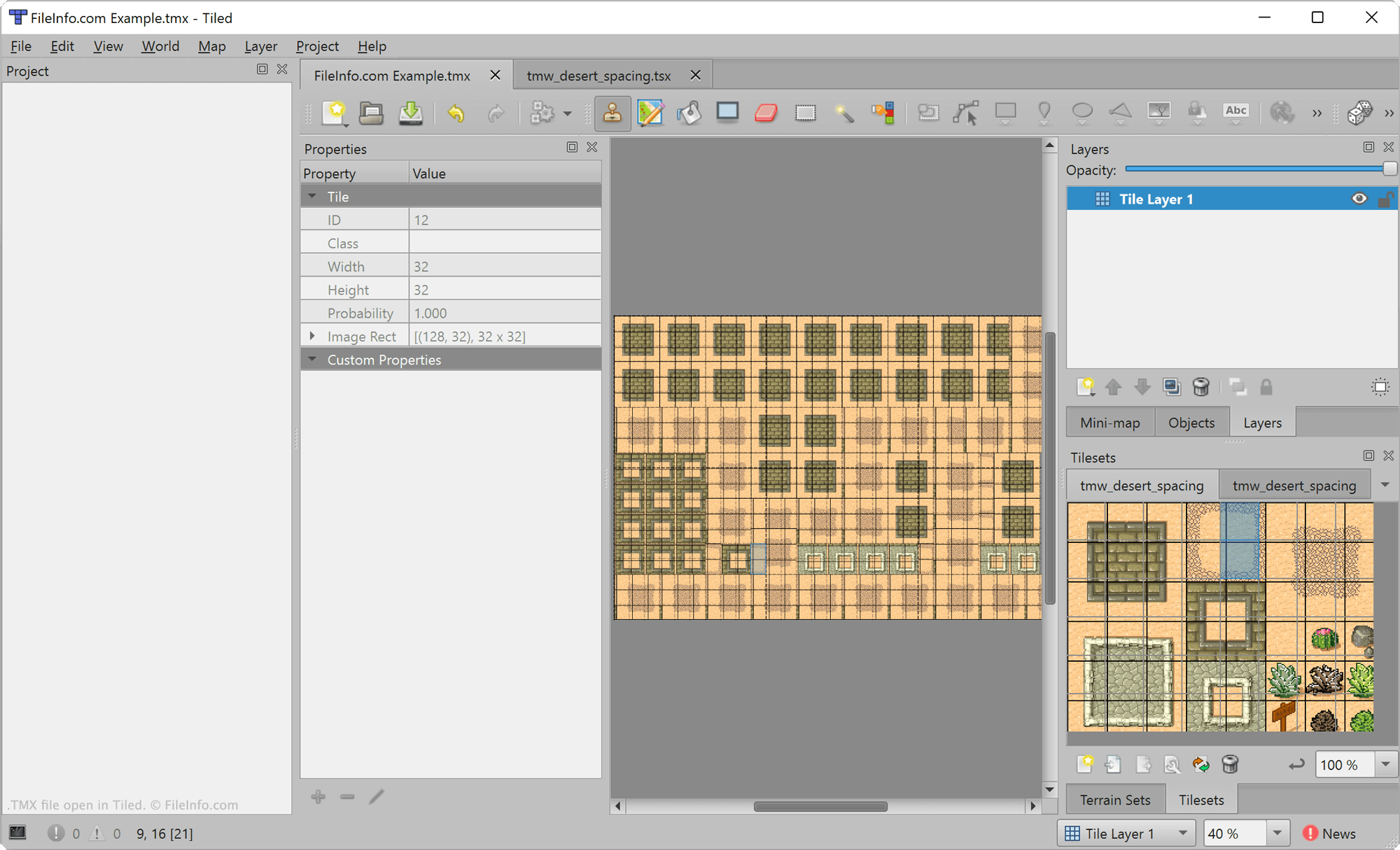
Tiled is een gratis open source-editor voor niveaus waarmee je kaarten voor 2D-videogames kunt maken. Hiermee kunnen ontwikkelaars van games tegels en lagen op een kaart plaatsen en aangepaste eigenschappen aan die elementen toevoegen. Ontwikkelaars kunnen de kaart die ze hebben gemaakt vervolgens exporteren en opnemen in een videogame.
Kaarten die in Tiled zijn gemaakt, worden opgeslagen als TMX-bestanden. Deze bestanden zijn XML-bestanden die verschillende elementen bevatten waarmee een kaart wordt gedefinieerd, waaronder de tegels, lagen en aangepaste eigenschappen van de kaart. Het element <map> wordt bijvoorbeeld gebruikt om de metagegevens van een kaart te definiëren, het element <tileset> wordt gebruikt om een tegelset te definiëren die in de kaart is opgenomen en het element <layer> wordt gebruikt om een laag te definiëren die in de kaart is opgenomen.
Een TMX-bestand openen
Je kunt TMX-bestanden openen met Tiled (voor meerdere platforms) of NotTiled (Android). Als je een TMX-bestand in Tiled wilt openen, selecteer je . Navigeer vervolgens naar je TMX-bestand en open het.
Als je de XML-tekst in een TMX-bestand buiten Tiled wilt bekijken, kun je het bestand openen in een teksteditor of broncode-editor.
Een TMX-bestand converteren
Nadat je klaar bent met het bewerken van een Tiled-kaart, kun je de kaart exporteren voor gebruik in een 2D-videogame. Met Tiled kunnen ontwikkelaars kaarten exporteren naar verschillende indelingen, waaronder .JSON, .LUA, .CSV en de TILEMAP- en COLLECTION-indelingen van Defold.
Als je een kaart wilt exporteren, open je het TMX-bestand van de kaart in Tiled en selecteer je in het programmamenu.