

.PDC Bestandsextensie
Met Safeguard PDF Security beveiligde PDF
| Ontwikkelaar | Locklizard |
| Populariteit |
3,5 | 26 stemmen |
Wat is een PDC-bestand?
Een PDC-bestand is een versleuteld .PDF-bestand dat is gemaakt door Locklizard Safeguard PDF Security. Het is beveiligd tegen kopiëren om te voorkomen dat onbevoegde gebruikers het openen. Bedrijven e-mailen soms PDC-bestanden en bijbehorende Locklizard Safeguard PDF Viewer-licenties (.LLV-bestanden) naar gebruikers.
Meer informatie
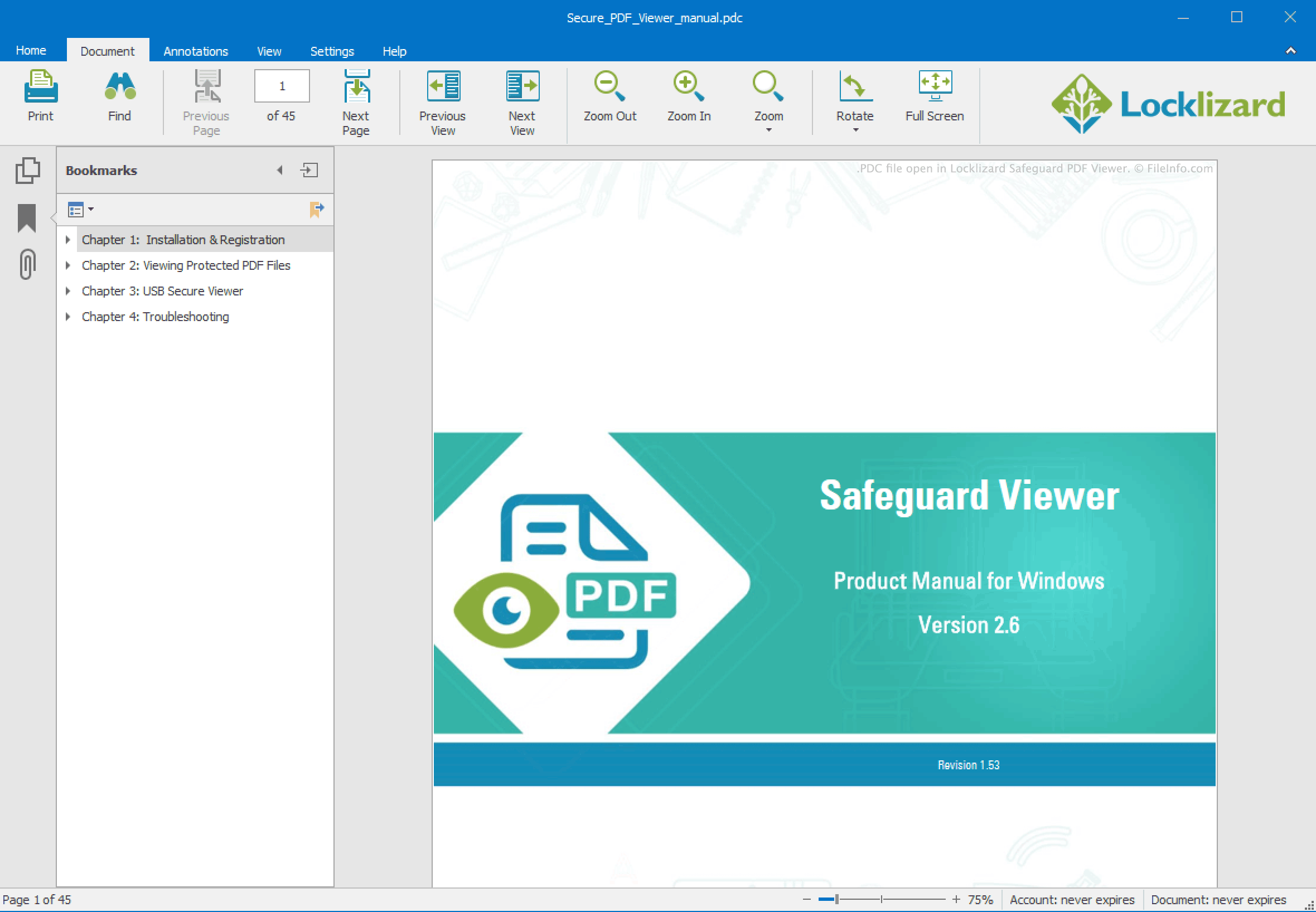
Locklizard Safeguard PDF Security is een Windows-toepassing waarmee bedrijven PDF-documenten kunnen versleutelen en tegen kopiëren kunnen beveiligen, zodat onbevoegde gebruikers de inhoud van de documenten niet kunnen bekijken, wijzigen, afdrukken of er schermafbeeldingen van kunnen maken. Safeguard PDF Security slaat deze beveiligde PDF-bestanden op als PDC-bestanden.
Elk PDC-bestand is versleuteld met AES-versleuteling van 256 bits en Digital Rights Management-besturingselementen (DRM), die bepalen hoe bevoegde gebruikers het bestand kunnen openen en welke acties ze kunnen uitvoeren nadat ze het bestand hebben geopend. Binnen een bedrijf zijn PDC-bestanden vaak vergrendeld voor specifieke gebruikers of apparaten. Wanneer een PDC-bestand buiten een bedrijf wordt verzonden, wordt het meestal vergezeld van een LLV-bestand. Dit is een licentiebestand waarmee de gebruiker die het PDC-bestand heeft ontvangen, het kan openen met Locklizard Safeguard PDF Viewer.
Een PDC-bestand openen
Je moet bevoegd zijn om een PDC-bestand te openen. Als je een PDC-bestand via e-mail hebt ontvangen, hoort daar een LLV-bestand bij te zitten. Zo open je je PDC-bestand:
- Installeer Locklizard Safeguard PDF Viewer.
- Dubbelklik op het LLV-bestand dat je hebt ontvangen.
- Dubbelklik op je PDC-bestand.
Het PDC-bestand wordt vervolgens geopend in Locklizard PDC Viewer.
Als er geen LLV-bestand bij je PDC-bestand zit, neem je contact op met de organisatie die je het PDC-bestand heeft gestuurd.