

.PDC 파일 확장자
Safeguard PDF Security 보호 PDF
| 개발사 | Locklizard |
| 인기도 |
3.5 | 26 표 |
PDC 파일이란 무엇인가요?
PDC 파일은 Locklizard Safeguard PDF Security로 만든 암호화된 .PDF 파일입니다. 이 파일은 권한이 없는 사용자가 열지 못하도록 복사 방지되어 있습니다. 기업은 때때로 PDC 파일과 관련된 Locklizard Safeguard PDF Viewer 라이선스(.LLV 파일)를 사용자에게 이메일로 보냅니다.
추가 정보
Locklizard Safeguard PDF Security는 기업이 PDF 문서를 암호화하고 복사 방지할 수 있도록 하는 Windows 애플리케이션입니다. 따라서 권한이 없는 사용자는 문서의 내용을 보거나 수정하거나 인쇄하거나 스크린샷을 찍을 수 없습니다. Safeguard PDF Security는 이러한 보호된 PDF 파일을 PDC 파일로 저장합니다.
각 PDC 파일은 AES 256비트 암호화와 디지털 권한 관리(DRM) 제어를 사용해 암호화됩니다. 이러한 제어는 권한이 있는 사용자가 파일을 여는 방법과 파일을 연 후 수행할 수 있는 작업을 지정합니다. 기업 내부에서 PDC 파일은 특정 사용자나 장치에 잠기는 경우가 많습니다. 기업 외부로 보낼 때 PDC 파일에는 일반적으로 LLV 파일이 함께 제공됩니다. LLV 파일은 PDC 파일을 받은 사용자가 Locklizard Safeguard PDF Viewer로 파일을 열 수 있도록 하는 라이선스 파일입니다.
PDC 파일을 여는 방법
PDC 파일을 열려면 먼저 해당 권한이 있어야 합니다. 이메일로 PDC 파일을 받았다면 LLV 파일이 함께 제공되어야 합니다. PDC 파일을 열려면 다음 단계를 따르세요:
- Locklizard Safeguard PDF Viewer를 설치합니다.
- 받은 LLV 파일을 두 번 클릭합니다.
- PDC 파일을 두 번 클릭합니다.
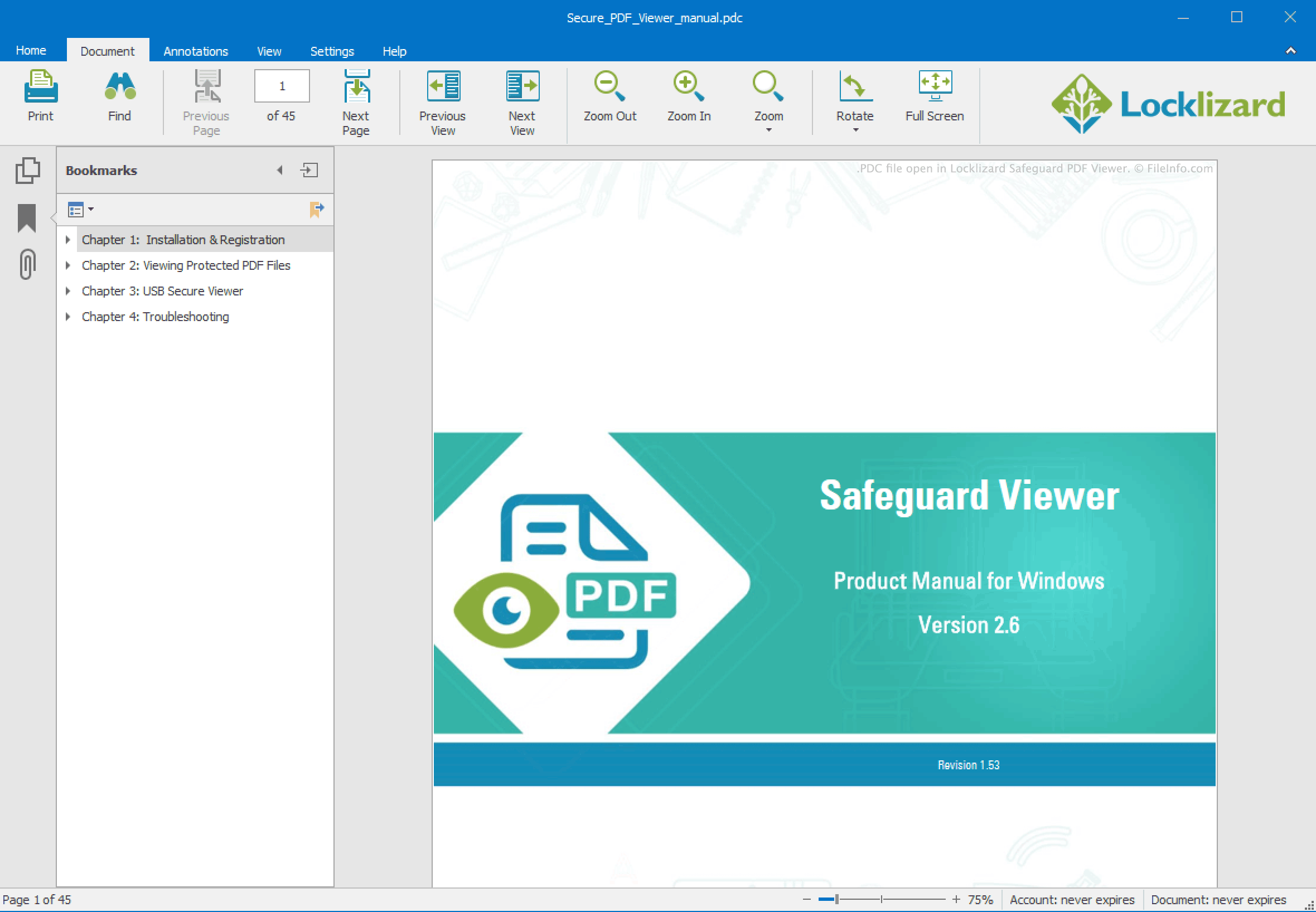
그러면 PDC 파일이 Locklizard PDC Viewer에서 열립니다.
PDC 파일에 LLV 파일이 함께 제공되지 않았다면 PDC 파일을 보낸 조직에 문의해야 합니다.