

.PDC ファイル拡張子
Safeguard PDF Security保護PDF
| 開発元 | Locklizard |
| 人気度 |
3.5 | 26 票 |
PDCファイルとは?
PDCファイルは、Locklizard Safeguard PDF Securityによって作成された暗号化された .PDFファイルです。不正なユーザーが開けないように、コピー防止処理が施されています。企業は、PDCファイルと関連するLocklizard Safeguard PDF Viewerのライセンス(.LLVファイル)をユーザーにメールで送信することがあります。
詳細情報
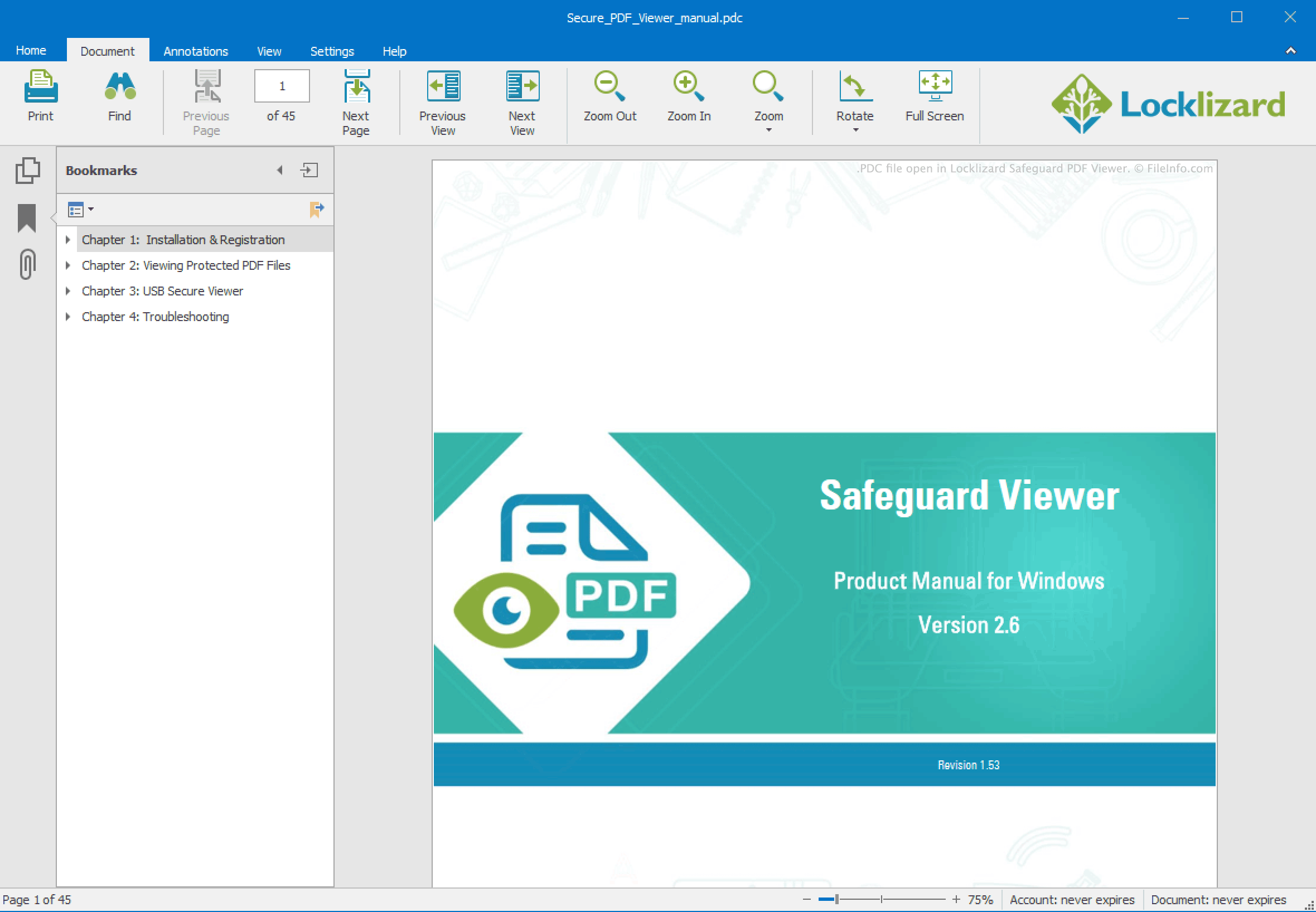
Locklizard Safeguard PDF Securityは、企業がPDFドキュメントを暗号化してコピー防止できるWindowsアプリケーションです。これにより、不正なユーザーはドキュメントの内容を表示、変更、印刷したり、スクリーンショットを撮ったりできません。Safeguard PDF Securityは、これらの保護されたPDFファイルをPDCファイルとして保存します。
各PDCファイルは、AES 256ビット暗号化とデジタル著作権管理(DRM)による制御を使用して暗号化されています。これらの制御では、承認されたユーザーがファイルを開く方法と、ファイルを開いた後に実行できる操作を指定します。企業内では、PDCファイルは特定のユーザーまたはデバイスに関連付けてロックされることがよくあります。企業外に送信する場合、PDCファイルには通常LLVファイルが付属します。LLVファイルは、PDCファイルを受け取ったユーザーがLocklizard Safeguard PDF Viewerで開くことを許可するライセンスファイルです。
PDCファイルの開き方
PDCファイルを開くには、その権限が必要です。PDCファイルがメールで送信されてきた場合は、LLVファイルが添付されているはずです。PDCファイルを開くには、次の手順を実行します。
- Locklizard Safeguard PDF Viewerをインストールします。
- 受け取ったLLVファイルをダブルクリックします。
- PDCファイルをダブルクリックします。
PDCファイルがLocklizard PDC Viewerで開きます。
PDCファイルにLLVファイルが添付されていない場合は、PDCファイルを送信した組織に問い合わせてください。