

.FRT Bestandsextensie
ADLForms-sjabloon
| Ontwikkelaar | ADL Software |
| Populariteit |
3,0 | 2 stemmen |
Een FRT-bestand is een sjabloon voor formulieren dat is gemaakt door ADL Software ADLForms, een dienst voor het opstellen van juridische formulieren die veel wordt gebruikt in de vastgoedsector. Het bevat informatie over de pagina-opmaak, tekst en gegevensvelden die een ADLForms-gebruiker invult. FRT-bestanden worden gebruikt als basis voor het maken van meerdere .FRM-formulieren met dezelfde opmaak.
Meer informatie
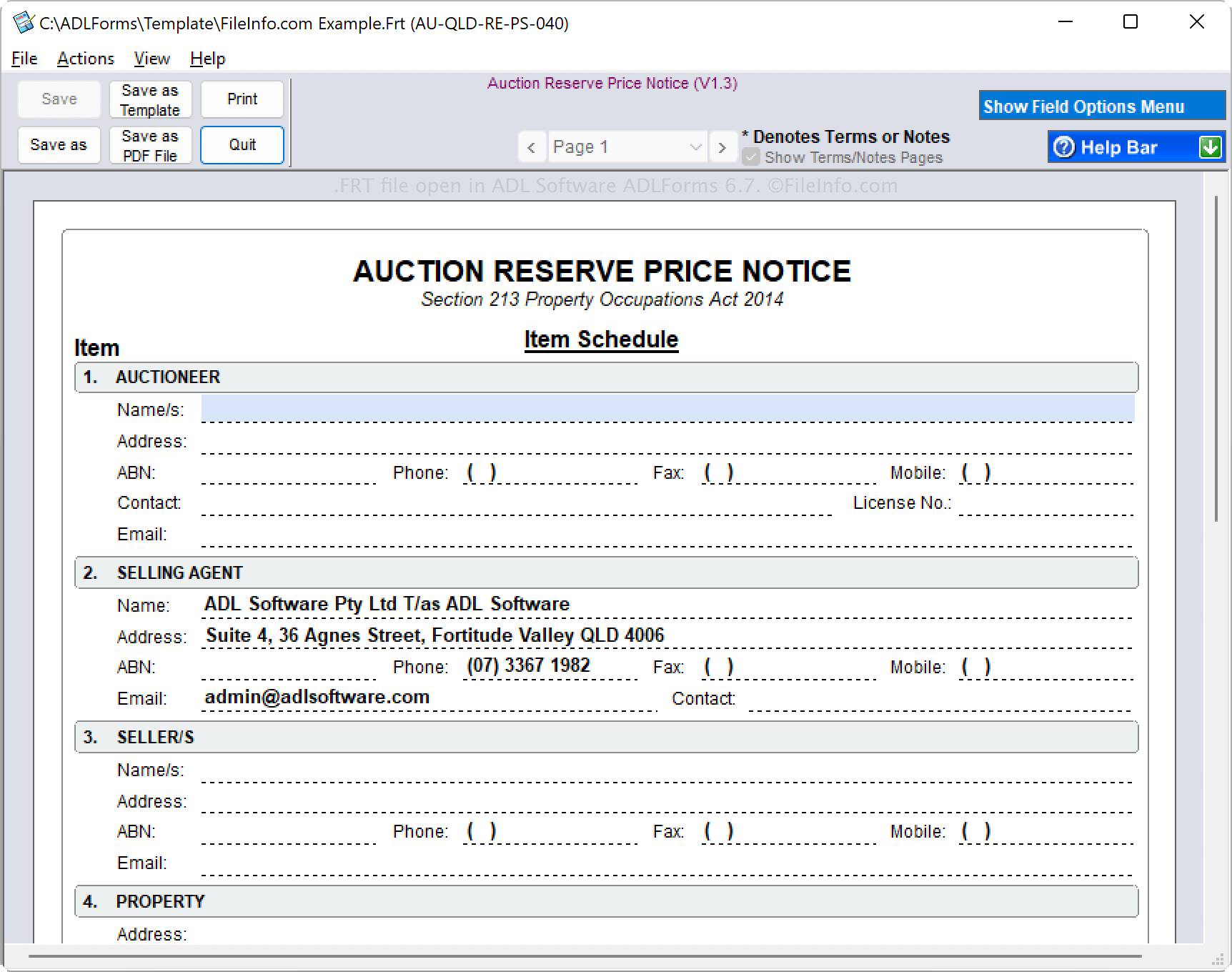
ADLForms is een Australische toepassing voor makelaars in de regio's NSW, QLD, VIC en WA. Makelaars maken met ADLForms doorgaans juridisch conforme en afdwingbare overeenkomsten en contracten en slaan deze op als FRM-bestanden.
Je kunt formulieren echter opslaan als FRT-sjablonen als je extra formulieren met vergelijkbare informatie of opmaak wilt maken. Als je bijvoorbeeld een koopovereenkomst voor een woning hebt gemaakt die je met andere klanten wilt gebruiken, kun je deze opslaan als een FRT-sjabloon. Om een formulier op te slaan als een FRT-sjabloon, selecteer je .
OPMERKING: ADLForms slaat FRT-bestanden standaard op de volgende locatie op:
C:\ADLForms\Template
Een FRT-bestand openen
Je kunt een FRT-bestand alleen openen met ADL Software ADLForms in Windows. Om een FRT-bestand te openen, selecteer je .
Een FRT-bestand converteren
ADLForms kan een FRT-bestand converteren naar het Portable Document Format (PDF-bestand) en het ADL Forms Format (FRM-bestand). Om een FRT-bestand te converteren, selecteer je of .