

.CTB Bestandsextensie
Gesliced 3D-model van Chitubox
| Ontwikkelaar | Chitubox |
| Populariteit |
4,0 | 2 stemmen |
Een CTB-bestand is een gesliced 3D-model dat is gemaakt met Chitubox, een programma waarmee je 3D-modellen voorbereidt voor 3D-printen. Met een CTB-bestand kunnen verschillende 3D-printers het model printen dat in het bestand wordt beschreven.
Meer informatie
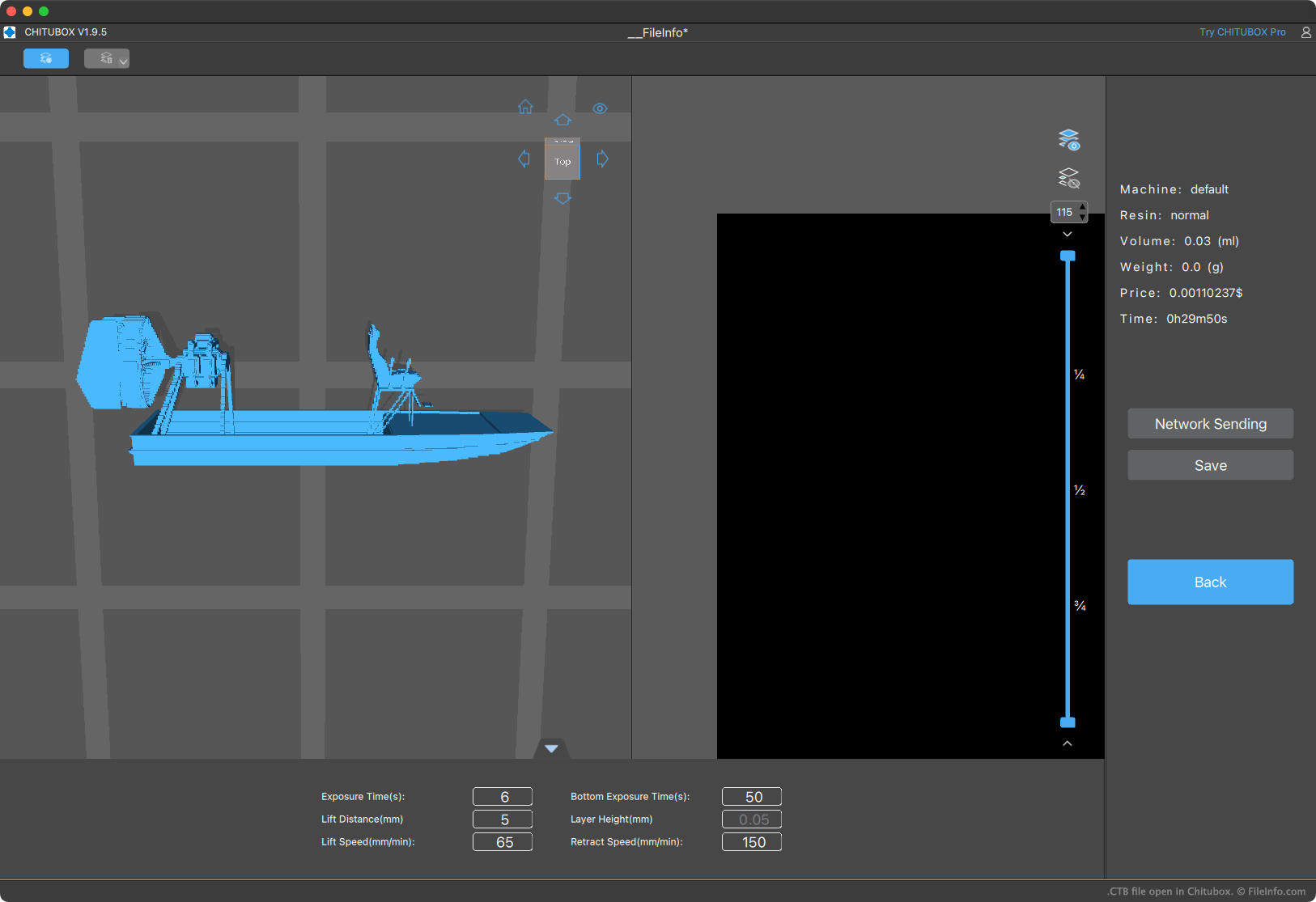
Met Chitubox kunnen gebruikers van 3D-printers 3D-modellen importeren, rangschikken, bewerken en slicen om ze te printen. Door een model te slicen, wordt het model omgezet in een reeks instructies die een 3D-printer gebruikt om het model te printen (door "plakken" van het model boven op of naast elkaar te printen totdat het hele model is geprint).
Chitubox kan geslicede modellen opslaan in verschillende indelingen, waaronder de CTB-indeling. Verschillende 3D-printers waarmee Chitubox wordt geleverd (zoals de Elegoo Mars 2 Pro) kunnen alleen modellen printen die zijn opgeslagen in de CTB-indeling. Andere kunnen alleen modellen printen die zijn opgeslagen in de .CBDDLP-indeling van Chitubox.
OPMERKING: CTB-bestanden die met verschillende versies van Chitubox zijn gemaakt, worden opgeslagen in iets verschillende bestandsindelingen. Daarom kan een 3D-printer sommige CTB-bestanden wel printen en andere niet.
Een CTB-bestand openen
Je kunt een CTB-bestand openen met Chitubox Basic (gratis beschikbaar) of Chitubox Pro (beschikbaar als gratis proefversie). Ga hiervoor als volgt te werk:
- Open het sandwichmenu van Chitubox (in de linkerbovenhoek van het programma).
- Selecteer .
- Ga naar je CTB-bestand en open het.
Nadat je je CTB-bestand in Chitubox hebt geopend, kun je het bestand overzetten naar een verbonden 3D-printer, de model(len) in het bestand bewerken of het bestand converteren naar een andere geslicede 3D-modelindeling.
Een CTB-bestand converteren
Een CTB-bestand converteren naar een andere geslicede 3D-modelindeling:
- Open het bestand met Chitubox.
- Klik op , vervolgens op en daarna op .
Je kunt je CTB-bestand vervolgens opslaan in elk van de hier vermelde slicing-indelingen: hier.