

.CAP Bestandsextensie
Pakketopnamebestand
| Ontwikkelaar | N.v.t. |
| Populariteit |
3,1 | 47 stemmen |
Wat is een CAP-bestand?
Een CAP-bestand bevat pakketten die zijn verzameld door een programma voor het onderscheppen van netwerkpakketten. Het slaat onbewerkte gegevens en metagegevens op die tijdens een netwerktransmissie zijn vastgelegd. CAP-bestanden worden ook tracebestanden of bonebestanden genoemd en worden gebruikt door meerdere toepassingen voor het onderscheppen van netwerkpakketten.
Meer informatie
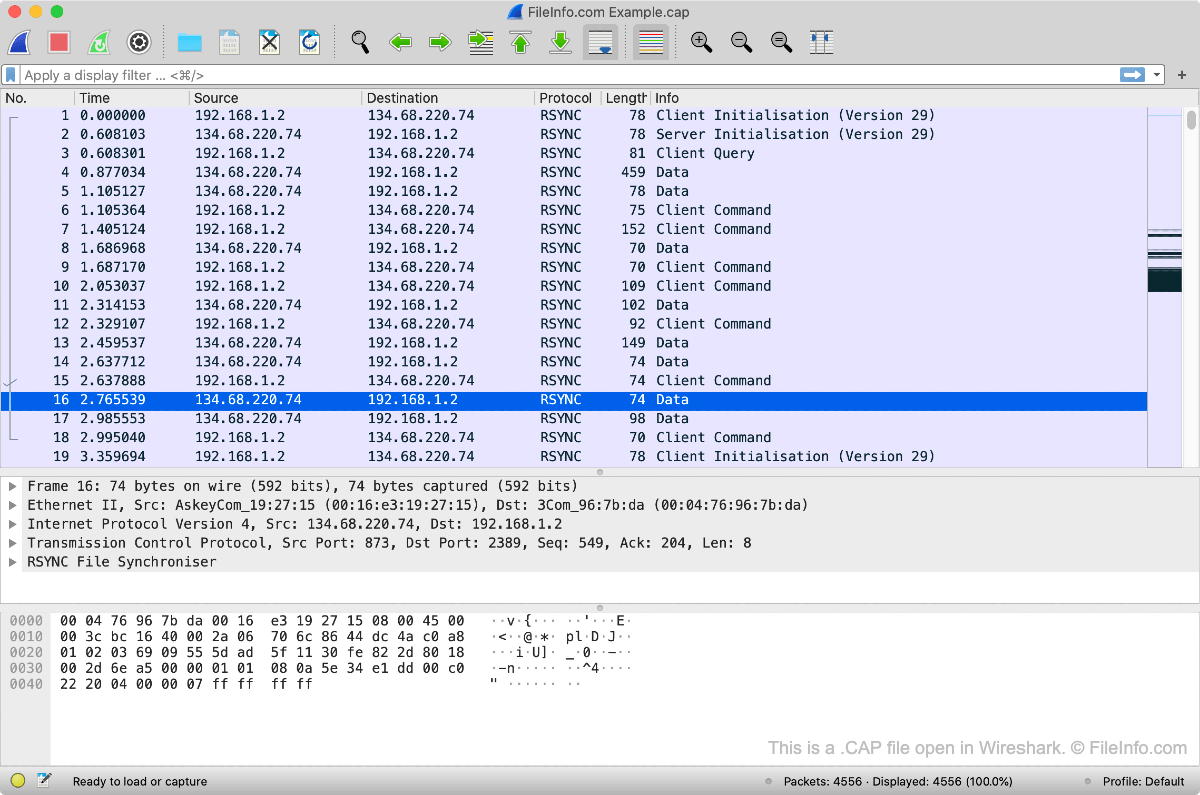
Met een CAP-bestand kun je de gegevens bekijken en analyseren die tussen apparaten op een digitaal netwerk zijn verzonden. Netwerkbeheerders en andere IT-professionals gebruiken CAP-bestanden om:
- Netwerkproblemen te analyseren en diagnosticeren
- Kwaadaardige netwerkactiviteit te detecteren
- Te voldoen aan bepaalde IT-regels
Een CAP-bestand openen
Je kunt een CAP-bestand openen met Wireshark, een gratis te downloaden programma voor het onderscheppen van netwerkpakketten dat beschikbaar is voor Windows, macOS en Linux.
Programma's die CAP-bestanden openen
Capella-partituur
| Ontwikkelaar | Capella Software |
| Populariteit |
2,1 | 7 stemmen |
Meer informatie
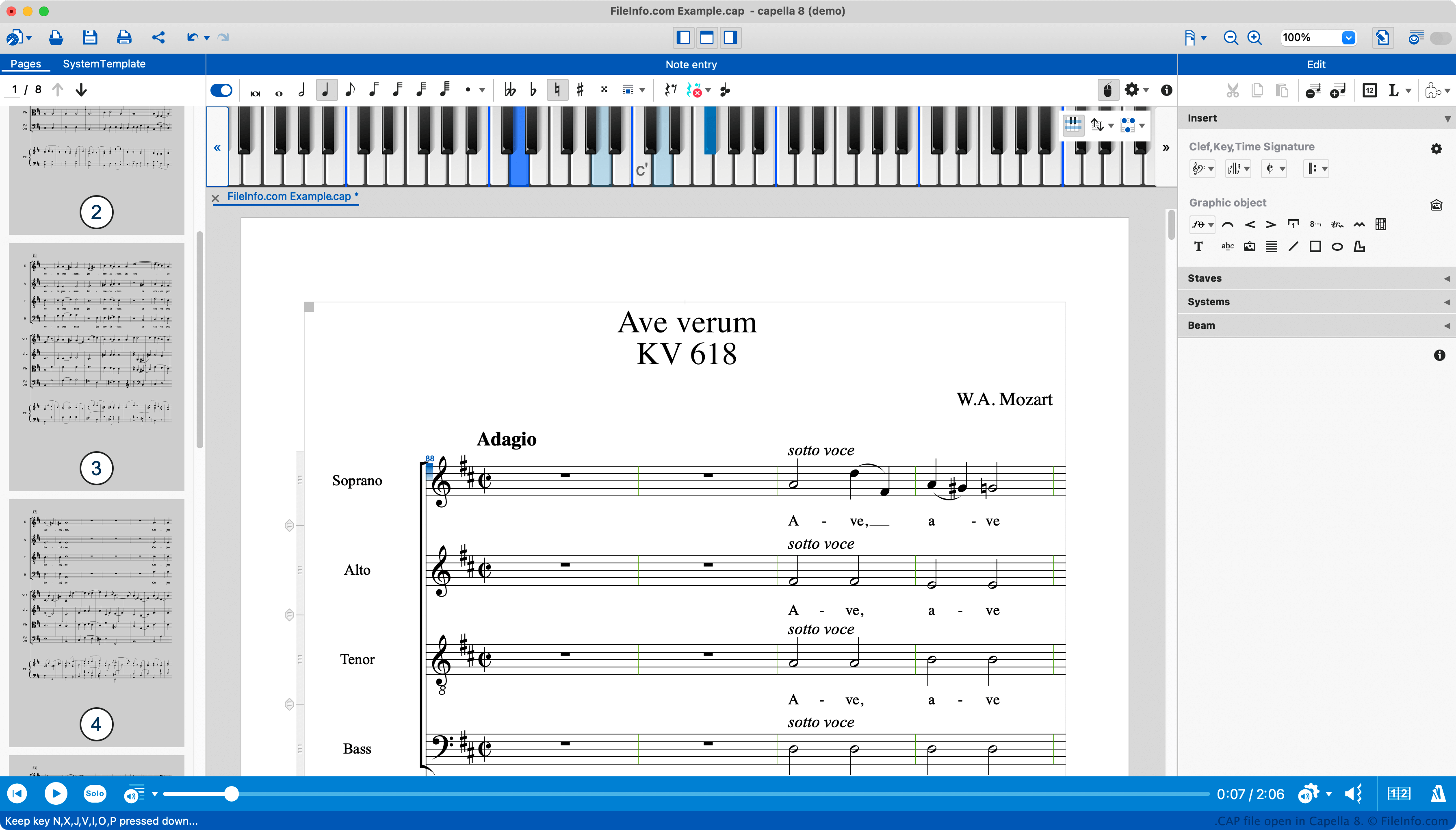
Capella is een programma voor Windows en Mac waarmee componisten partituren kunnen maken, bewerken, afspelen en afdrukken. In eerdere versies van Capella werden deze partituren opgeslagen als CAP-bestanden.
Oorspronkelijk waren CAP-bestanden binaire bestanden die alleen konden worden geopend in Capella en gerelateerde software, zoals Capella Viewer. Rond 2008 begon het Capella-team het programma echter over te zetten naar het opslaan van partituren in een open XML-indeling, zodat componisten Capella-partituren in andere compositieprogramma's konden laden. Tijdens deze overgangsperiode werden sommige CAP-bestanden opgeslagen in een XML-indeling. Een CAP-bestand kan dus binaire of XML-gegevens bevatten, afhankelijk van wanneer het is gemaakt. De CAP-bestandsindeling is nu vervangen door de CAPX-indeling, die volledig op XML is gebaseerd.
Een CAP-bestand openen
Je kunt een CAP-bestand openen in Capella (Windows, Mac), Capella Reader (Windows, Mac) of Capella Score Reader (iOS, Android). Capella Reader en Score Reader zijn gratis programma's waarmee componisten de partituur in een CAP- of CAPX-bestand kunnen bekijken, afspelen en afdrukken.
Programma's die CAP-bestanden openen
PASCO Capstone-experimentbestand
| Ontwikkelaar | PASCO |
| Populariteit |
2,2 | 6 stemmen |
Een CAP-bestand bevat een experiment dat is gemaakt met PASCO Capstone, een wetenschappelijk programma dat wordt gebruikt om gegevens in technische en natuurkundelaboratoria te verzamelen, weer te geven en te analyseren. Het bevat informatie over een experiment, waaronder een of meer pagina's met analyses en grafieken, berekeningen, verzamelde gegevens en experimentinstellingen.
Meer informatie
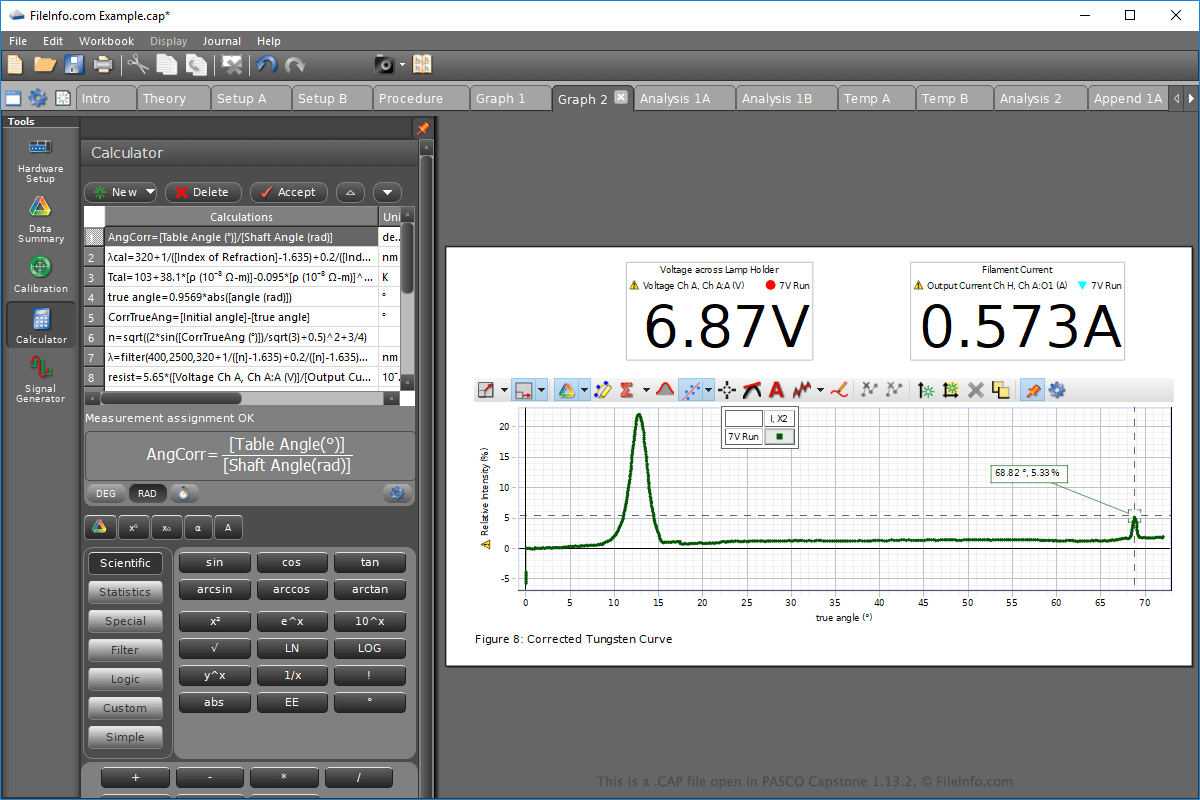
Capstone CAP-experimentbestanden worden opgeslagen in een eigen indeling en kunnen alleen worden geopend met PASCO Capstone in Windows of macOS. Volg deze stappen om een CAP-bestand in Capstone te openen:
- Selecteer .
- Ga naar de locatie van het CAP-bestand en selecteer het.
- Klik op .
OPMERKING: Capstone CAP-bestanden worden gebruikt om experimenten op te slaan in verschillende wetenschappelijke vakgebieden, zoals thermodynamica, oscillaties, mechanica, kwantumfysica, elektromagnetisme en golven en optica.