

.UAE 파일 확장자
WinUAE 구성 파일
| 개발사 | WinUAE |
| 인기도 |
2.0 | 1 표 |
UAE 파일이란 무엇인가요?
UAE 파일은 Windows용 오픈 소스 Amiga 에뮬레이터인 WinUAE에서 사용하는 구성 파일입니다. WinUAE가 에뮬레이트하는 Amiga 모델과 해당 모델의 CPU, 칩셋, ROM, RAM 및 기타 설정을 지정합니다. 사용자는 WinUAE의 Configurations 메뉴()에서 UAE 파일을 불러오고 저장합니다.
추가 정보
WinUAE를 사용하면 Amiga 애호가가 Windows에서 오래된 Amiga 컴퓨터를 에뮬레이트할 수 있습니다. 에뮬레이터를 실행하기 전에 WinUAE 사용자는 에뮬레이터가 사용하는 CPU, FPU, 칩셋, ROM, RAM, 드라이브 및 포트의 유형을 구성할 수 있습니다. 이러한 작업은 창에서 수행합니다.
에뮬레이터를 원하는 대로 구성한 후 사용자는 해당 구성을 UAE 파일로 저장할 수 있습니다. 이렇게 하려면 로 이동하여 버튼을 선택합니다. 일반적으로 사용자는 C:/Users/Public/Documents/Amiga Files/WinUAE/Configurations에 구성을 저장하고 여기에서 구성을 불러옵니다.
일반적인 .UAE 파일 이름
default.uae - WinUAE의 기본 구성 파일 이름입니다.
UAE 파일을 여는 방법

WinUAE(Windows)에서 UAE 파일에 포함된 설정을 불러올 수 있습니다. 이렇게 하려면 를 열고 를 선택합니다. 그런 다음 을 선택하고 UAE 파일이 있는 위치로 이동하여 파일을 엽니다.
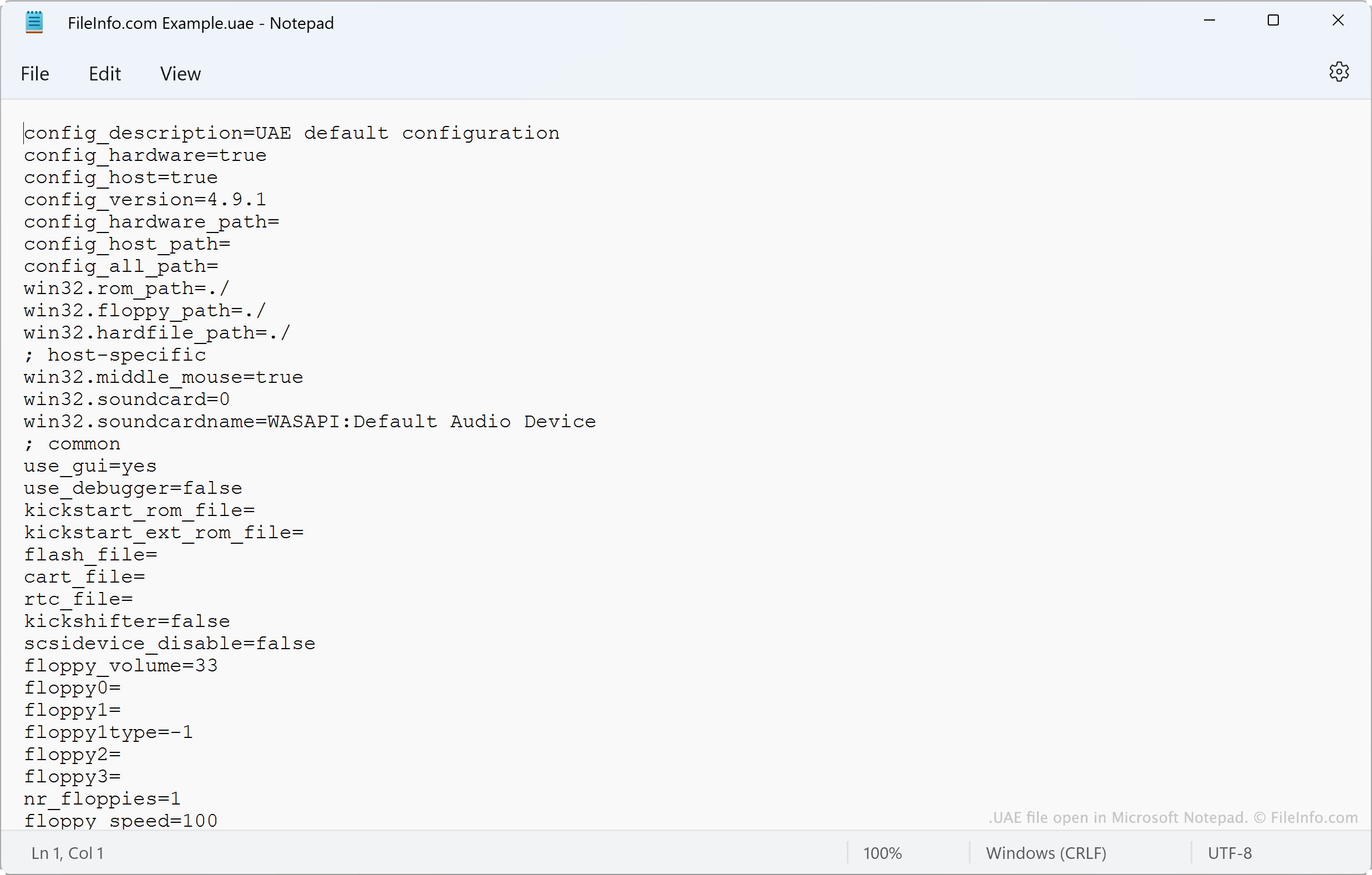
UAE 파일은 일반 텍스트 파일이므로 Microsoft Notepad(Windows), Apple TextEdit(Mac) 또는 다른 텍스트 편집기에서 파일에 포함된 설정을 볼 수도 있습니다.