.TAK 파일 확장자
Tom's Lossless Audio Kompressor File
| 개발사 | Thomas Becker |
| 인기도 |
3.6 | 14 투표 |
TAK 파일이란 무엇인가요?
Audio file created in the Tom's lossless Audio Kompressor (TAK) format; uses an adaptive linear forward prediction technique to reduce the size of an audio file without losing audio quality; also supports non-audio data such as CD cover images or cue sheets.
추가 정보
The TAK method of compression and decompression aims to provide higher compression ratios than other techniques while performing faster than other lossless compressors in benchmarks.
The TAK format can be played back using plugins for Winamp and Foobar2000. TAK files can be compressed and decompressed using Tak, a program provided on the TAK development page. The downloaded package also includes the Winamp plugin and the TAK SDK.
참고: The TAK homepage is written in German.
TAK 파일을 여는 프로그램
TAK 2000 Thermal Model File
| 개발사 | K&K Associates |
| 인기도 |
3.6 | 8 투표 |
Model file created by TAK (Thermal Analysis Kit) 2000, an engineering application used for analyzing the thermal characteristics of thermal systems; saves parameters for a thermal model, including nodes, conductors, and heat sources; used for generating output such as temperatures, heater statuses, and heat source information.
추가 정보
TAK files are created in an ASCII text format. They are authored using a text editor and then run in TAK 2000.
TAK 파일을 여는 프로그램
Music Maker Take File
| 개발사 | MAGIX |
| 인기도 |
3.5 | 6 투표 |
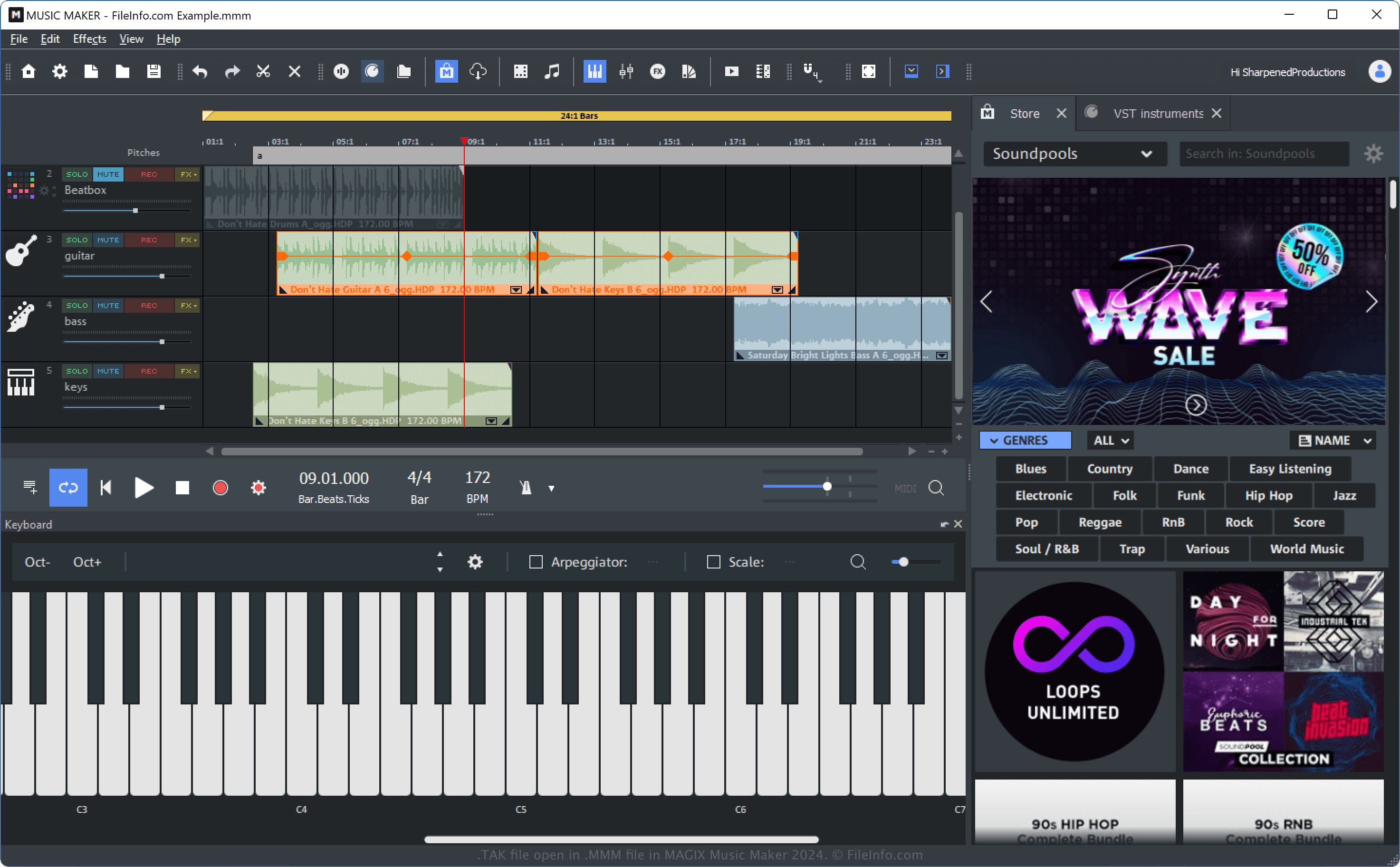
A TAK file is an audio file created by MAGIX Music Maker, an application used to make sounds, loops, and other music. It stores an audio object (the core audio unit of the Music Maker software) plus all added effects. TAK files may also store the sample duration, fade settings, and custom effects.
추가 정보
Music Maker is a DAW that supports various formats, provides thousands of sounds, loops, and effects, and is extensible. Another one of its features is "Takes," which allows users to save edited audio samples without altering the original audio data.
You can create a take by selecting one or more objects in an .MMM project opened in the software and then choosing Edit → Object → Save objects as takes... from the application menu.
TAK 파일을 여는 방법
You can open a TAK file with MAGIX Music Maker. For example, you can open a TAK file by selecting Edit → Object → Insert objects.
TAK 파일을 변환하는 방법
Music Maker can convert TAK files to various file types, including the following formats:
- .WAV - Adobe Photoshop Cloud Document
- .MP3 - Photoshop Large Document Format
- .OGG - Portable Document Format
- .WMA - JPEG Image
- .AIFF - Portable Network Graphic
- .FLAC - Tagged Image File Format
You can access these export options in Music Maker by selecting File → Export.