

.IRCP 파일 확장자
SpeedGrade IRIDAS Composite 파일
| 개발사 | Adobe Systems |
| 인기도 |
3.5 | 6 표 |
IRCP 파일이란 무엇인가요?
IRCP 파일에는 동영상 제작에 사용되는 색보정 애플리케이션인 Adobe SpeedGrade로 만든 프로젝트가 포함되어 있습니다. 각 클립에 적용할 색상 설정과 마스크뿐만 아니라 동영상 클립의 타임라인도 저장합니다.
추가 정보
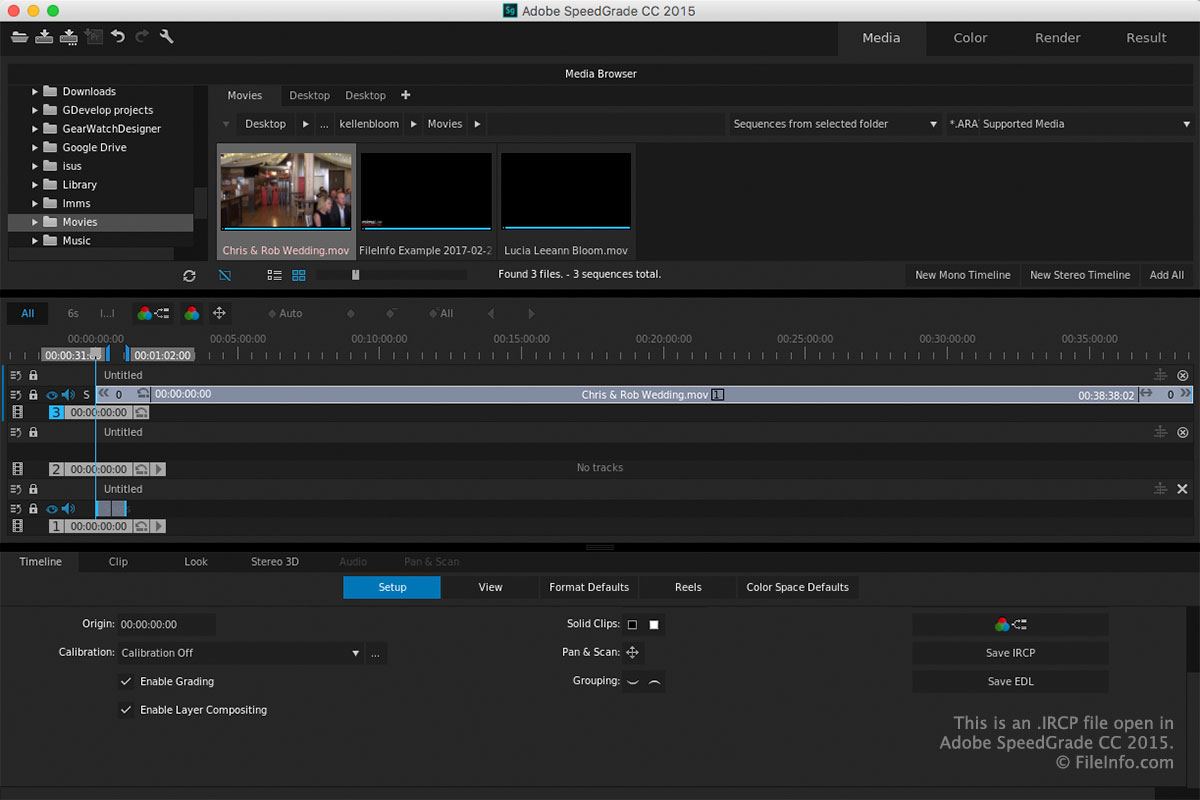
SpeedGrade 사용자는 후반 작업 중에 이 소프트웨어를 사용하여 동영상의 색상을 조정합니다. 색상을 변경하거나 보정하면 제작물에 특정한 분위기와 느낌을 줄 수 있습니다(예: 차가운 느낌을 위해 파란색을 사용하거나 따뜻한 느낌을 위해 빨간색과 주황색을 사용).
SpeedGrade에서 프로젝트를 저장하면 애플리케이션이 해당 내용을 저장하기 위한 IRCP 파일을 만듭니다. 파일을 저장한 후 닫았다가 다시 열어 프로젝트 편집을 계속할 수 있습니다.
SpeedGrade에서 프로젝트를 IRCP 파일로 저장하려면 작업 영역 왼쪽 위에 있는 도구 모음에서 "Save SpeedGrade Project" 아이콘을 클릭합니다.
참고: IRIDAS 기술은 Adobe Systems에 인수되었으며, IRIDAS Composite(IRCP) XML 기반 형식은 현재 Adobe SpeedGrade에서 사용됩니다. Adobe SpeedGrade는 현재 단종되었습니다.
IRCP 파일을 여는 방법
작업 영역 왼쪽 위에 있는 도구 모음에서 "Open SpeedGrade Project" 아이콘을 클릭하면 Adobe SpeedGrade(Windows 및 macOS)로 IRCP 파일을 열 수 있습니다.
참고: IRCP 파일은 XML 표준으로 저장되므로 XML 편집기나 텍스트 편집기로 열고 편집할 수도 있습니다. IRCP 파일은 SpeedGrade에서 표시되는 것과 텍스트 편집기나 XML 편집기에서 표시되는 모습이 같지 않다는 점에 유의하세요.