.GOO 파일 확장자

Goo Slice File

개발사 ELEGOO
인기도
4.0  |  2 투표
 

GOO 파일이란 무엇인가요?

A GOO file is a 3D model sliced into layers for resin-based 3D printing. It is saved in the proprietary ELEGOO (GOO) format primarily used in ELEGOO 3D printing workflows from software to printers. GOO files store detailed instructions for a 3D printer, including exposure settings and layer thickness, and metadata, such as model dimensions and print time.

추가 정보

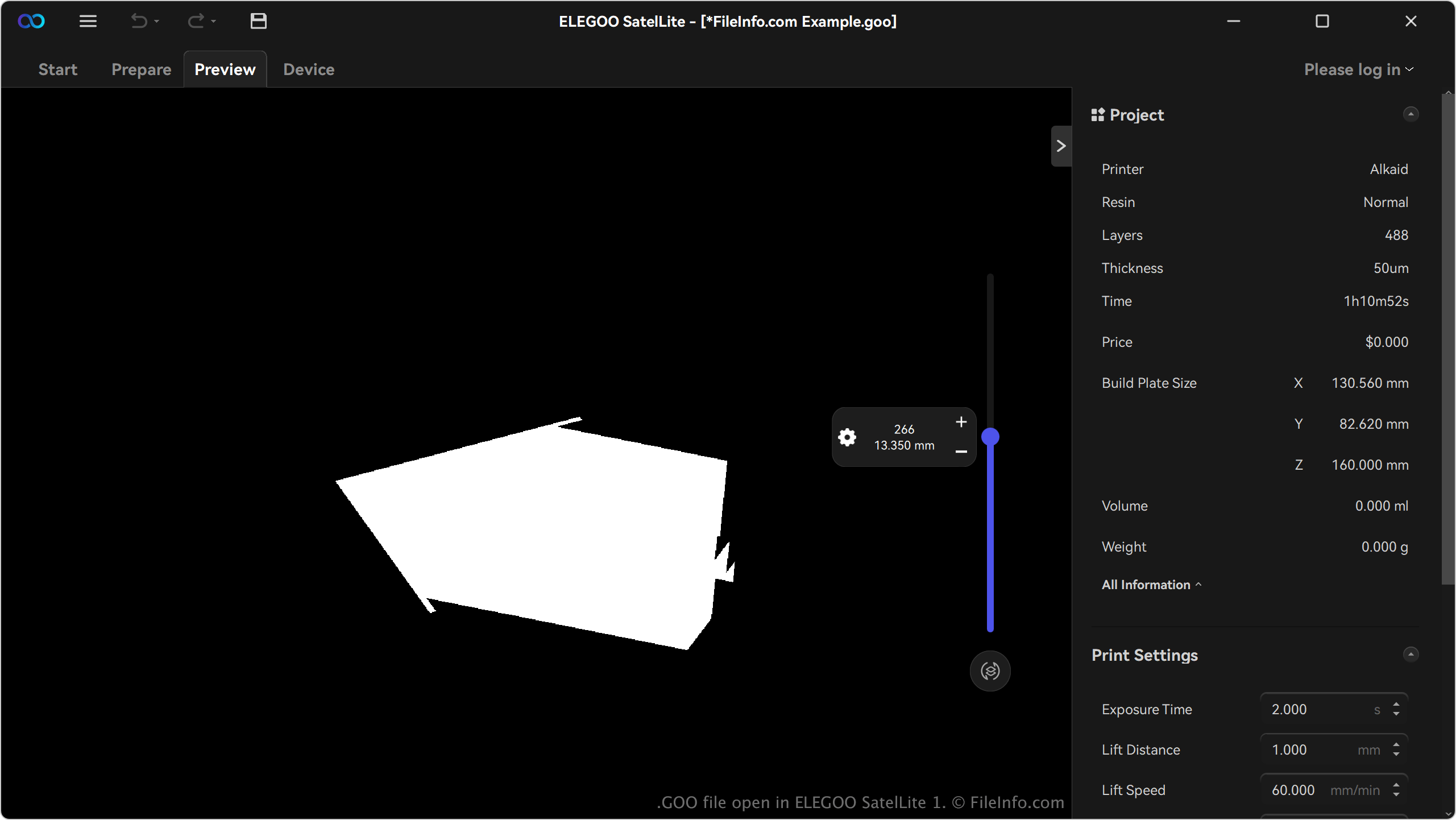
ELEGOO SatelLite 1에서 열린 .goo 파일의 스크린샷
ELEGOO SatelLite 1에서 열린 GOO 파일

Hobbyists, designers, and professionals who work with ELEGOO's range of resin 3D printers are the primary users of the GOO format. These users typically craft high-resolution models for applications such as miniatures, prototypes, or functional parts. The format is prevalent among users of ELEGOO resin printers like the Saturn 3 Ultra and Jupiter SE.

Users generate GOO files with slicer software compatible with ELEGOO printers, most notably SatelLite. For example, the software imports a 3D model file (e.g., .STL or .OBJ) and slices it into layers, converting it into the GOO format with all necessary printing parameters. Users can then customize settings before exporting the file in GOO format.

GOO 파일을 여는 방법

You can open GOO files with ELEGOO SatelLite in WIndows. To open a GOO file, click the menu icon (three horizontal lines) in the upper-left corner of the app and select Open.

GOO 파일을 변환하는 방법

ELEGOO SatelLite can convert GOO files to various file types, including the following formats:

  • .PLY - Polygon Model
  • .STL - Stereolithography File
  • .OBJ - Wavefront 3D Object File
  • .3MF - 3D Manufacturing File
File Viewer Plus(으)로 400개 이상의 파일 형식을 여세요.무료 다운로드

GOO 파일을 여는 프로그램

Windows

검증자 FileInfo.com

FileInfo.com 팀 이 페이지에 나열된 Goo Slice 파일 형식과 Windows 앱을 독자적으로 조사했습니다. 저희의 목표는 100% 정확성이며, 검증한 파일 유형에 대한 정보만 게시합니다.

이 페이지에 추가하거나 업데이트할 내용을 제안하고 싶으시면 알려 주세요.