

.CVDTPL 파일 확장자
Canvas X Draw 템플릿
| 개발사 | Canvas GFX |
| 인기도 |
2.0 | 1 표 |
CVDTPL 파일이란 무엇인가요?
CVDTPL 파일은 2D 및 3D 기술 일러스트레이션 애플리케이션인 Mac 버전 Canvas GFX Canvas X Draw로 만든 드로잉 템플릿입니다. 새로운 .CVD 드로잉을 복제하는 데 필요한 미리 설정된 래스터 및 벡터 그래픽, 주석, 사용자 지정 도형, 설정이 포함되어 있습니다.
추가 정보
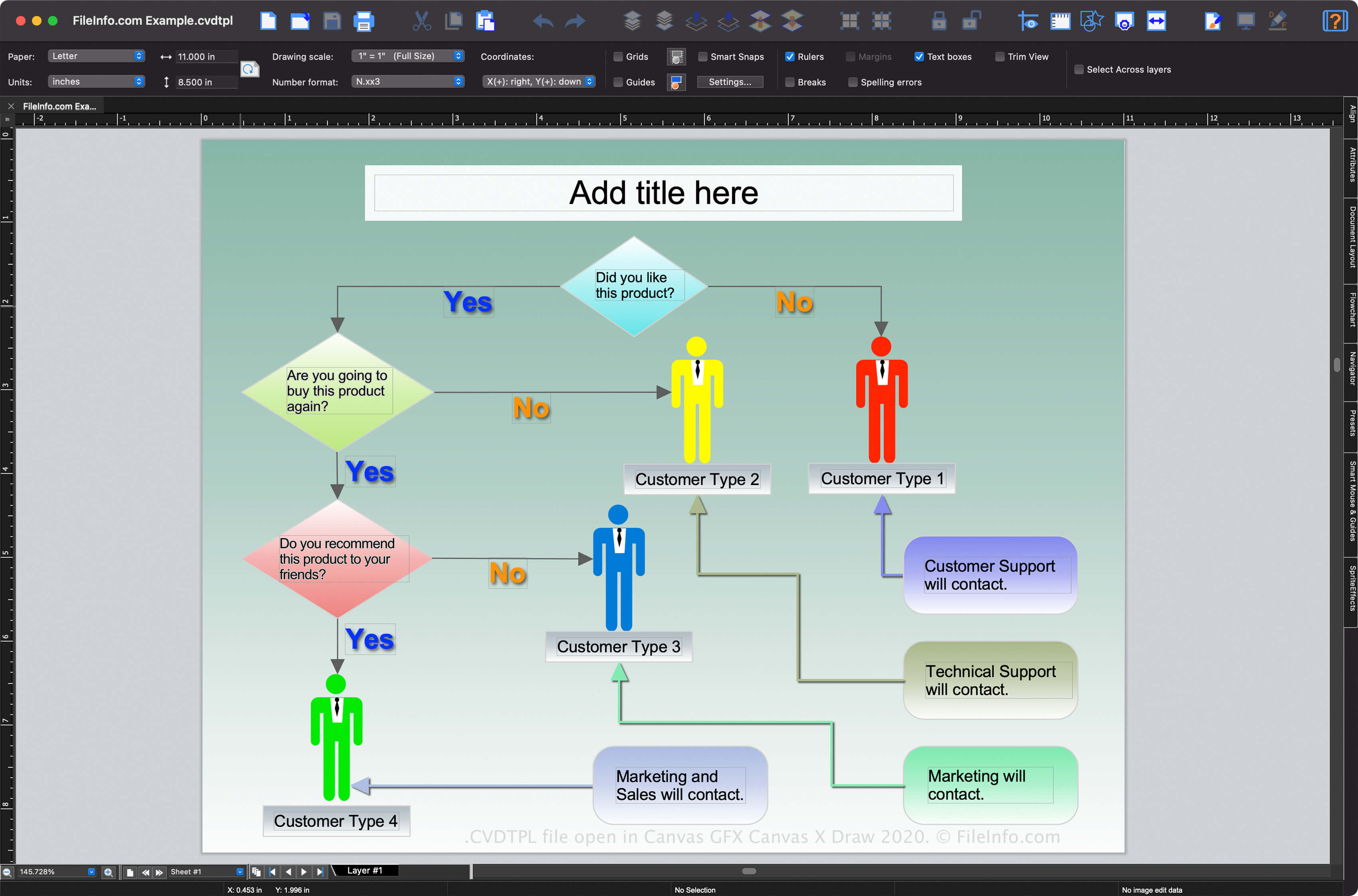
Canvas X Draw는 Windows와 macOS에서 사용할 수 있지만 CVDTPL 파일을 지원하는 것은 Mac 버전뿐입니다(Windows 버전은 기본적으로 드로잉 템플릿을 .TPL 파일로 저장합니다). Canvas X Draw 템플릿을 사용하면 사용자가 비슷한 모양과 콘텐츠를 가진 순서도, 프레젠테이션 또는 지도와 같은 새 드로잉을 더 쉽게 만들 수 있어 시간이 절약됩니다.
Mac 버전 Canvas X Draw로 CVDTPL 파일을 만드는 방법
macOS에서 Canvas X Draw의 를 선택하면 CVDTPL 파일을 만들 수 있습니다.
참고: ACD Systems는 원래 Canvas X 소프트웨어를 개발했지만, 2017년에 개발 책임을 Canvas GFX로 이전했습니다.
CVDTPL 파일을 여는 방법
macOS에서 Canvas GFX Canvas X Draw로 CVDTPL 파일을 열 수 있습니다. Canvas X Pro에서 CVDTPL 파일을 열려면 을 선택합니다. 프로그램 설치 디렉터리에 포함된 기본 "Templates" 폴더에 CVDTPL 파일이 저장되어 있으면 을 선택한 다음 열려는 템플릿을 선택할 수 있습니다.
CVDTPL 파일을 변환하는 방법
Mac 버전 Canvas GFX Canvas X Draw는 CVDTPL 파일을 다음 형식을 비롯한 다양한 파일 형식으로 변환할 수 있습니다: