.PB ファイル拡張子

PureBasic Source File

開発元 Fantaisie
人気度
3.9  |  41 
 

PBファイルとは?

A PB file is a source code file created by PureBasic, a programming language and development environment based on the BASIC language. It contains program code written in the PureBasic syntax, which may include variables, functions, and references to other source files. Developers write PB files to create applications for different operating systems supported by PureBasic.

詳細情報

Software developers working in the PureBasic environment are most likely to encounter PB files. PureBasic is designed to produce fast, standalone executable files without requiring external runtime dependencies. Developers can compile PB files into an application for Windows, macOS, or Linux, depending on the developer’s target platform. The source code may also include instructions for working with graphics, files, databases, and other system resources.

PBファイルの開き方

You can open PB files with PureBasic IDE and compile the the code they store into a working program. Since PB files store plain text, you can also open them with a source code editor or text editor, such as Microsoft Visual Studio Code, Microsoft Notepad, or Apple TextEdit.

File Viewer Plusで400種類以上のファイル形式を開けます。無料ダウンロード

PBファイルを開く、または参照するプログラム

Windows
Mac
OSに同梱
Linux
無料
カテゴリ: 開発者
更新日: 2025-08-15

Chromium Preloaded MEI Data

開発元 Google
人気度
2.0  |  1 
 

A PB file is a settings file used by Chromium-based web browsers, such as Google Chrome and Microsoft Edge. It is always named preloaded_data.pb, and it contains a list of websites for which a browser is allowed to autoplay video and audio. Google sets the default list of websites that preloaded_data.pb contains.

詳細情報

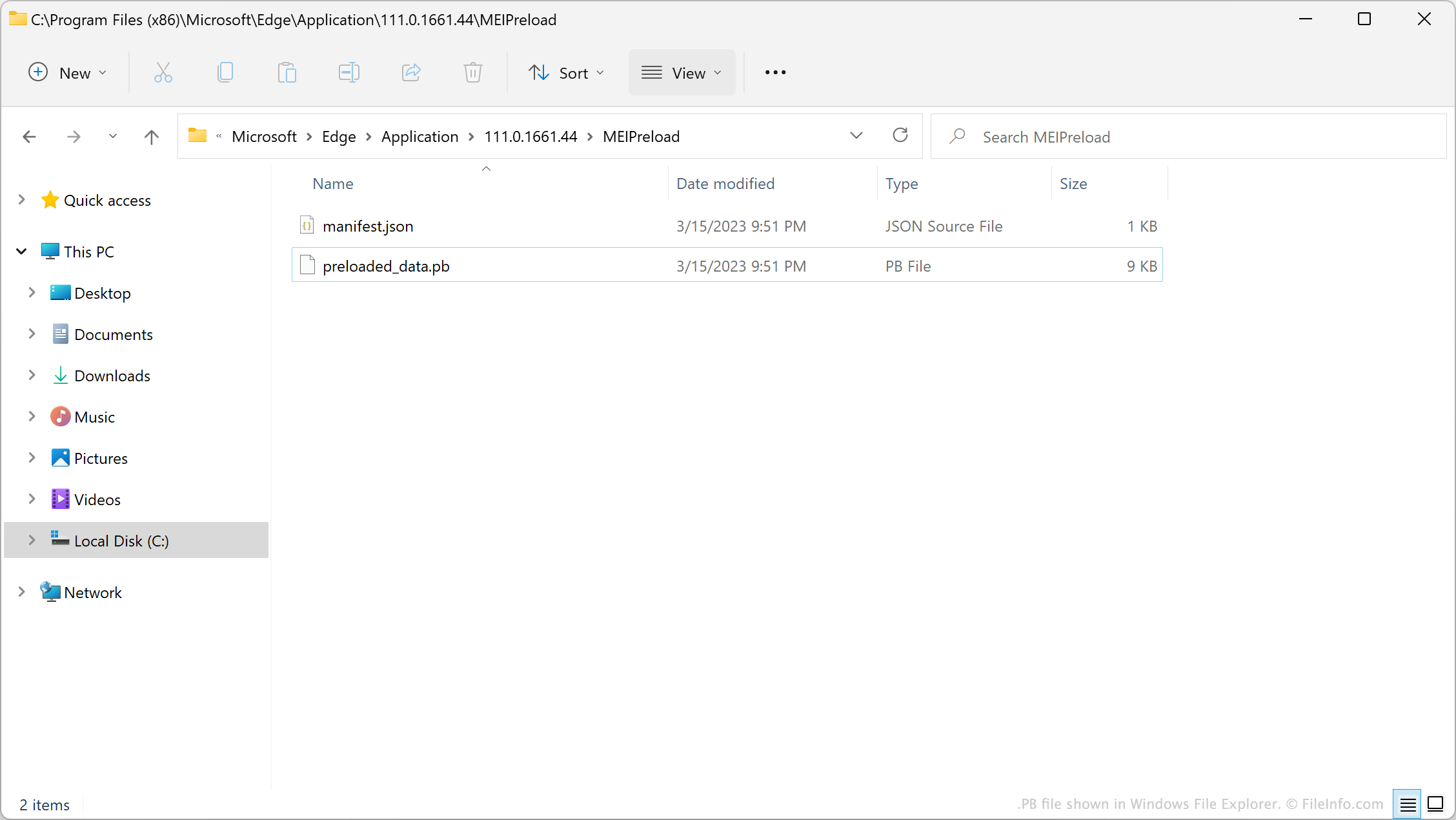
PB file shown in Windows File Explorer

In version 62 of Chrome, Google introduced a feature known as the Media Engagement Index (MEI). This feature logs when and how many times you play video and audio on websites. After you choose to play video or audio on a website a certain number of times, Chrome automatically allows that website to autoplay video and audio.

When introducing MEI, Google created a default list of websites that could always autoplay videos and audio. This list is saved in the file preloaded_data.pb. After your browser determines a site should be allowed to autoplay video and audio, the browser adds that site to preloaded_data.pb. However, preloaded_data.pb is a binary file, so users cannot simply open the file to view or edit the website list it contains.

注: In Windows, a browser's PB file is stored in its MEIPreload directory.

一般的な.PBファイル名

Preloaded_data.pb - The default name of Chromium-based browsers' PB file.

PBファイルの開き方

You can use the Python script unpack_dafsa.py to convert a preloaded_data.pb file's contents to plain text. This will allow you to view the list of websites your preloaded_data.pb file contains.

PBファイルを開く、または参照するプログラム

All Platforms
カテゴリ: 設定
更新日: 2023-03-20

検証者 FileInfo.com

FileInfo.comチーム は、このページに掲載されているすべてのファイル形式とソフトウェアについて独自に調査しました。 私たちの目標は100%の正確性であり、検証済みのファイルタイプに関する情報のみを公開しています。

このページへの追加や更新をご提案いただける場合は、お知らせください。