

.TMV Estensione file
Video 8088 Corruption
| Sviluppatore | Jim Leonard and Sandor Tojzan |
| Popolarità |
2,7 | 3 Voti |
Un file TMV è un video destinato alla riproduzione in 8088 Corruption, un programma creato per dimostrare che un IBM Personal Computer originale del 1981 era in grado di riprodurre video. Contiene un video a movimento continuo a 30 FPS. I file TMV sono piuttosto rari, quindi la maggior parte dei lettori multimediali più diffusi non è in grado di riprodurli.
Maggiori informazioni
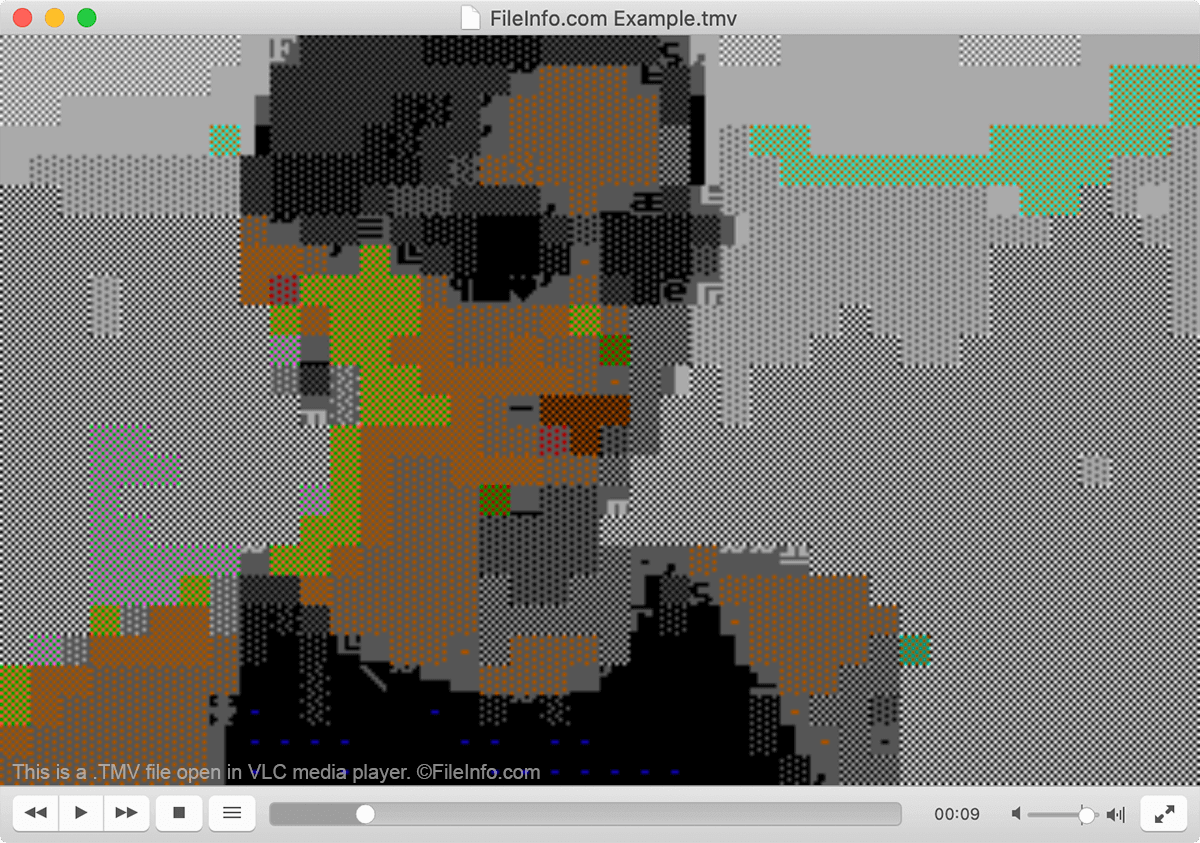
Nel 2004, Jim "Trixter" Leonard iniziò a sperimentare modi per codificare e riprodurre video a movimento continuo su un IBM Personal Computer originale. A causa dei limiti del computer, l'impresa si rivelò piuttosto impegnativa.
Tuttavia, dopo mesi di esperimenti, Leonard produsse un formato video e un lettore funzionanti che gli permisero di riprodurre un video a colori, a schermo intero e a 30 FPS sull'IBM 5150. Con l'aiuto del collega sviluppatore Sandor "gODjR" Tojzan, Leonard riuscì a perfezionare il formato video TMV e a presentarlo al mondo usando un lettore video che chiamò 8088 Corruption.
Impressionati dal risultato raggiunto da Leonard e Tojzan, altri sviluppatori hanno continuato a sperimentare con il formato TMV e hanno prodotto lettori TMV per UNIX, Windows e persino GameBoy Advance. Lo stesso Leonard ha aggiornato 8088 Corruption l'ultima volta nel 2013.
Come aprire un file TMV
Puoi riprodurre un video TMV in 8088 Corruption per Windows o in VLC media player (multipiattaforma). Puoi anche convertire i file TMV in un formato video più utilizzabile usando FFmpeg (multipiattaforma).