.TMV 파일 확장자

TimeMap Visual

개발사 LexisNexis
인기도
3.4  |  8 투표
 

TMV 파일이란 무엇인가요?

File created by TimeMap, a timeline graphing program; contains a timeline project, which includes formatted fact boxes, text boxes, images, fonts and time scales; can be edited after its created.

추가 정보

To create a TMV file:

  1. Select File → Save As → Save As Visual... or File → Save or click the floppy disk icon.
  2. Choose the save location, name the file, and verify the "Save as type" drop down menu as TimeMap Visual (*.tmv).
  3. Select Save.

참고: The TMV file is similar to the .TMVT file.

File Viewer Plus(으)로 400개 이상의 파일 형식을 여세요.무료 다운로드

TMV 파일을 여는 프로그램

Windows
무료 체험판

TextMaker Template

개발사 SoftMaker Software
인기도
2.5  |  6 투표
 

Document template created by TextMaker, the word processor included with SoftMaker Office; can be used for making TextMaker documents (.TMD files) from the same template; uses a proprietary format but can be converted to the Microsoft Word .DOTX format in TextMaker.

추가 정보

TMV files were replaced by .TMVX files.

TMV 파일을 여는 프로그램

Windows
무료 체험판
Linux
무료 체험판
카테고리: 텍스트
업데이트: 2018-04-03

8088 Corruption Video

개발사 Jim Leonard and Sandor Tojzan
인기도
2.7  |  3 투표
 
🔍File Helper(으)로 .TMV 파일을 웹 브라우저에서 바로 여세요.온라인으로 보기

A TMV file is a video meant to be played in 8088 Corruption, a program created to prove that an original, 1981 IBM Personal Computer could play video. It contains a full-motion, 30 FPS video. TMV files are quite rare, so most popular media players cannot play them.

추가 정보

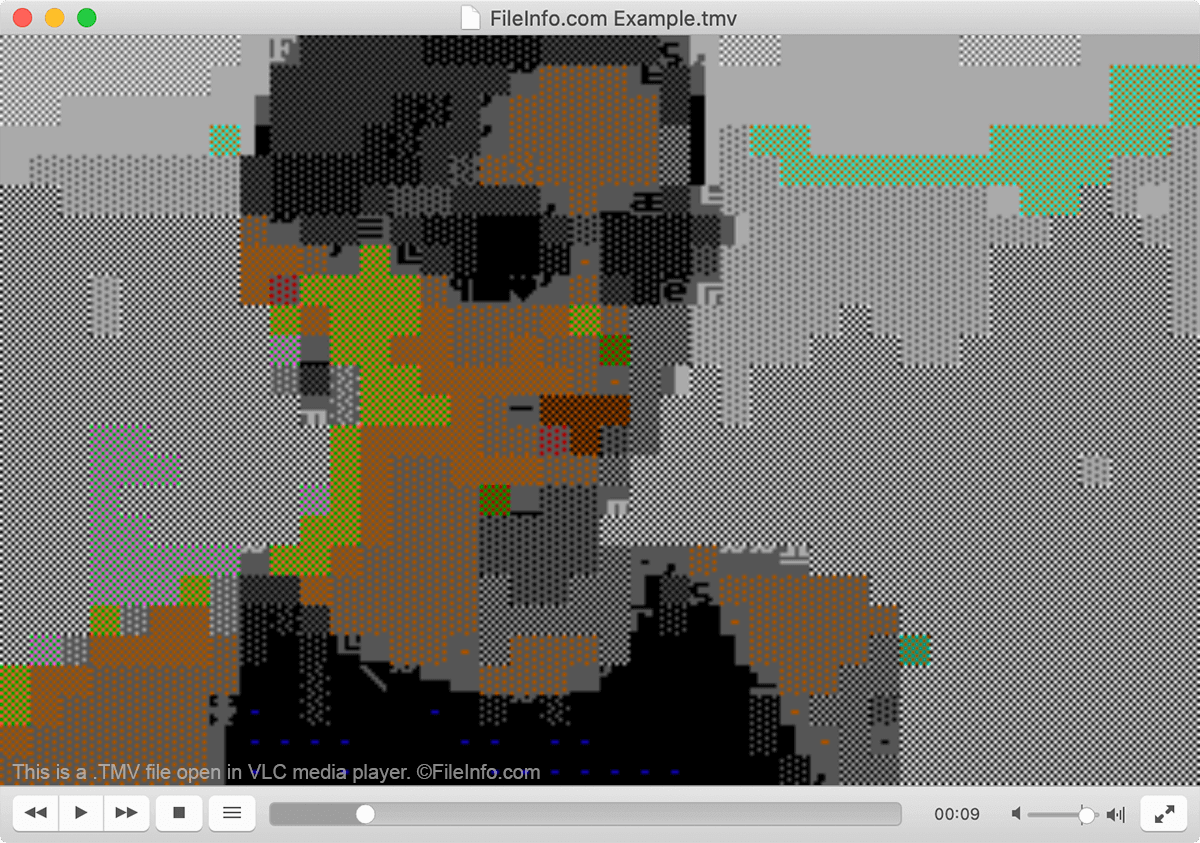
VLC media player에서 열린 .tmv 파일의 스크린샷
VLC media player에서 열린 TMV 파일

In 2004, Jim "Trixter" Leonard began experimenting with ways to encode and play full-motion video on an original IBM Personal Computer. Due to the computer's limitations, this ended up becoming quite a task.

However, after months of tinkering, Leonard produced a working video format and player that allowed him to play a full-screen, color, 30 FPS video on the IBM 5150. With help from fellow developer Sandor "gODjR" Tojzan, Leonard was able to refine the TMV video format and show it off to the world, using a video player he called 8088 Corruption.

Impressed by Leonard and Tojzan's accomplishment, other developers have continued tinkering with the TMV format and produced TMV players for UNIX, Windows, and even the GameBoy Advance. Leonard himself last updated 8088 Corruption in 2013.

TMV 파일을 여는 방법

You can play a TMV video in 8088 Corruption for Windows or VLC media player (cross-platform). You can also convert TMV files to a more usable video format using FFmpeg (cross-platform).

TMV 파일을 여는 프로그램

카테고리: 비디오
업데이트: 2020-09-11

검증자 FileInfo.com

FileInfo.com 팀 이 페이지에 나열된 모든 파일 형식과 소프트웨어 프로그램을 독자적으로 조사했습니다. 저희의 목표는 100% 정확성이며, 검증한 파일 유형에 대한 정보만 게시합니다.

이 페이지에 추가하거나 업데이트할 내용을 제안하고 싶으시면 알려 주세요.