

.DWF Estensione file
File Design Web Format
| Sviluppatore | Autodesk |
| Popolarità |
3,9 | 34 Voti |
Che cos'è un file DWF?
Un file DWF è un disegno 2D o 3D salvato nel Design Web Format (DWF) sviluppato da Autodesk. Contiene dati di progettazione, inclusi elementi grafici e testo. I file DWF vengono salvati in un formato compresso con Zip per ridurne le dimensioni.
Maggiori informazioni
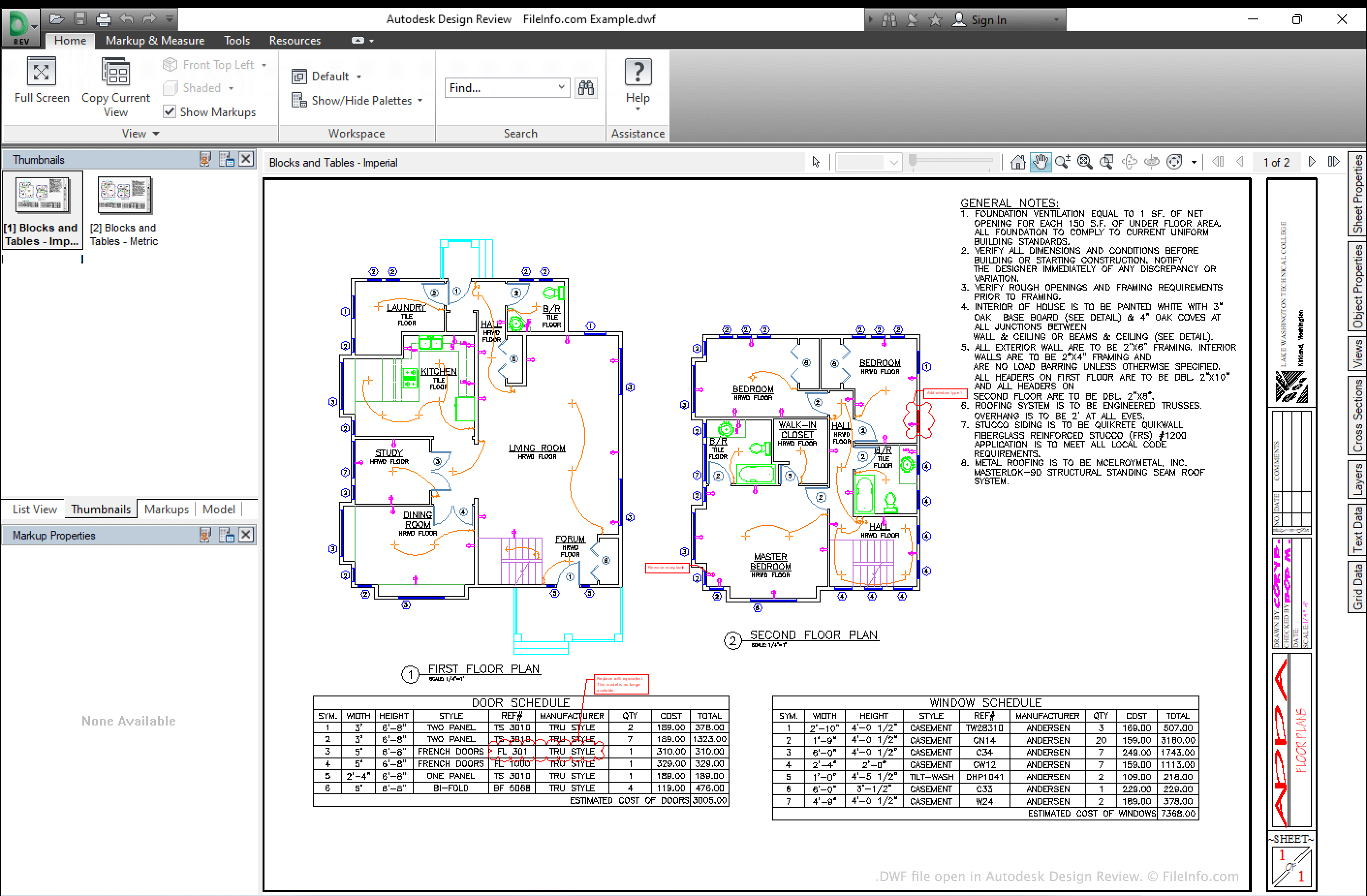
Il Design Web Format è stato sviluppato come formato di disegno indipendente dal dispositivo e dalla risoluzione per distribuire i progetti. Non è destinato a sostituire i diffusi formati CAD, ma viene usato per salvare i progetti in un formato più accessibile e aperto, che può essere aperto senza dover acquistare costosi software CAD. Il formato si basa sul formato 2D/3D HOOPS Stream (HSF), ma è anch'esso compresso con Zip.
I file DWF possono includere uno o più fogli di progetto. Poiché i file sono altamente compressi, è facile per ingegneri e progettisti condividerli su Internet (da qui il nome Design Web Format).
Come aprire un file DWF
Puoi aprire un file DWF in molte applicazioni CAD, tra cui Autodesk Design Review (Windows), IMSI TurboCAD (Windows, Mac) e CorelCAD (Windows, Mac). Tieni presente che non puoi aprire un file DWF nelle versioni desktop di Autodesk AutoCAD, anche se puoi allegare il file all'interno di un disegno AutoCAD usando i comandi XREF o DWFATTACH.
Come convertire un file DWF
Puoi usare Autodesk Design Review (Windows) o ShareCAD.org (Web) per convertire i file DWF nel formato .PDF, usando la funzione Stampa in PDF. Puoi usare Any DWF to DWG Converter (Windows) per convertire i file DWF nel formato .DWG.