

.DWF Extensão de arquivo
Arquivo Design Web Format
| Desenvolvedor | Autodesk |
| Popularidade |
3,9 | 34 Votos |
O que é um arquivo DWF?
Um arquivo DWF é um desenho 2D ou 3D salvo no Design Web Format (DWF), desenvolvido pela Autodesk. Ele contém dados de design, que incluem gráficos e texto. Os arquivos DWF são salvos em um formato compactado com Zip para reduzir seu tamanho.
Mais informações
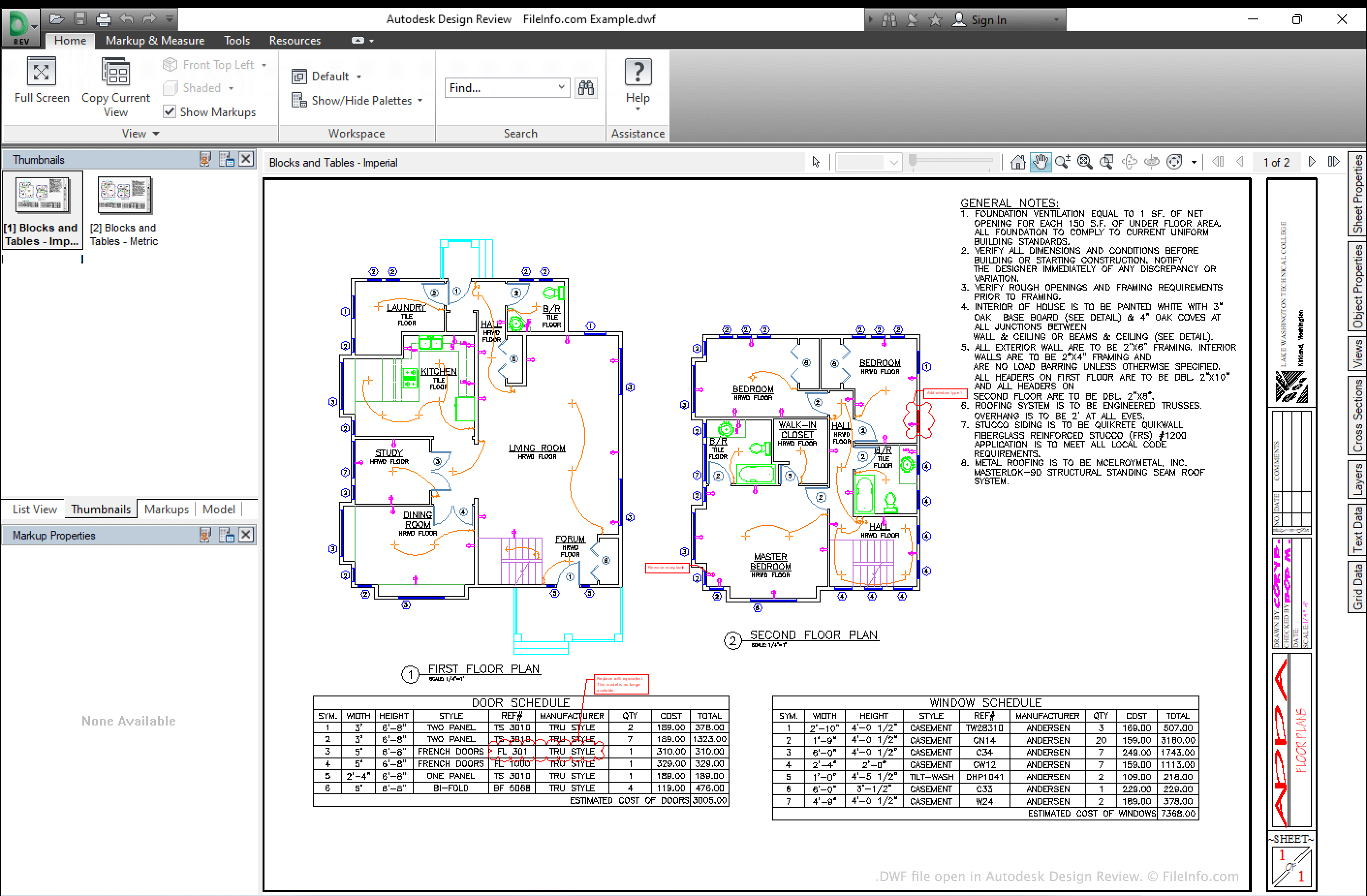
O Design Web Format foi desenvolvido como um formato de desenho independente de dispositivo e de resolução para distribuir designs. Ele não tem a intenção de substituir formatos CAD populares, mas é usado para salvar designs em um formato mais acessível e aberto, que pode ser aberto sem a necessidade de comprar um software CAD caro. O formato é baseado no formato 2D/3D HOOPS Stream (HSF), mas também é compactado com Zip.
Os arquivos DWF podem incluir uma ou várias folhas de design. Como os arquivos são altamente compactados, é fácil compartilhá-los pela Internet entre engenheiros e designers (daí o nome Design Web Format).
Como abrir um arquivo DWF
Você pode abrir um arquivo DWF em vários aplicativos CAD, incluindo o Autodesk Design Review (Windows), o IMSI TurboCAD (Windows, Mac) e o CorelCAD (Windows, Mac). Observe que não é possível abrir um arquivo DWF nas versões para desktop do Autodesk AutoCAD, embora seja possível anexar o arquivo dentro de um desenho do AutoCAD usando os comandos XREF ou DWFATTACH.
Como converter um arquivo DWF
Você pode usar o Autodesk Design Review (Windows) ou o ShareCAD.org (Web) para converter arquivos DWF para o formato .PDF, usando o recurso Imprimir em PDF. Você pode usar o Any DWF to DWG Converter (Windows) para converter arquivos DWF para o formato .DWG.