

.ZS Extension de fichier
Fichier ZenScript
| Développeur | N/D |
| Popularité |
3,6 | 16 Votes |
Qu'est-ce qu'un fichier ZS ?
Un fichier ZS contient du code du langage de programmation ZenScript, utilisé par divers mods de Minecraft, tels que CraftTweaker et MineTweaker, pour modifier le contenu du jeu. Il présente une syntaxe similaire à celle de Java et est conçu pour être simple à utiliser par les joueurs de Minecraft qui n'ont pas de connaissances approfondies en programmation.
Plus d'informations

Le langage de programmation ZenScript a été développé à l'origine pour être utilisé avec CraftTweaker, un mod de Minecraft qui permet aux joueurs de modifier le contenu, notamment les « recettes ». Ces recettes permettent aux utilisateurs de créer de nouveaux objets avec les ressources qu'ils récoltent. Le langage de programmation ZenScript est principalement utilisé par les moddeurs pour ajouter, modifier et supprimer des recettes dans le jeu.
Comme les fichiers ZS stockent les commandes en texte brut, vous pouvez les ouvrir et les modifier avec n'importe quel éditeur de texte. Cependant, certains éditeurs de texte, tels que Notepad++, Visual Studio Code et Sublime Text, sont de meilleures options pour modifier les fichiers ZS, car ils prennent en charge la coloration syntaxique du langage ZenScript ou des plug-ins prenant en charge ce langage.
REMARQUE : Les fichiers ZS doivent être stockés dans le dossier [gamedir]/scripts pour être chargés lorsqu'un joueur rejoint un monde dans Minecraft.
Programmes qui ouvrent ou référencent les fichiers ZS
Script ZScript
| Développeur | ZDoom |
| Popularité |
4,0 | 2 Votes |
Plus d'informations
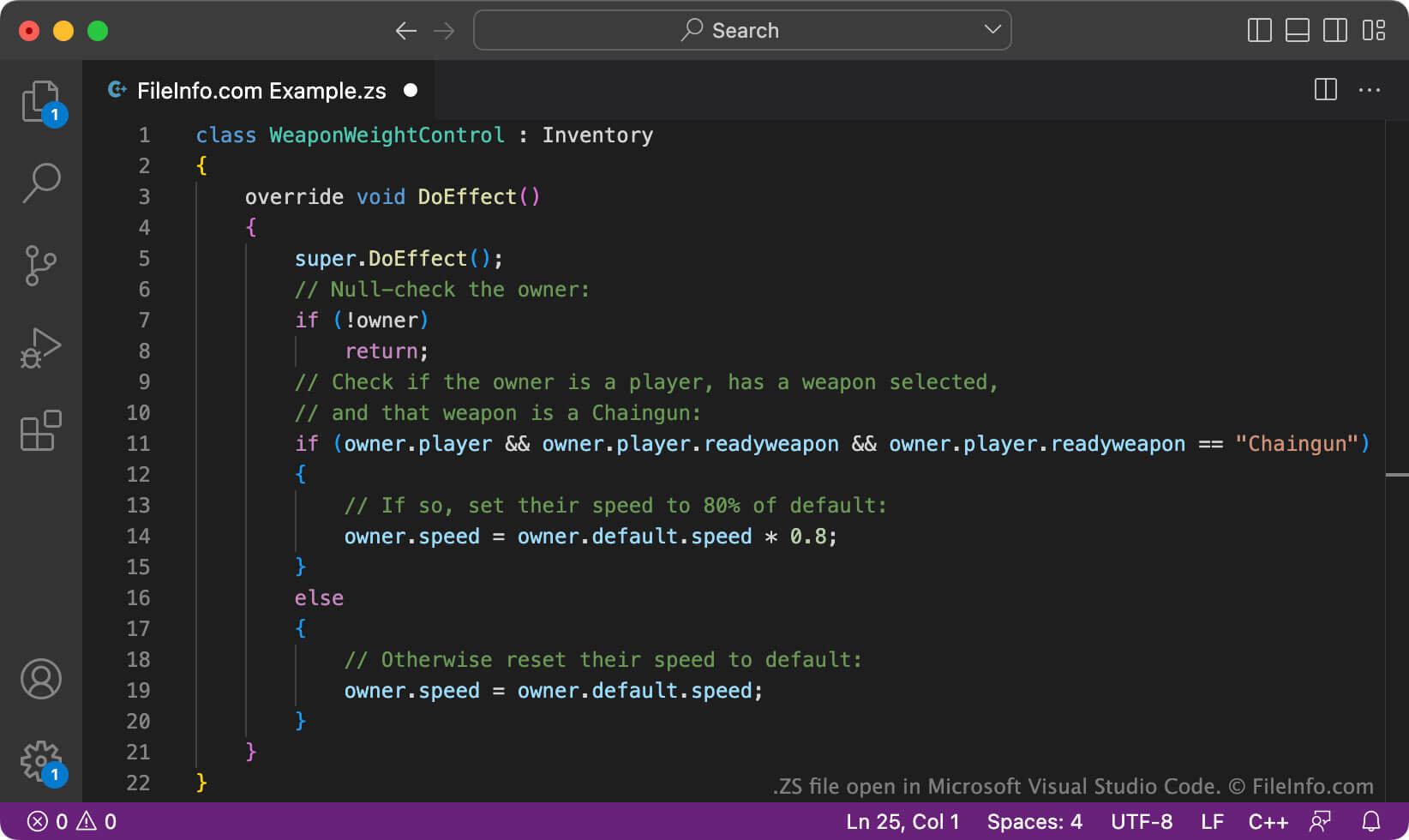
ZDoom et GZDoom sont des versions adaptées et mises à jour de Doom, un jeu de tir à la première personne populaire. Ils permettent également aux joueurs de jouer à d’autres jeux qui utilisent le moteur de Doom. Comme ZDoom et GZDoom sont développés et entretenus par des fans, les joueurs sont encouragés à les modifier. Les joueurs peuvent notamment modifier ZDoom et GZDoom en créant et en chargeant des fichiers ZScript (ZS) qui changent le fonctionnement des jeux.
Par exemple, un fichier ZS peut contenir un script qui affiche une icône si un joueur a une ligne de vue vers sa cible actuelle. Il peut aussi contenir un script qui fait apparaître de nouveaux ennemis et objets dans un niveau donné.
De nombreux fichiers ZS de niveau supérieur sont enregistrés sous le nom zscript.zs. Ces scripts font souvent référence à des sous-scripts qui contiennent le code utilisé pour modifier ZDoom ou GZDoom. Par exemple, un sous-script qui modifie les armes peut être nommé weapons.zs.
Noms de fichiers .ZS courants
Zscript.zs - Le nom attribué à la plupart des fichiers ZS de niveau supérieur.
Comment ouvrir un fichier ZS
Vous pouvez ouvrir et modifier un fichier ZS dans SLADE (multiplateforme), un outil de modification de ZDoom. Vous pouvez également ouvrir et modifier des fichiers ZS dans Microsoft Visual Studio Code (multiplateforme) ou dans tout autre éditeur de texte ou de code source.
Pour utiliser un fichier ZS avec ZDoom ou GZDoom, exécutez les programmes depuis la ligne de commande et utilisez la commande -file pour spécifier le chemin du dossier contenant votre fichier ZS. Par exemple, vous pouvez saisir un texte semblable à celui-ci sur la ligne de commande :
start gzdoom.exe -iwad doom2.wad -file Path/To/Your/Folder
Programmes qui ouvrent les fichiers ZS
Script Z-Sharp
| Développeur | Sam Astro |
| Popularité |
3,5 | 2 Votes |
Un fichier ZS est un script Z-Sharp. Il contient du code source écrit dans le langage de programmation Z-Sharp, développé par Sam Astro.
Plus d'informations
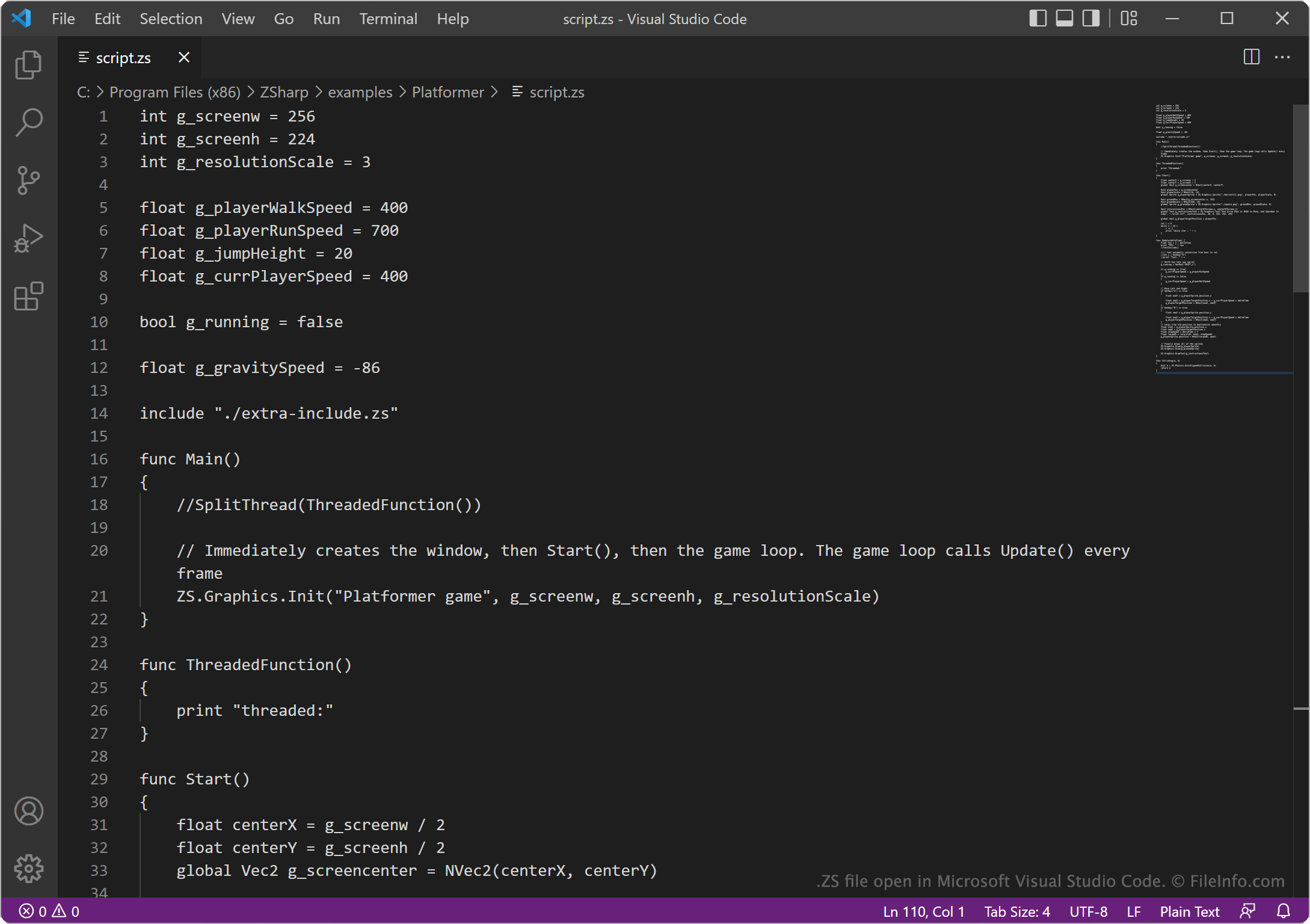
En 2022, le youtubeur Sam Astro (également connu sous le nom d’AstroSam) a publié une vidéo détaillant ses efforts pour créer son propre langage de programmation et coder un jeu avec ce langage. Le langage créé par Astro est connu sous le nom de Z-Sharp.
Z-Sharp utilise une syntaxe et un formatage similaires à ceux des langages de programmation C# et Python. Il contient suffisamment de fonctionnalités pour coder le jeu Pong (ce qui était l’objectif global d’Astro). Selon Astro, le langage ne sera probablement jamais terminé. Néanmoins, les développeurs qui souhaitent créer des programmes avec le langage Z-Sharp peuvent enregistrer ces programmes dans des fichiers ZS, que l’interpréteur Z-Sharp reconnaît comme des scripts Z-Sharp.
REMARQUE : Auparavant, Z-Sharp était connu sous le nom de Stupid Lang, et les fichiers ZS étaient enregistrés en tant que fichiers SLG.
Noms de fichiers .ZS courants
script.zs - Le nom de scripts Z-Sharp d’exemple inclus dans le code source de Z-Sharp.
Comment ouvrir un fichier ZS
Vous pouvez ouvrir et modifier un fichier ZS dans n’importe quel éditeur de texte ou de code source, tel que Microsoft Visual Studio Code ou GitHub Atom. Vous pouvez exécuter le script contenu dans un fichier ZS à l’aide de l’interpréteur Z-Sharp (Windows, Linux).