

.CDD Dateiendung
Altes ConceptDraw DIAGRAM-Dokument
| Entwickler | Computer Systems Odessa |
| Beliebtheit |
3,7 | 46 Stimmen |
Was ist eine CDD-Datei?
Eine CDD-Datei ist ein von CS Odessa ConceptDraw DIAGRAM erstelltes Diagramm, einem Programm zum Erstellen verschiedener Arten von Flussdiagrammen und technischen Zeichnungen. Sie enthält eine Zeichnung, z. B. ein Flussdiagramm, eine technische Zeichnung oder ein konzeptionelles Diagramm, und kann außerdem die Skriptsprache ConceptDraw Basic zum Bearbeiten von Zeichnungsobjekten und Automatisieren wiederkehrender Aufgaben speichern. CS Odessa ersetzte CDD-Dateien durch das .CDDZ-Format, als das Unternehmen Version 10 von ConceptDraw PRO (jetzt ConceptDraw DIAGRAM) veröffentlichte.
Weitere Informationen
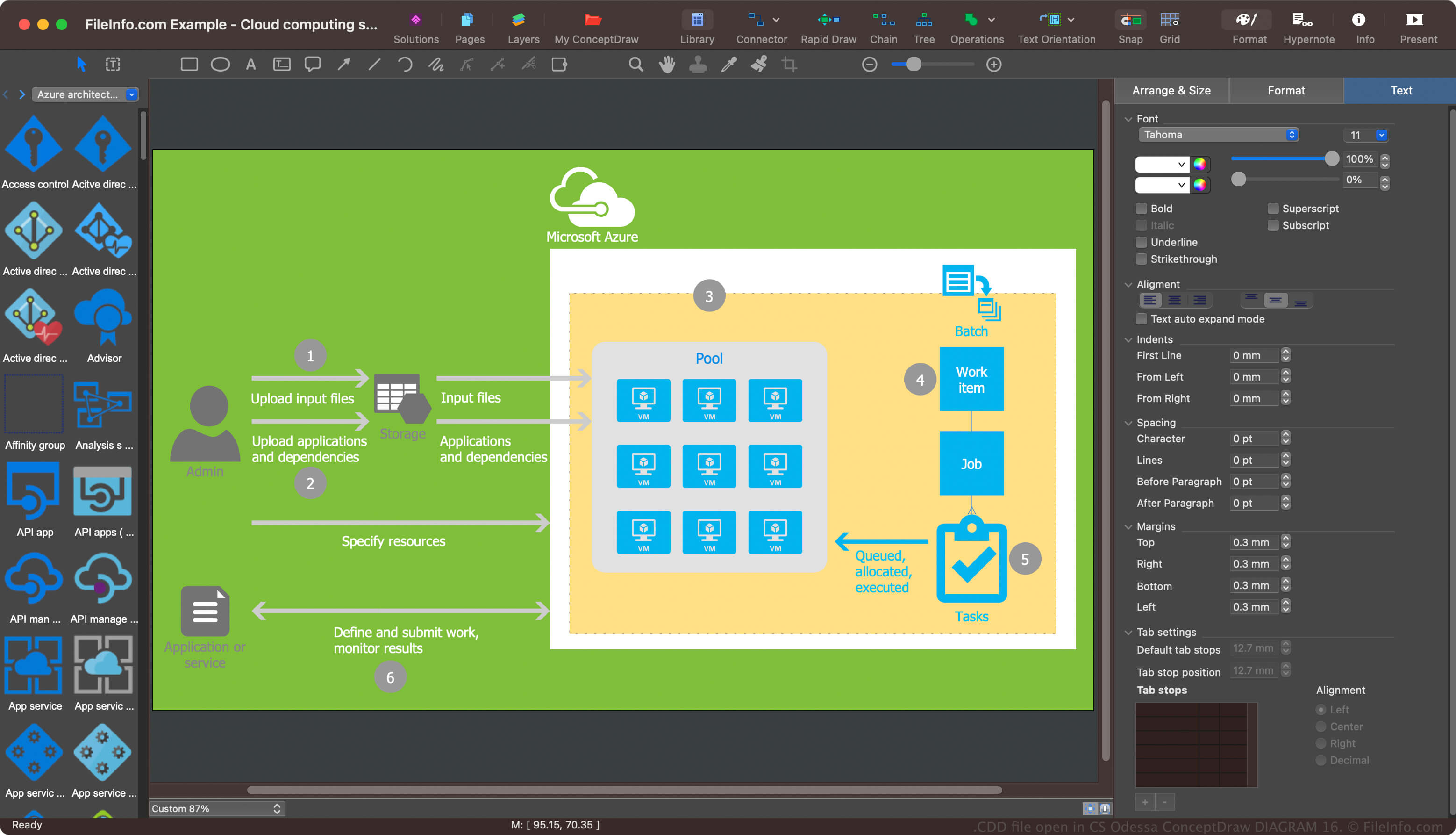
ConceptDraw DIAGRAM ist eine Diagrammanwendung für private und professionelle Anwender, mit der einfache und komplexe Prozesse dokumentiert werden. Das CDD-Format war das Standardformat zum Speichern von Diagrammen () in ConceptDraw DIAGRAM, bevor CS Odessa es durch das CDDZ-Format ersetzte. Die Software kann Diagramme jedoch weiterhin als CDD-Dateien speichern.
So öffnen Sie eine CDD-Datei
Sie können CDD-Dateien mit CS Odessa ConceptDraw DIAGRAM unter Windows und macOS öffnen. Um eine CDD-Datei zu öffnen, wählen Sie .
So konvertieren Sie eine CDD-Datei
CS Odessa ConceptDraw DIAGRAM kann CDD-Dateien in verschiedene Dateitypen konvertieren, darunter die folgenden Formate: