

.CDD Extensão de arquivo
Documento legado do ConceptDraw DIAGRAM
| Desenvolvedor | Computer Systems Odessa |
| Popularidade |
3,7 | 46 Votos |
O que é um arquivo CDD?
Um arquivo CDD é um diagrama criado pelo CS Odessa ConceptDraw DIAGRAM, um programa usado para criar vários tipos de fluxogramas e desenhos técnicos. Ele contém um desenho, como um fluxograma, desenho técnico ou diagrama conceitual, e também pode armazenar a linguagem de scripts ConceptDraw Basic para manipular objetos do desenho e automatizar tarefas repetitivas. A CS Odessa substituiu os arquivos CDD pelo formato .CDDZ quando lançou a versão 10 do ConceptDraw PRO (agora ConceptDraw DIAGRAM).
Mais informações
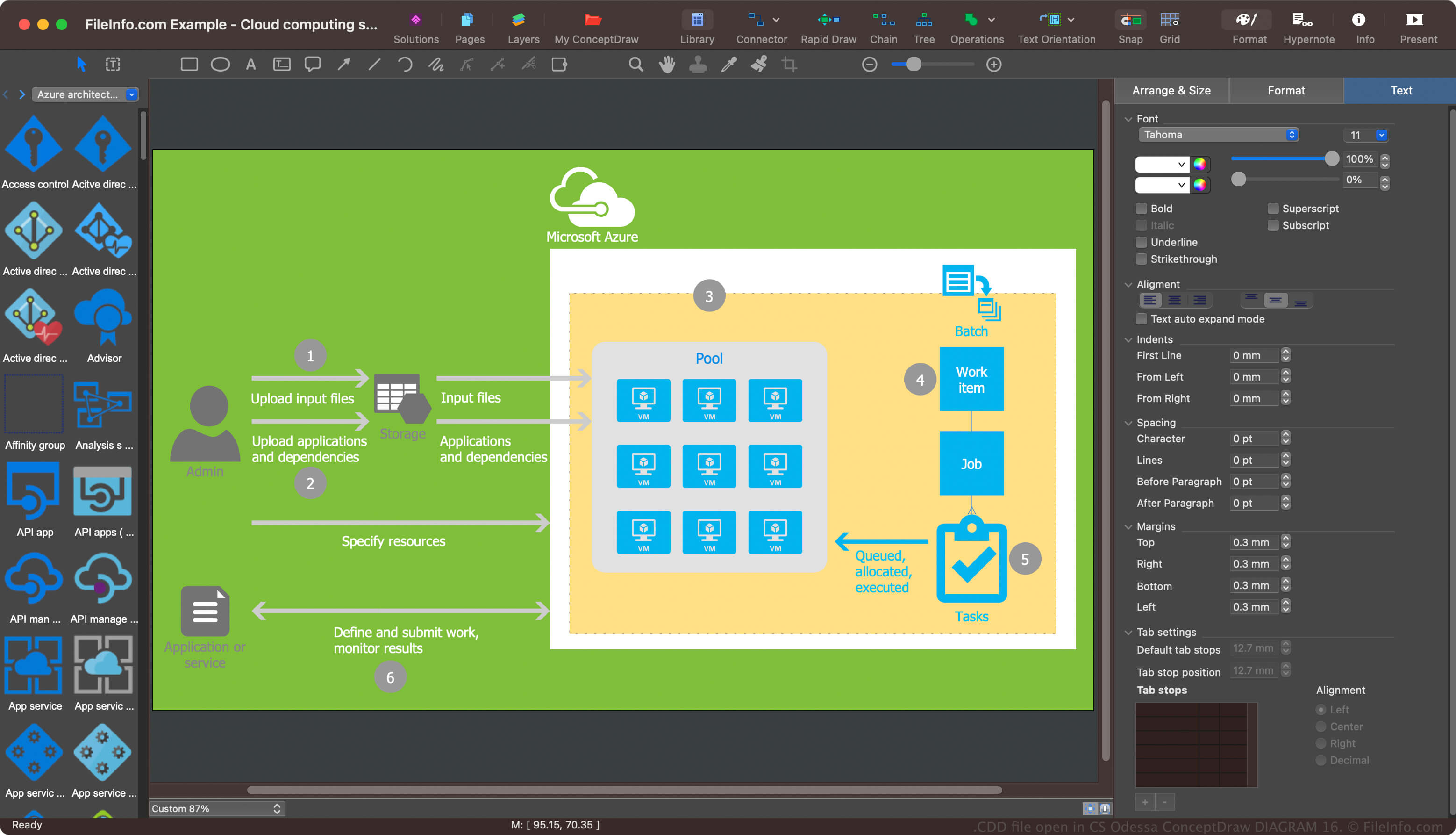
O ConceptDraw DIAGRAM é um aplicativo de diagramação para amadores e profissionais que documenta processos simples e complexos. O formato CDD era o formato padrão para salvar diagramas () no ConceptDraw DIAGRAM antes que a CS Odessa o substituísse pelo formato CDDZ. No entanto, o software ainda pode salvar diagramas como arquivos CDD.
Como abrir um arquivo CDD
Você pode abrir arquivos CDD com o CS Odessa ConceptDraw DIAGRAM no Windows e no macOS. Para abrir um arquivo CDD, selecione .
Como converter um arquivo CDD
O CS Odessa ConceptDraw DIAGRAM pode converter arquivos CDD para vários tipos de arquivo, incluindo os seguintes formatos:
- .CDDZ - Documento do ConceptDraw DIAGRAM
- .PPTX - Apresentação do Microsoft PowerPoint
- .VSDX - Desenho do Microsoft Visio
- .VDX - Arquivo XML de desenho do Visio
- .JPG - Imagem JPEG
- .PNG - Gráfico de rede portátil
- .SVG - Gráfico vetorial escalável
- .PDF - Arquivo no formato de documento portátil
- .SWF - Filme Shockwave Flash