

.VP4 Přípona souboru
Výšivkový soubor PREMIER+ / Husqvarna Viking / Pfaff
| Vývojář | SGSB Co. Ltd |
| Popularita |
2,3 | 3 hlasy |
Co je soubor VP4?
Soubor VP4 je soubor s návrhem výšivky uložený ve 4. verzi formátu PREMIER+ / Husqvarna Viking / Pfaff (VP4). Obsahuje informace o stezích, které šicí stroj Pfaff nebo Husqvarna Viking používá k vyšití vzoru na kus látky. Soubory VP4 jsou podobné souborům .VP3, ale mohou ukládat rozpracované projekty návrhů v softwaru PREMIER+ Embroidery.
Další informace
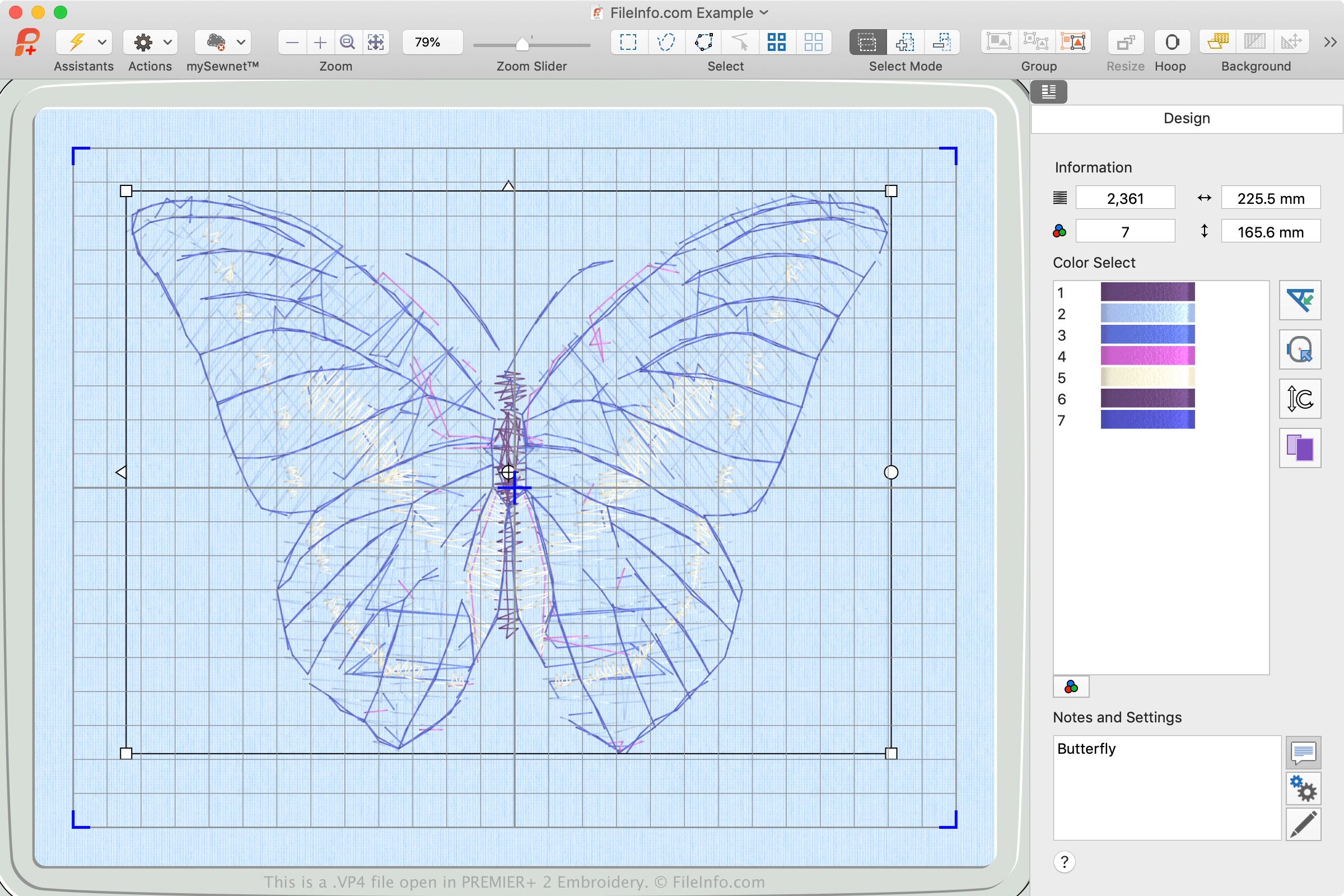
Formát VP4 byl vydán v roce 2015 s první verzí softwaru PREMIER+ Embroidery, který byl vyvinut jako doplněk k šicím strojům Pfaff a Husqvarna Viking. PREMIER+ Embroidery je k dispozici ke koupi, ale pokud nemáte aktivační kód, můžete také používat bezplatnou verzi softwaru (dodávanou se softwarem PREMIER+ Embroidery, která nabízí omezené funkce).
Hlavní rozdíl mezi soubory VP4 a VP3 spočívá v tom, že soubory VP4 jsou nativním formátem souborů spojeným se softwarem PREMIER+ Embroidery. Když otevřete soubor VP4 v softwaru PREMIER+ Embroidery, můžete upravovat jednotlivé části návrhu. Když však v softwaru PREMIER+ Embroidery otevřete návrhy VP3, můžete upravovat pouze návrh jako celek.
Jak přenesu soubor VP4 z počítače do šicího stroje?
Chcete-li přenést soubor VP4 do šicího stroje, připojte k počítači úložné zařízení USB. Poté přeneste soubor VP4 z počítače do připojeného úložného zařízení pomocí Průzkumníka souborů ve Windows nebo Finderu v systému macOS.
Po přenosu souboru úložné zařízení z počítače bezpečně odeberte a připojte ho k šicímu stroji Pfaff nebo Husqvarna Viking, abyste do něj přenesli návrh a mohli ho vyšít na materiál. Pokud váš šicí stroj podporuje Wi-Fi, můžete návrh stáhnout přímo do stroje prostřednictvím dotykového rozhraní stroje.
POZNÁMKA: Software PREMIER+ a šicí stroje Husqvarna Viking a Pfaff vlastní společnost SGSB Co. Ltd.