.VP4 ファイル拡張子

PREMIER+ / Husqvarna Viking / Pfaff Embroidery File

開発元 SGSB Co. Ltd
人気度
2.3  |  3 
 

VP4ファイルとは?

A VP4 file is an embroidery design file saved in version 4 of the PREMIER+ / Husqvarna Viking / Pfaff format (VP4). It contains stitching information for a Pfaff or Husqvarna Viking sewing machine to stitch a pattern onto a piece of fabric. VP4 files are similar to .VP3 files but can save working design projects with PREMIER+ Embroidery software.

詳細情報

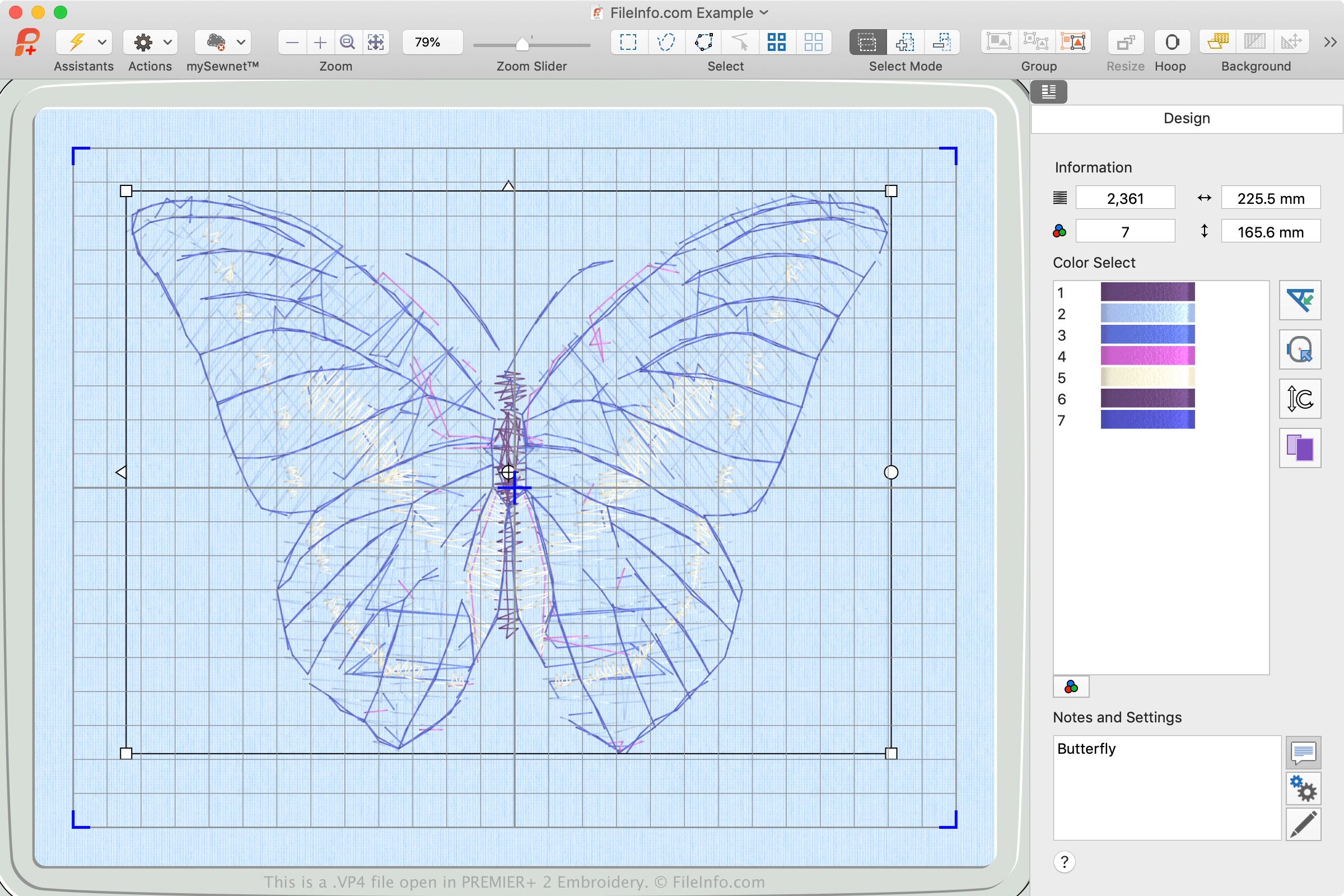
PREMIER+ 2 Embroideryで開いた.vp4ファイルのスクリーンショット
PREMIER+ 2 Embroideryで開いたVP4ファイル

The VP4 format was released in 2015 with version 1 of PREMIER+ Embroidery software, which was developed to complement Pfaff and Husqvarna Viking sewing machines. PREMIER+ Embroidery is available for purchase, but you can also use the free version of the software (packaged with PREMIER+ Embroidery that offers limited features) if you do not have an activation code.

The primary difference between VP4 files and VP3 files is that VP4 files are the native file format associated with PREMIER+ Embroidery software. When you open a VP4 file with PREMIER+ Embroidery, you can edit individual parts in the design and edit them. But when you open VP3 designs with PREMIER+ Embroidery, you can only edit the design as a whole.

How do I transfer a VP4 file from my computer to a sewing machine?

To transfer a VP4 file to a sewing machine, insert a USB storage device in your computer. Then, transfer the VP4 file from your computer to the connected storage device via File Explorer in Windows or Finder in macOS.

After transferring the file, eject the storage device from your computer and insert it into the Pfaff or Husqvarna Viking sewing machine to transfer the design to embroider it onto the material. If your sewing machine is Wifi-enabled, you can download the design directly to the machine via the machine's touchscreen interface.

注: PREMIER+ software and Husqvarna Viking and Pfaff sewing machines are owned by SGSB Co. Ltd.

VP4ファイルの開き方

You can open VP4 files with PREMIER+ Embroidery software in Windows and macOS. To open the file, select File → Open... and select the VP4 file.

To convert a VP4 file to another embroidery format, select File → Export and choose the format. Supported formats include VP3, .PES, .PEC, .VIP, .HUS, .JEF, .SEW, and .PCS.

File Viewer Plusで400種類以上のファイル形式を開けます。無料ダウンロード

VP4ファイルを開くプログラム

Windows
カテゴリ: その他
更新日: 2021-03-25

検証者 FileInfo.com

FileInfo.comチーム は、このページに掲載されているPREMIER+ / Husqvarna Viking / Pfaff Embroideryファイル形式とMac and Windowsアプリについて独自に調査しました。 私たちの目標は100%の正確性であり、検証済みのファイルタイプに関する情報のみを公開しています。

このページへの追加や更新をご提案いただける場合は、お知らせください。